Automate Patch Management: Build an AI Agent That Applies and Verifies Patches
Automate Patch Management: Build an AI Agent That Applies and Verifies Patches
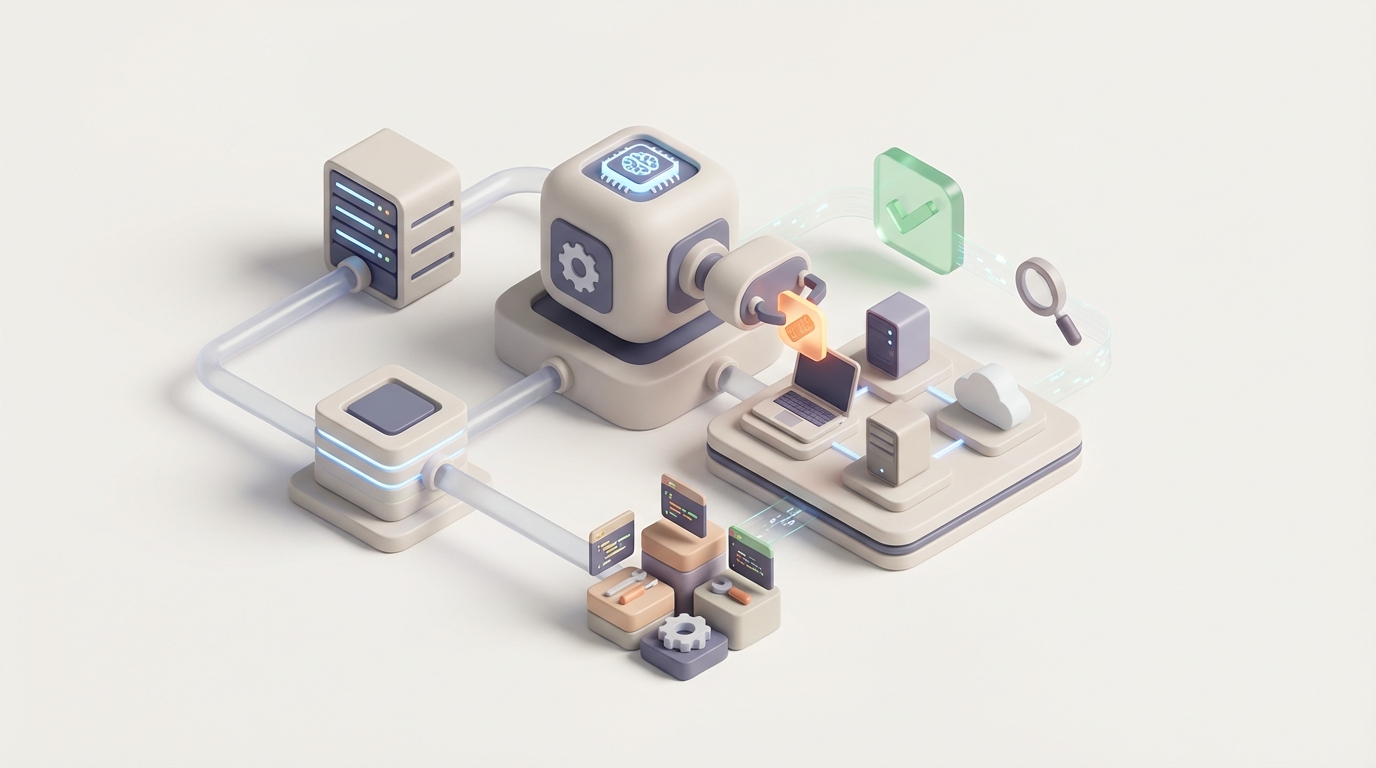
Let's be honest about patch management: it's one of those things everyone knows matters and nobody wants to do. It's tedious, error-prone, and somehow always more urgent than you planned for. Your security team spends 15–20 hours a week just keeping up with patches, and even then, critical vulnerabilities sit unpatched for 30–90 days. That's not a process problem. That's a structural problem. And it's exactly the kind of thing an AI agent can fix—not by replacing your team's judgment, but by eliminating the grunt work that keeps them from exercising it.
This guide walks through how to build a patch management agent on OpenClaw that handles the boring, repetitive, high-volume parts of patching while keeping humans in the loop where they actually matter.
The Manual Workflow (And Why It Eats Your Week)
If you've ever managed patching at scale, you know the lifecycle. It looks something like this:
1. Asset Discovery & Inventory. You need a current, accurate list of every system, application, firmware version, and cloud instance in your environment. In practice, this list is never quite right. Shadow IT, ephemeral cloud instances, forgotten dev servers—they're all lurking.
2. Vulnerability Scanning & Patch Detection. Tools like Qualys, Tenable, or Rapid7 scan your environment and spit out a list of missing patches mapped to CVEs. The output is usually overwhelming. Thousands of findings across hundreds of systems.
3. Risk Assessment & Prioritization. Someone has to look at that mountain of findings and decide what to patch first. CVSS scores help, but they're blunt instruments. A CVSS 9.8 on an air-gapped test server is less urgent than a CVSS 7.0 on your payment processing system. This step requires context that most tools don't have.
4. Patch Testing. You install patches in a staging environment and run regression tests, compatibility checks, and performance benchmarks. This is where things slow down dramatically. For complex applications with lots of dependencies, testing a single patch can take days.
5. Change Approval. In most enterprises, someone (or a Change Advisory Board) has to formally approve the deployment. This step alone can add days or weeks.
6. Phased Deployment. Pilot group first, then broader rollout, then full production. Each phase needs monitoring.
7. Verification & Remediation. Did the patch actually install? Did anything break? Do you need to roll back? Someone has to check.
8. Documentation & Compliance Reporting. Auditors want receipts. SOC 2, PCI, HIPAA—they all want proof that you patched on time and followed your process.
In a mid-sized organization, this cycle runs continuously. Ponemon Institute data shows that 60% of organizations take longer than a month to remediate known critical vulnerabilities. Gartner estimates that through 2026, more than half of organizations will still experience significant patching delays due to testing and approval bottlenecks.
The time cost is staggering. Not because any single step is impossibly hard, but because the volume never stops and every step involves manual coordination.
What Makes This Painful
Three things compound the problem:
Volume and fatigue. You're not patching one thing. You're patching thousands of things across operating systems, applications, containers, firmware, and cloud services. Every month, the backlog grows. Teams get desensitized. Alert fatigue is real.
Fear of breakage. The CrowdStrike incident in 2026 reminded everyone what happens when a bad update hits production. That fear makes teams overly cautious, which slows everything down. The irony: the longer you delay patches, the more exposed you are.
Coordination overhead. The actual technical work of applying a patch takes minutes. The weeks of delay come from scheduling, getting approvals, coordinating with application owners, and negotiating maintenance windows. This is where human time gets burned.
The Verizon DBIR consistently shows unpatched vulnerabilities as a top initial access vector in 20–40% of breaches. The risk of not patching is well-documented. The problem isn't awareness. It's execution speed.
What an AI Agent Can Handle Right Now
Here's where people either overhype AI ("it'll do everything!") or underhype it ("it can't understand our environment"). The reality is somewhere specific and useful.
An AI agent built on OpenClaw can effectively automate or substantially augment several parts of the patch management lifecycle:
Intelligent prioritization. Instead of sorting by CVSS score alone, an OpenClaw agent can ingest EPSS (Exploit Prediction Scoring System) data, CISA's Known Exploited Vulnerabilities catalog, your asset criticality data, and historical breach patterns to produce a prioritized list that actually reflects your risk. Tools like Kenna Security have shown this approach can reduce noisy high-severity findings by 70–90%. An OpenClaw agent gives you the same capability, customized to your environment.
Patch note analysis and impact assessment. This is where LLM capabilities shine. Your agent can read patch notes, changelogs, and known-issue documentation, then summarize what changed, what dependencies are affected, and what might break. Instead of a human reading through 50 Microsoft KB articles, the agent produces a concise impact summary.
Automated scheduling and orchestration. For low-risk, standardized systems—think standard desktop fleets, non-production cloud instances, commodity servers running off-the-shelf software—the agent can schedule and execute patching autonomously during approved maintenance windows.
Post-deployment verification. The agent monitors systems after patching for abnormal behavior: service crashes, performance degradation, network anomalies. If something looks wrong, it flags it immediately and can initiate a rollback.
Compliance documentation. Every action the agent takes is logged with timestamps, system identifiers, patch versions, and verification results. Audit reports that used to take hours to compile are generated automatically.
Step-by-Step: Building the Patch Management Agent on OpenClaw
Here's how to actually build this. We'll use OpenClaw's agent framework to create an agent that covers the automated portions of the lifecycle.
Step 1: Define the Agent's Scope and Data Sources
Start by connecting your agent to the data it needs. In OpenClaw, you'll configure integrations:
agent:
  name: patch-management-agent
  description: "Automates patch prioritization, deployment for low-risk systems, verification, and compliance reporting"

integrations:
  - type: vulnerability_scanner
    provider: tenable  # or qualys, rapid7
    api_key: ${TENABLE_API_KEY}
    sync_interval: 6h

  - type: asset_inventory
    provider: servicenow_cmdb
    api_key: ${SNOW_API_KEY}
    sync_interval: 12h

  - type: threat_intelligence
    sources:
      - cisa_kev
      - epss
      - nvd
    sync_interval: 1h

  - type: deployment_tool
    provider: ansible  # or mecm, automox
    api_key: ${ANSIBLE_API_KEY}

  - type: monitoring
    provider: datadog  # or prometheus, splunk
    api_key: ${DATADOG_API_KEY}
This gives your agent real-time visibility into your asset inventory, current vulnerabilities, threat intelligence, deployment mechanisms, and system health.
Step 2: Build the Prioritization Logic
This is the brain of the agent. Instead of just sorting by CVSS, you define a multi-factor risk model:
def calculate_patch_priority(vulnerability, asset):
    """
    Multi-factor risk scoring that combines exploit likelihood,
    asset criticality, and environmental context.
    """
    base_score = vulnerability.cvss_score
    epss_score = vulnerability.epss_probability  # 0-1 likelihood of exploitation

    # Boost priority if actively exploited
    kev_boost = 3.0 if vulnerability.cve_id in cisa_kev_list else 0.0

    # Asset criticality from CMDB (1-5 scale)
    asset_weight = asset.business_criticality / 5.0

    # Exposure factor: internet-facing vs internal
    exposure = 1.5 if asset.is_internet_facing else 1.0

    # Compensating controls reduce urgency
    control_discount = 0.7 if asset.has_waf or asset.has_network_segmentation else 1.0

    priority_score = (
        (base_score * 0.3) +
        (epss_score * 10 * 0.3) +
        (kev_boost * 0.2) +
        (asset_weight * 10 * 0.2)
    ) * exposure * control_discount

    return round(priority_score, 2)
In OpenClaw, you configure this as part of the agent's decision engine. The agent runs this scoring whenever new vulnerability data comes in and produces a ranked action list.
Step 3: Configure Automated vs. Human-Approval Workflows
This is critical. Not every patch should be auto-deployed. You define rules for what the agent can handle autonomously and what requires human sign-off:
workflows:
  auto_deploy:
    conditions:
      - asset.environment in ["dev", "staging", "non-production"]
      - asset.business_criticality <= 2
      - patch.vendor_risk_rating == "low"
      - patch.has_known_issues == false
    actions:
      - schedule_deployment:
          window: "next_maintenance_window"
      - run_verification:
          checks: ["service_health", "performance_baseline", "connectivity"]
      - generate_report

  human_approval_required:
    conditions:
      - asset.environment == "production"
      - asset.business_criticality >= 3
      - OR patch.has_known_issues == true
      - OR patch.requires_reboot == true AND asset.is_high_availability == true
    actions:
      - generate_impact_summary
      - create_change_request:
          destination: servicenow
          include: ["risk_score", "impact_analysis", "rollback_plan", "test_results"]
      - notify:
          channel: "#patch-approvals"
          mention: ["@infra-lead", "@app-owner"]
This is where OpenClaw's workflow engine earns its keep. The agent autonomously patches your dev servers and standard fleet, while surfacing production and high-criticality patches to humans with all the context they need to make a fast decision.
Step 4: Implement Post-Deployment Verification
After patching, the agent needs to confirm success and watch for problems:
def verify_patch_deployment(asset, patch, monitoring_client):
    """
    Post-deployment verification: confirm installation,
    check system health, compare to baseline.
    """
    # Confirm patch is installed
    installed = check_patch_installed(asset, patch)
    if not installed:
        return {"status": "failed", "reason": "patch_not_detected"}

    # Wait for stabilization period
    time.sleep(300)  # 5 minutes

    # Compare current metrics to pre-patch baseline
    baseline = monitoring_client.get_baseline(asset.id, window="7d")
    current = monitoring_client.get_current_metrics(asset.id)

    anomalies = []

    if current.cpu_usage > baseline.cpu_p95 * 1.3:
        anomalies.append("cpu_spike")
    if current.memory_usage > baseline.memory_p95 * 1.3:
        anomalies.append("memory_spike")
    if current.error_rate > baseline.error_rate_p95 * 2.0:
        anomalies.append("elevated_errors")
    if not current.service_responding:
        anomalies.append("service_down")

    if anomalies:
        # Auto-rollback for non-production; alert for production
        if asset.environment != "production":
            initiate_rollback(asset, patch)
            return {"status": "rolled_back", "anomalies": anomalies}
        else:
            send_alert(asset, patch, anomalies, severity="high")
            return {"status": "needs_review", "anomalies": anomalies}

    return {"status": "verified", "anomalies": []}
The agent handles verification automatically. If something goes wrong on a dev server, it rolls back without waking anyone up. If something goes wrong in production, it alerts the right people immediately with specific details about what changed.
Step 5: Compliance Reporting
Every action gets logged and compiled into audit-ready reports:
reporting:
  schedule: weekly
  formats: ["pdf", "csv", "json"]
  include:
    - patches_applied:
        fields: ["cve_id", "asset", "date_applied", "verification_status"]
    - patches_pending:
        fields: ["cve_id", "asset", "priority_score", "reason_pending"]
    - mean_time_to_remediate:
        group_by: ["severity", "business_unit"]
    - compliance_coverage:
        frameworks: ["pci_dss", "soc2", "hipaa"]
  destinations:
    - email: ["security-team@company.com", "compliance@company.com"]
    - upload: servicenow_attachment
What used to take someone half a day every month—pulling data from three tools, formatting spreadsheets, writing summaries—now happens automatically.
What Still Needs a Human
I want to be clear about the boundaries. An AI agent is not a replacement for your security team's judgment. Here's what should stay with humans:
Business impact decisions for critical systems. Your agent doesn't know that the payment processing system can't go down during Black Friday weekend, or that the custom ERP integration breaks every time Java updates. Humans who know the business need to make these calls.
Testing strategy for complex applications. If you have bespoke, heavily customized, or tightly coupled systems, the testing plan requires human expertise. The agent can execute tests, but designing what to test is still a human problem.
Emergency and zero-day response. When a critical zero-day drops and you need to decide between speed and caution, that's a judgment call that accounts for threat intelligence, business context, and risk tolerance. The agent can accelerate the response, but humans steer it.
Accountability and sign-off. Regulators hold people accountable, not algorithms. Someone needs to own the patching program.
The goal isn't lights-out patching. The goal is reducing the 15–20 hours per week your team spends on routine patching to 3–5 hours of high-value decision-making.
Expected Time and Cost Savings
Based on real-world deployments and industry benchmarks, here's what organizations typically see after implementing AI-driven patch management:
| Metric | Before | After | Improvement |
|---|---|---|---|
| Weekly hours spent on patching | 15–20 | 3–5 | ~70% reduction |
| Mean time to remediate (critical) | 30–45 days | 7–12 days | ~70% faster |
| Patch compliance rate | 60–75% | 90–95% | Significant uplift |
| Time to generate compliance reports | 4–8 hours/month | Automated | Near zero |
| Unplanned rollbacks due to poor testing | Frequent | Rare | Fewer surprises |
A financial institution using AI-driven prioritization (documented in a Balbix case study) reduced their MTTR from 45 days to 11 days. A retail company using cloud-native automation reported cutting patching labor by roughly 60%. These numbers are achievable—not theoretical.
The compound effect matters too. Faster patching means smaller vulnerability windows, which means fewer breaches, which means lower incident response costs and insurance premiums.
Getting Started
You don't have to automate everything on day one. The practical path looks like this:
-
Start with prioritization. Connect your vulnerability scanner and CMDB to OpenClaw and build the multi-factor risk scoring. This alone saves hours per week and improves your security posture immediately.
-
Automate non-production patching. Low risk, high volume, immediate time savings. Let the agent handle dev and staging environments fully autonomously.
-
Add verification and monitoring. Once you trust the agent on non-production, add post-deployment health checks. This builds the data you need to expand scope.
-
Gradually extend to low-criticality production systems. Standard desktops, commodity servers, systems running off-the-shelf software with no customization.
-
Use the agent for decision support on everything else. For high-criticality production systems, the agent prepares the impact analysis, generates the change request, and provides the recommendation. Humans approve.
If you want to skip the build-from-scratch approach and get a head start, check out the pre-built patch management components available on Claw Mart. The marketplace has integrations, workflow templates, and verification modules that plug directly into OpenClaw, so you're not reinventing the wheel on connectors and scoring models.
Patch management is never going to be exciting. But it doesn't have to be the thing that eats your team's week and keeps your CISO up at night. An OpenClaw agent handles the volume so your people can handle the judgment calls. That's the right division of labor.
Ready to stop spending 20 hours a week on patches? Start building on OpenClaw or browse Claw Mart for pre-built agents and components that get you there faster. And if you'd rather have someone build and manage this for you, check out Clawsourcing—our vetted experts can have a patch management agent running in your environment in days, not months.