Automate Parent Communication: AI Agent That Sends Personalized Weekly Updates
Automate Parent Communication: AI Agent That Sends Personalized Weekly Updates
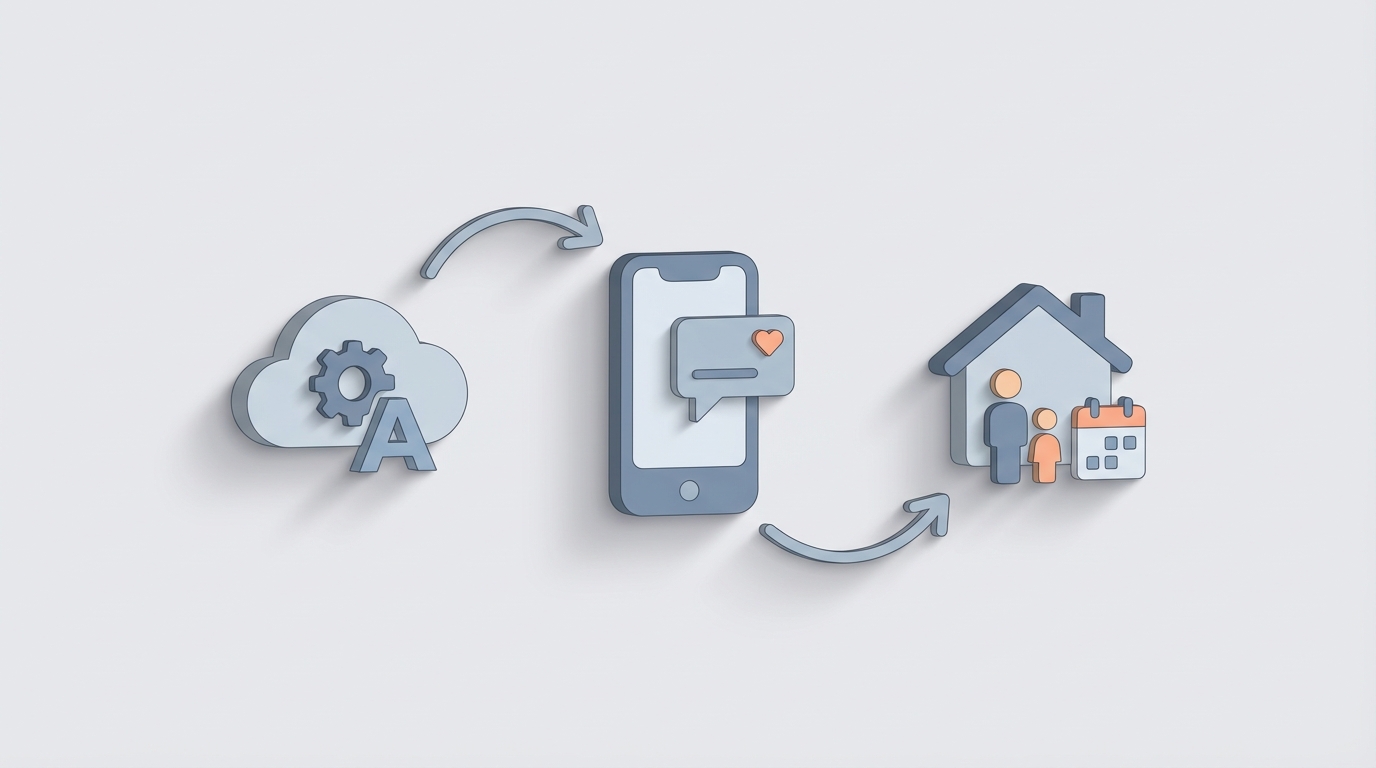
If you run a daycare, tutoring center, after-school program, or any business that serves kids, you already know the drill: you spend an absurd chunk of your week just telling parents what happened. Not teaching. Not improving your program. Not growing revenue. Just… communicating.
And it's not because you're bad at it. It's because the workflow is fundamentally broken. You're doing bespoke, manual work for every single family, every single week, across multiple channels, often in multiple languages. It's the operational equivalent of hand-washing every dish in a restaurant kitchen when a dishwasher exists.
The dishwasher exists now. Let me show you how to build it.
The Manual Workflow (And Why It Eats Your Week)
Let's map exactly what "sending weekly parent updates" looks like without automation. I'm being specific because vague complaints don't lead to real solutions.
Step 1: Gather data. You pull together attendance records, behavior notes, activity summaries, photos, and any incident reports from the past week. If you're a daycare director, this means checking in with every teacher. If you're a tutoring center owner, you're combing through session notes. Time: 45–90 minutes.
Step 2: Draft individual messages. You can't send the same generic email to every parent. Mrs. Chen wants to know why her son didn't nap. Mr. Williams needs to hear that his daughter crushed her reading assessment. The Garcias prefer updates in Spanish. So you sit down and write 20, 40, maybe 80 personalized messages. Time: 2–4 hours.
Step 3: Get approval (if applicable). If you're in a larger organization, anything mentioning behavior incidents, developmental concerns, or attendance issues might need a review from a director or compliance officer before it goes out. This introduces a bottleneck that can delay the entire batch. Time: 30–60 minutes of waiting and back-and-forth.
Step 4: Translate. About 20–25% of U.S. families have limited English proficiency. You either skip them (bad), run messages through Google Translate and hope for the best (also bad), or spend extra time getting translations right. Time: 30–60 minutes, often more.
Step 5: Send across multiple channels. Some parents check email. Others only respond to texts. A few insist on the app. Several are in a WhatsApp group you regret creating. So you copy-paste or re-format the same message across 2–3 platforms. Time: 30–60 minutes.
Step 6: Handle replies. The messages go out and the inbox lights up. Half the replies are simple ("Thanks!"), but the other half need real responses. Questions about scheduling, requests for conferences, billing disputes, clarifications on incidents. Time: 1–3 hours over the next 48 hours.
Step 7: Track and document. For compliance and liability, you need records of what you sent and when, especially for anything related to incidents, special needs, or attendance. Most people either do this poorly or not at all. Time: 15–30 minutes, assuming you actually do it.
Total: 5–10 hours per week. Every week. Forever.
Daycare directors commonly report 15–20 hours per week on all parent communication before adopting any kind of specialized software. Even with tools like Brightwheel or ClassDojo, the personalization and reply management still eat 5+ hours.
That's not a communication workflow. That's a part-time job.
What Makes This Genuinely Painful
The time cost alone is brutal, but the second-order effects are worse.
Inconsistency destroys trust. When you're rushing through 60 messages at 9 PM on a Friday, some parents get thoughtful, detailed updates. Others get two sentences. Parents talk to each other. They notice.
Delayed communication creates problems. A behavior incident that happened Monday shouldn't reach a parent on Friday. But when you batch everything into a weekly update because you don't have time for real-time communication, that's exactly what happens. And now you've got an angry parent who's been stewing about why they weren't told sooner.
Errors compound. You send Jamal's update to Sophia's parents. You forget to translate the field trip reminder. You miss following up with the three families who didn't respond to the allergy form. Each error is small. The cumulative effect is a program that feels disorganized.
Burnout is real and expensive. When your best teacher quits because they're spending more time on communication than on teaching, you've lost far more than the cost of a software subscription. Teacher turnover in early childhood education already costs $4,000–$7,000 per position to replace. Communication burnout is a direct contributor.
Revenue impact is hidden but significant. Parents who feel out of the loop don't re-enroll. They don't refer friends. A 2023 EdWeek study found 68% of teachers say parent communication has gotten harder post-COVID, and parents' expectations have only gone up. The gap between what parents expect and what you can manually deliver is widening every year.
What AI Can Handle Right Now
Not in theory. Not "someday." Right now, today, with tools that exist.
Here's what an AI agent built on OpenClaw can reliably automate for parent communication:
Routine message drafting. Give the agent a prompt template and data inputs, and it generates warm, personalized weekly updates for every family. "Dear Ms. Johnson, Jamal had a great week! He participated in our science experiment on Tuesday and showed real leadership during group time on Thursday. He did miss two homework assignments — details below. Here are three photos from the week." This isn't a mail merge. It's contextually aware, tonally appropriate content generation that adapts to each child's actual week.
Real-time translation. OpenClaw agents can generate messages natively in 100+ languages, far surpassing the garbled output of basic machine translation. The message isn't written in English and then translated; it's generated in the target language from the start, which produces dramatically more natural results.
Multi-channel formatting and delivery. One agent can output the same update formatted for email (with photos embedded), SMS (concise version with a link), and app notification. No copy-pasting between platforms.
FAQ and common question handling. "What time is pickup on early release days?" "What's your sick policy?" "Can my child bring lunch from home?" An AI agent can handle 80%+ of inbound parent questions instantly, 24/7, without you ever seeing the message.
Attendance-triggered alerts. When a student is marked absent, the agent can immediately send a check-in message to the parent. No human needs to notice, decide to act, or write anything.
Weekly digest compilation. Instead of you assembling data from five different sources, the agent pulls from your attendance system, teacher notes, and activity logs to compile a structured summary. You review it. It sends it.
Engagement tracking. The agent logs who opened what, who responded, who didn't, and can automatically follow up with non-responders through a different channel.
Step-by-Step: Building the Automation on OpenClaw
Here's how to actually set this up. I'm going to be specific about architecture because "just use AI" isn't a plan.
Step 1: Define Your Data Sources
Before building anything, map where your student and communication data lives. Common sources:
- Student Information System (SIS) or enrollment database
- Attendance tracking (Brightwheel, Procare, spreadsheet, whatever)
- Teacher/instructor notes (daily observation logs, session summaries)
- Billing system (for payment-related reminders)
- Parent contact info and preferences (language, preferred channel, emergency contacts)
If this data is scattered across five platforms and a paper binder, your first job is consolidation. Even a structured Google Sheet works as an intermediary layer.
Step 2: Build the Agent in OpenClaw
In OpenClaw, you'll create an agent with the following components:
System prompt that defines the agent's role, tone, and constraints:
You are a parent communication assistant for [Business Name], a [daycare/tutoring center/after-school program] serving children ages [X-Y].

Your job is to generate personalized weekly updates for each child's parent(s).

Tone: warm, professional, encouraging. Lead with positives. Be specific about activities and milestones. Flag concerns gently and with suggested next steps.

Constraints:
- Never diagnose or label a child (no "ADHD-like behavior," no "developmental delay")
- Never share one child's information in another child's update
- Always include the child's first name
- If the parent's preferred language is not English, generate the entire message in their preferred language
- Flag any message involving behavioral incidents, injuries, or sensitive topics for human review before sending
Data integration layer that connects to your sources. OpenClaw supports API connections and webhook triggers, so you can pull data from your SIS, attendance system, and note-taking tools directly into the agent's context window.
Output templates with structured fields:
For each child, generate:
1. Greeting (personalized to parent name)
2. Week highlights (2-3 specific positive moments)
3. Learning/activity summary
4. Any attendance notes
5. Any areas for attention (homework, behavior, supplies needed)
6. Upcoming reminders relevant to this family
7. Warm closing with invitation to reply
Routing logic that determines delivery:
- If parent prefers SMS → format as concise text (under 300 characters) with link to full update
- If parent prefers email → full formatted message with embedded photos
- If parent hasn't opened last two updates → escalate to phone call list for a human
Step 3: Set Up Review and Approval Workflows
This is where most people get lazy and where the real risk lives. Not every message should auto-send.
Build a three-tier system:
Tier 1: Auto-send. Routine positive updates, attendance confirmations, event reminders, payment reminders. These go out without human review. The agent handles them end-to-end.
Tier 2: Quick human review. Any message mentioning missed assignments, minor behavioral notes, or schedule changes gets queued for a 30-second review by a teacher or admin. The agent drafts it. A human glances at it and hits send.
Tier 3: Full human drafting. Anything involving injuries, serious behavioral incidents, developmental concerns, billing disputes, or legal/compliance matters. The agent flags these and routes them to the appropriate person with context. It does not draft the message.
In OpenClaw, you configure these tiers through conditional logic in the agent's workflow. If the teacher's notes contain keywords like "incident," "injury," "concern," or "meeting request," the message is automatically escalated.
Step 4: Build the Inbound Reply Handler
Parent communication isn't one-directional. You need to handle responses.
Create a second agent (or a sub-flow within the same agent) specifically for inbound message triage:
When a parent reply is received:
1. Classify intent: question, acknowledgment, complaint, scheduling request, urgent concern
2. If acknowledgment ("Thanks!" / "Got it") → auto-respond with "You're welcome! Let us know if you have any questions."
3. If common question → check knowledge base and respond with answer + "Let me know if you need anything else"
4. If scheduling request → provide available times from calendar integration
5. If complaint or urgent concern → immediately notify [Director Name] via [channel] with full context
This alone can eliminate 60–70% of reply management time.
Step 5: Test With a Small Group
Don't launch this for all 80 families on day one. Pick 8–10 families, ideally including a mix of:
- English-speaking and non-English-speaking families
- Highly engaged parents and chronically non-responsive ones
- Families with kids who've had recent incidents or concerns
Run the automated updates for 2–3 weeks alongside your manual process. Compare the outputs. Get feedback from the test group. Adjust your prompts, templates, and routing logic.
Step 6: Scale and Monitor
Once validated, roll out to all families. Set up a weekly quality check where you randomly review 10% of sent messages. Track:
- Open rates by channel
- Reply rates and sentiment
- Escalation accuracy (did the agent correctly flag sensitive messages?)
- Parent satisfaction (run a quarterly pulse survey)
Browse Claw Mart for pre-built agent templates and integrations that can accelerate this entire setup. There are already templates designed for education and childcare communication workflows that you can customize rather than building from scratch.
What Still Needs a Human
I'm going to be direct about this because overpromising is how AI implementations fail.
Do not automate:
-
Communications about injuries or safety incidents. A parent hearing that their child got hurt needs to hear it from a person, with empathy and judgment. An AI-drafted message about a playground fall will sound tone-deaf no matter how good the model is.
-
Developmental concerns or special needs discussions. "We've noticed some patterns in Sophia's behavior that we'd like to discuss with you" is a conversation, not a notification. It requires reading the room, understanding the family's history, and choosing the right moment.
-
Conflict resolution. When a parent is upset, they need a human who can listen, validate, and problem-solve. An AI responding to a frustrated parent's email with a cheerful template will escalate the situation.
-
Legal and compliance communications. IEP meetings, suspension notices, 504 plan updates, and anything that could become a legal document needs human authorship and review.
-
Crisis communication. Lockdowns, weather emergencies, safety threats. These require real-time human judgment about what to share, when, and how.
The right mental model: AI handles the 70% that's routine so humans can be fully present for the 30% that matters most.
Expected Time and Cost Savings
Let's do the math honestly.
Before automation:
- Weekly parent updates: 5–10 hours/week
- Reply management: 2–4 hours/week
- Translation: 1–2 hours/week
- Tracking and documentation: 1–2 hours/week
- Total: 9–18 hours/week
After automation with an OpenClaw agent:
- Reviewing Tier 1 auto-sends: 15 minutes/week (spot-checking)
- Reviewing and approving Tier 2 messages: 30–60 minutes/week
- Handling Tier 3 (human-required) communications: 1–2 hours/week
- Managing escalated replies: 30–60 minutes/week
- Weekly quality review: 15 minutes/week
- Total: 2.5–4.5 hours/week
Net savings: 6–14 hours per week. That's 300–700 hours per year.
If a director's time is worth $35/hour, that's $10,500–$24,500 in annual time savings. For a single staff member. Multiply across your team if multiple people handle communication.
Brightwheel customers report similar numbers: cutting daily parent update time from 2 hours to 20 minutes. Large school districts using AI-assisted platforms have documented 40–60% reductions in administrative communication time.
Beyond direct time savings:
- Higher parent satisfaction and retention (fewer missed or inconsistent communications)
- Better engagement from non-English-speaking families (real translation instead of Google Translate approximations)
- Reduced compliance risk (automated documentation of every sent message)
- Less staff burnout (your teachers go back to teaching)
What to Do Next
If you're spending more than 5 hours a week on parent communication, you're leaving time and money on the table. Here's the concrete path:
- Audit your current workflow. Time yourself for one week. Where exactly do the hours go?
- Consolidate your data. Get your student info, attendance, and notes into a system that an agent can access.
- Build your first agent on OpenClaw. Start with the weekly update generator. It's the highest-volume, most time-consuming task.
- Check Claw Mart for pre-built templates and integrations. Don't build what someone has already built.
- Test with a small group, then scale.
If you'd rather have someone build this for you, Clawsourcing connects you with experienced OpenClaw developers who've built these exact workflows. You describe what you need, they build it, and you're up and running in days instead of weeks. Submit a request at Clawsourcing and skip the learning curve.
The parents are waiting. Stop writing the same update eighty different ways and let the agent handle it.