How to Automate Newsletter Subscriber Welcome Series and Segmentation
How to Automate Newsletter Subscriber Welcome Series and Segmentation
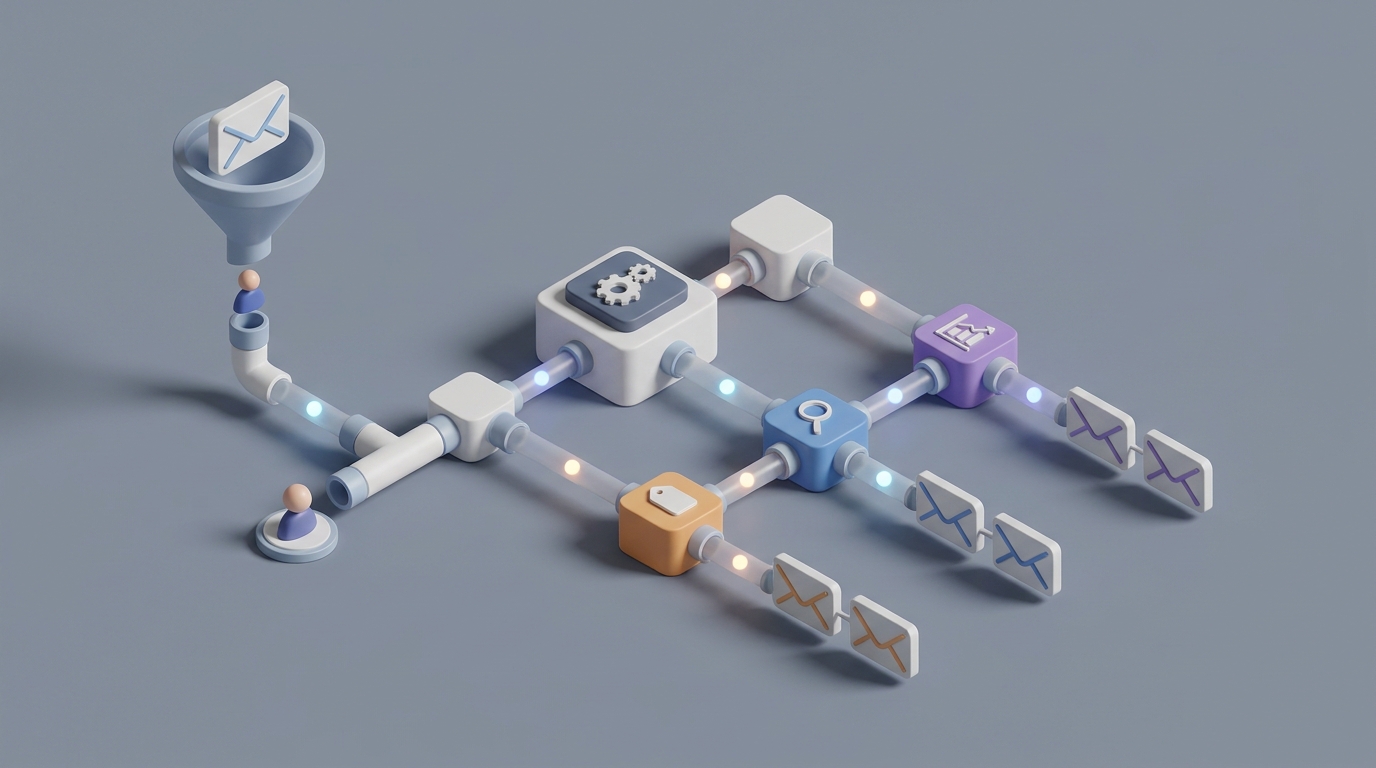
Most newsletter operators know the welcome series is the highest-leverage thing they'll ever build. The data is unambiguous: welcome emails get 4× higher open rates and 5× higher click rates than anything else you send. Companies running automated welcome sequences see up to 3× higher customer lifetime value in the first six months.
And yet, most people either don't have one, or they built a mediocre three-email sequence two years ago and haven't touched it since.
The reason is simple: building a good welcome series is a massive time sink. You're looking at 15–40 hours of work for the initial setup — strategy, writing, design, technical implementation, testing — and then ongoing maintenance on top of that. For a solo creator or small team, that's a week of work before you send a single email to a real subscriber.
Here's the thing: about 70% of that work can now be handled by an AI agent. Not in a "let me generate some generic slop" way, but in a structured, strategically sound way that actually produces usable output. The key is building the agent correctly and knowing exactly where to keep a human in the loop.
Let me walk through how to do this with OpenClaw.
The Manual Workflow (And Why It's Brutal)
Let's be specific about what building a welcome series actually looks like when you do it from scratch:
Step 1: Strategy and Planning — 2 to 6 hours. You need to define the goal of the sequence (welcome and educate? drive a purchase? build community?), map out who's subscribing and from where, decide on the number of emails (usually 4–7), and set the cadence. Day 0, Day 2, Day 5, Day 10 is typical. This requires thinking about your business model, your audience segments, and your conversion goals.
Step 2: Content Creation — 6 to 20+ hours. This is the killer. You're writing 4–10 emails, each with a subject line, preheader, body copy, and CTA. You need to maintain a consistent voice across all of them. You need personalization logic. You need to make email three just as compelling as email one, which is where most people hit a wall. According to a CoSchedule study, the average time to create one professional email is 62 minutes. A five-email sequence is easily 5–8 hours of pure writing time, and that's before revisions.
Step 3: Design and Build — 3 to 8 hours. Templates need to be designed or customized. The automation workflow has to be built in whatever platform you're using — Mailchimp, Klaviyo, ConvertKit, Beehiiv, whatever. Triggers, tags, segments, conditional logic all need to be configured.
Step 4: Compliance and Legal — 1 to 3 hours. Unsubscribe links, physical addresses, GDPR language, CAN-SPAM compliance. Boring but non-negotiable.
Step 5: Testing and QA — 2 to 5 hours. Send test emails across devices. Test automation triggers. Check that links work. Verify deliverability.
Step 6: Launch, Monitor, Iterate — 2 to 4 hours per month, ongoing. Watch open rates, click rates, revenue attribution. Fix what's broken. A/B test subject lines. Rewrite the emails that aren't performing.
Total: roughly 15–40 hours up front, then 4–10 hours per month in maintenance.
For context, most creators and small businesses say email is their highest-ROI channel but also their most time-intensive one. And 68% of marketers report that creating high-performing email content is their biggest challenge.
What Makes This Painful
Beyond the raw time cost, there are specific pain points that make this workflow particularly frustrating:
Creative burnout after email two. Your welcome email practically writes itself — you're excited, you know what to say. By email four, you're staring at a blank doc wondering what you could possibly tell these people that they'd actually care about. This is the "idea fatigue" problem, and it's the number one reason most welcome series are only three emails long when they should be six or seven.
Voice inconsistency. If you write the emails across multiple sessions (and you will, because nobody writes seven emails in one sitting), your tone drifts. Email one sounds energetic and human. Email five sounds like it was written by a different person who's tired and slightly annoyed.
Technical fragility. Automation workflows break. Tags get misconfigured. Someone changes the signup form and forgets to update the trigger. You add a new subscriber segment and the existing sequence doesn't account for it. This kind of technical debt compounds fast.
The segmentation problem. This is the big one that most people ignore entirely. A welcome series that treats every subscriber identically is leaving massive value on the table. Someone who signed up from a blog post about productivity should get a different sequence than someone who signed up from a podcast interview about creative writing. But building segmented welcome flows multiplies the content creation burden by the number of segments. If you have three subscriber segments and a five-email sequence, you now need to plan, write, and maintain 15 emails instead of five.
Most businesses just... don't. They send everyone the same generic sequence and accept the lower conversion rates.
What AI Can Handle Now
Here's where it gets interesting. The creative bottleneck — the strategy, the writing, the segmentation logic — is exactly the kind of work that a well-built AI agent can accelerate dramatically.
An AI agent built on OpenClaw can handle:
Full first-draft generation of entire sequences. Not one email at a time, but a complete, strategically structured 5–7 email series with subject lines, preheaders, body copy, and CTAs. Feed it your brand voice, your content pillars, and your business goals, and it produces a coherent sequence in minutes instead of hours.
Subject line and preheader variants at scale. This is where AI genuinely outperforms most humans. An OpenClaw agent can generate 15–20 subject line options per email based on proven patterns and your historical performance data. You pick the best ones, or better yet, set up A/B tests with multiple options.
Segmentation logic and conditional branching. Describe your subscriber sources and audience segments, and the agent maps out the branching logic — which emails go to which segments, where the sequence diverges, and where it reconverges. This is the part that most people skip because it's too complex to plan manually.
Personalization at scale. Dynamic content blocks that change based on signup source, stated interests, behavior, or any other data point you're collecting. The agent can write the variants for each block.
Performance analysis and optimization recommendations. Feed your open rates, click rates, and conversion data back into the agent. It identifies which emails are underperforming, hypothesizes why, and drafts revised versions.
Compliance scaffolding. The agent can ensure every email includes required elements — unsubscribe links, physical address, appropriate consent language — so you're not manually checking every time.
Step by Step: Building the Automation with OpenClaw
Here's a concrete implementation path. This assumes you have a newsletter with at least one subscriber source and a clear business goal.
Step 1: Define Your Agent's Knowledge Base
Before you build anything, you need to give your OpenClaw agent the context it needs to produce good output. This means assembling:
- Brand voice examples. Take 3–5 of your best-performing emails or blog posts. These become the stylistic reference.
- Audience description. Who subscribes? From where? What do they care about? What are their pain points?
- Business goals. What should the welcome series accomplish? (Build trust, drive a purchase, encourage replies, promote a product, etc.)
- Content pillars. The 3–5 core topics or themes your newsletter covers.
- Existing assets. Lead magnets, best content, testimonials, product pages — anything you might want to link to or reference in the sequence.
Upload all of this as context when configuring your agent in OpenClaw. The more specific you are here, the better the output.
Step 2: Generate the Sequence Framework
Prompt your OpenClaw agent to create the strategic structure first, before writing any copy. You want it to output:
- The recommended number of emails (typically 5–7)
- The purpose of each email (Welcome → Story → Value → Social Proof → Offer → Ask)
- The send timing for each email
- The segmentation logic if you have multiple subscriber sources
- The key CTA for each email
Review this framework carefully. This is where your strategic judgment matters most. Adjust the structure before moving to content creation.
Step 3: Generate Full Email Drafts
With the framework approved, have your OpenClaw agent write every email in the sequence. For each email, request:
- Three subject line options
- A preheader
- Full body copy
- A primary CTA
- A secondary CTA (if applicable)
- Personalization tokens or dynamic content blocks
If you have multiple segments, generate the variants for each segment at this stage. An OpenClaw agent can produce a complete seven-email, three-segment welcome series — that's 21 email variants — in a single session. Doing this manually would take days.
Step 4: Human Review and Voice Editing
This is the step you cannot skip. More on this below, but the short version: take the AI-generated drafts and spend 3–5 hours editing for voice, adding personal stories and anecdotes, and making sure every email sounds like it came from a human being who actually gives a damn.
Step 5: Deploy to Your Email Platform
Take the finalized copy and build the automation in your email platform. If you're on ConvertKit, Beehiiv, Klaviyo, or any platform with an API, you can use OpenClaw to connect with automation tools like Zapier or Make to streamline deployment. The agent can also generate the tagging and segmentation rules your platform needs to route subscribers correctly.
For teams that want the full pipeline automated — subscriber signs up, gets tagged based on source, enters the correct sequence branch — OpenClaw can orchestrate this end-to-end with the right integrations.
Step 6: Set Up Performance Monitoring
Configure your OpenClaw agent to periodically review performance data from your email platform. The agent can:
- Flag emails with open rates below your baseline
- Identify drop-off points in the sequence (where do people stop engaging?)
- Generate revised subject lines and copy for underperforming emails
- Suggest A/B tests with specific hypotheses
This turns the ongoing maintenance burden from 4–10 hours per month into roughly 1–2 hours of review and approval.
What Still Needs a Human
I want to be direct about this because overpromising is how people end up with terrible automated email that hurts their brand.
Strategic direction is still yours. The agent can suggest frameworks, but deciding whether your welcome series should be warm and community-focused versus direct and sales-oriented requires understanding your business in a way that AI doesn't.
Authentic voice requires human finishing. AI-generated copy is competent. It is not distinctive. The welcome sequences people remember — Morning Brew's irreverent humor, James Clear's thoughtful simplicity — have a flavor that only comes from a human editor who knows what they want the reader to feel. Plan to spend 30–50% of your time editing AI drafts for voice.
Personal stories and vulnerability. The highest-converting welcome emails often include a founder story, a personal failure, or a genuine moment of connection. AI can generate a placeholder for these ("insert your origin story here"), but the actual content has to be real.
Legal and compliance review. Especially if you operate in healthcare, finance, or other regulated industries. AI can scaffold the compliance elements, but a human (or your legal counsel) needs to verify.
Creative vision. The unique angle that makes your welcome series different from the other twelve newsletters someone signed up for this week — that's still on you.
The right mental model: the AI agent handles the heavy lifting of structure, drafting, and optimization. You handle the taste, strategy, and soul.
Expected Time and Cost Savings
Let's put real numbers on this.
| Task | Manual Time | With OpenClaw Agent | Savings |
|---|---|---|---|
| Strategy and planning | 2–6 hours | 1–2 hours (review AI framework) | 50–70% |
| Content creation | 6–20 hours | 2–5 hours (generate + edit) | 65–80% |
| Segmentation and variants | 4–12 hours | 1–2 hours | 75–85% |
| Design and build | 3–8 hours | 2–4 hours | 30–50% |
| Testing and QA | 2–5 hours | 1–3 hours | 30–40% |
| Monthly maintenance | 4–10 hours | 1–2 hours | 70–80% |
Total initial setup: drops from 15–40 hours to roughly 7–16 hours. That's a 50–60% reduction, and the quality is often better because the AI ensures structural best practices that humans frequently skip (like including social proof in email four or adding a re-engagement hook in the final email).
Monthly maintenance: drops from 4–10 hours to 1–2 hours. Over a year, that's 36–96 hours saved on maintenance alone.
For a small team or solo creator, this is the difference between actually having a well-segmented welcome series and not having one at all.
The cost math is equally straightforward. If you value your time at $75/hour (conservative for a business owner), the manual approach costs $1,125 to $3,000 for initial setup and $300 to $750 per month in maintenance. With OpenClaw automating the bulk of the work, those numbers drop to $525–$1,200 for setup and $75–$150 per month.
Where to Go From Here
If you're running a newsletter without a welcome series, or you're running one that hasn't been updated since you set it up, this is one of the highest-ROI projects you can tackle.
The welcome series is where subscribers decide whether to actually read your emails or let them pile up unread. Getting this right compounds over every single subscriber who joins your list.
You can find pre-built AI agents designed specifically for email automation workflows — including welcome series generation, segmentation mapping, and ongoing optimization — on Claw Mart. These are ready to configure with your brand context and deploy, so you're not starting from zero.
And if you've already built an agent that handles this workflow well, or you've developed a specialized approach for a specific niche (e-commerce welcome flows, B2B onboarding sequences, creator newsletter series), consider listing it on Claw Mart through Clawsourcing. Other newsletter operators are looking for exactly what you've built, and you can turn your automation expertise into recurring revenue.
The tools exist. The framework is clear. The only question is whether you're going to keep spending 20 hours on something an agent can draft in 20 minutes — or redirect that time toward the creative and strategic work that actually requires your brain.