Automate Log Analysis for Anomalies: Build an AI Agent That Detects Unusual Activity
Automate Log Analysis for Anomalies: Build an AI Agent That Detects Unusual Activity
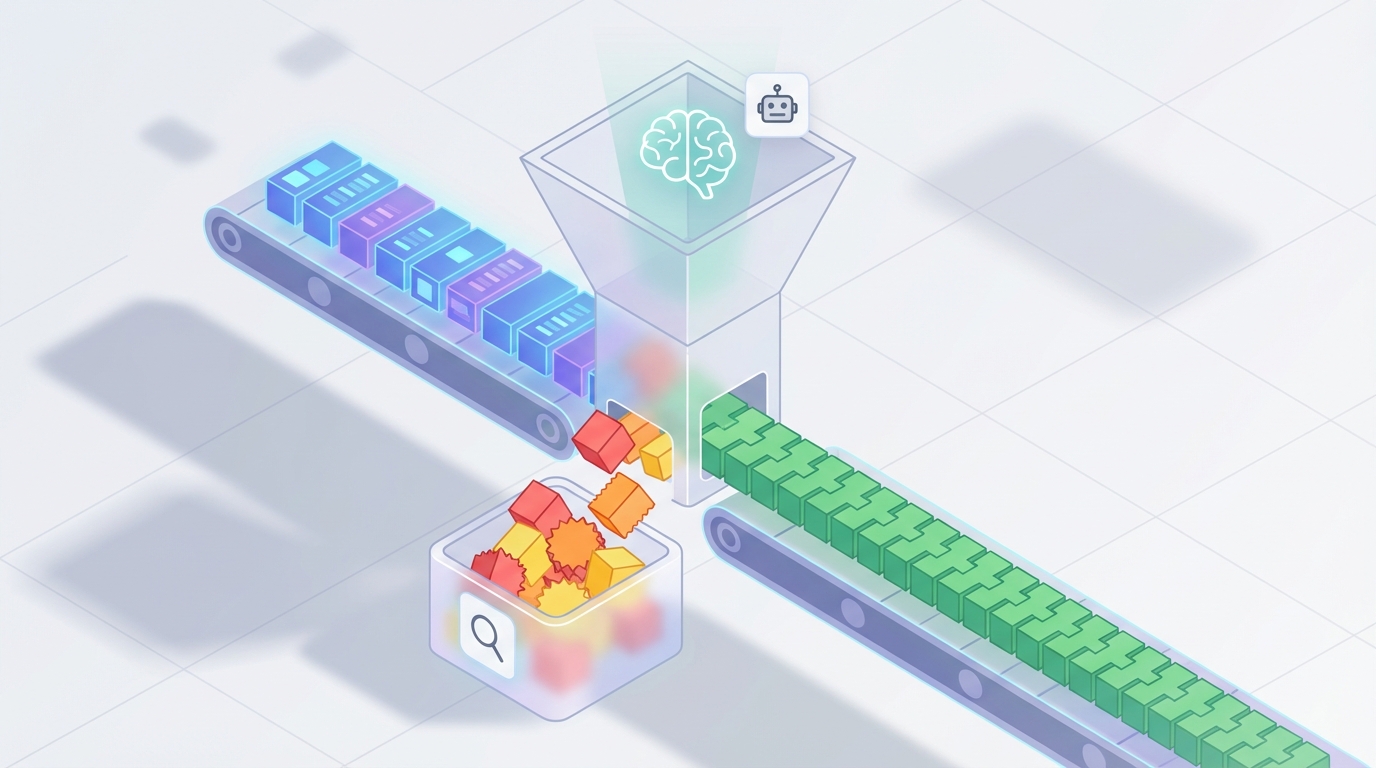
Every ops team I've talked to in the last year has the same problem: they're drowning in logs. Not because they lack tools—they've got Splunk, Elastic, Datadog, whatever—but because the sheer volume of log data has outpaced any human's ability to meaningfully analyze it. They're paying six figures for platforms, then spending 60% of their engineering time staring at dashboards and chasing false positives.
It doesn't have to work this way.
You can build an AI agent that continuously monitors your logs, detects genuine anomalies, filters out noise, and hands your team only the stuff that actually matters. And you can do it on OpenClaw without writing a monitoring platform from scratch.
Here's exactly how.
What Log Analysis Actually Looks Like Today
Let's be honest about the current workflow. Even organizations with "modern" observability stacks are running a process that looks roughly like this:
Step 1: Log Source Onboarding & Normalization (2–8 hours per source) Someone has to decide which logs to collect, configure parsers for whatever proprietary format your vendor decided to use, and map fields into a common schema. Every new application or third-party service means repeating this.
Step 2: Rule & Threshold Creation (Ongoing, 5–15 hours/week) Senior engineers write correlation rules, set alert thresholds, and define baselines. This requires deep institutional knowledge. Junior staff can't do it reliably, and the rules go stale as your infrastructure changes.
Step 3: Alert Triage & Investigation (The Time Sink) This is where the wheels come off. According to a 2023 Splunk State of Security report, security teams spend over 40% of their time on alert triage and investigation. Gartner estimates 50–70% of security alerts are false positives, and each alert that requires investigation takes 15–30 minutes. A 2026 Logz.io survey of 400+ IT and DevOps professionals found that 63% spend more than 10 hours per week on log analysis and troubleshooting. Nearly a third spend over 20 hours.
Step 4: Root Cause Analysis (4–9 hours per incident) When something actually breaks, the investigation phase—mostly querying logs and manually correlating events across systems—accounts for about 60% of the mean time to resolution, according to IDC's 2026 AIOps report.
Step 5: Documentation & Post-Mortem (1–3 hours per incident) Writing the incident report, updating runbooks, feeding lessons back into the system. Important work that almost always gets deprioritized.
Step 6: Compliance Review (Varies wildly) SOX, PCI, GDPR, HIPAA—many regulations still expect human eyes on certain log categories. This means periodic manual sampling on top of everything else.
Add it up and you're looking at multiple full-time engineers whose primary job is reacting to log data. Not building. Not improving systems. Reacting.
Why This Is Painful (Beyond the Obvious)
The time cost is brutal, but there are deeper problems:
Alert fatigue destroys effectiveness. When your team sees 500 alerts a day and 350 of them are noise, they start ignoring all of them. The critical signal gets buried. This isn't a discipline problem—it's a systems design problem.
Log volume is growing faster than headcount. Companies are generating tens of terabytes to multiple petabytes per day. You can't hire your way out of this. A 2x increase in log volume doesn't mean you need 2x the analysts—it means you need a fundamentally different approach.
Inconsistent formats create blind spots. Every application logs differently. Cloud providers, third-party SaaS tools, legacy on-prem systems—they all speak different languages. Correlating events across these silos manually is slow, error-prone, and incomplete.
The skill gap is real. Writing effective queries in SPL, KQL, or Lucene requires senior-level expertise. When your best engineer is spending 20 hours a week writing log queries instead of architecting systems, you're burning expensive talent on work that should be automated.
The cost compounds. Splunk licensing alone can run into hundreds of thousands per year for mid-sized organizations, and that's before you count the engineering time spent operating it. You're paying premium prices for a tool that still requires enormous human effort to be useful.
What AI Can Actually Handle Now
Let's be specific about what's realistic with today's AI capabilities—no hand-waving about magical automation, just concrete things that work.
Anomaly detection from learned baselines. An AI agent can learn what "normal" looks like for your systems—typical error rates, request patterns, authentication flows, resource utilization—and flag deviations. Not with static thresholds that someone set six months ago, but with continuously updated baselines that adapt to your changing infrastructure.
Log parsing and field extraction. LLMs have gotten remarkably good at understanding unstructured and semi-structured log formats. Instead of writing regex parsers for every new log source, an AI agent can extract structured data from raw logs automatically. This alone saves hours per new integration.
Noise reduction and alert clustering. Instead of 500 individual alerts, the agent groups related events, deduplicates, and surfaces clusters. "These 47 alerts are all the same disk I/O issue on three nodes" is infinitely more useful than 47 separate notifications.
Natural language summarization. Converting a 2,000-line log sequence into a readable summary: "Between 14:32 and 14:47 UTC, the authentication service on node app-prod-3 experienced 847 failed login attempts from 12 unique IP addresses in the 185.x.x.x range, followed by a successful login from 185.220.101.42 using service account svc-deploy." That's actionable. A wall of raw JSON is not.
Initial triage and severity scoring. The agent can assess likely severity based on historical patterns, affected services, and business context, then route accordingly. Low-confidence findings go to a review queue. High-confidence critical issues page someone immediately.
Natural language querying. "Show me all failed authentication attempts from non-US IPs in the last 6 hours" is something an AI agent can translate into the appropriate query for whatever backend you're using—without requiring your team to remember SPL syntax.
These aren't theoretical capabilities. Microsoft's internal data from Sentinel plus Copilot showed security analysts resolving incidents 2.8x faster with AI-assisted log summarization and query generation. Dynatrace customers using full AI saw automated root cause analysis for 43% of incidents with high confidence. Capital One reported 40–60% reduction in security investigation time.
Step-by-Step: Building a Log Analysis Agent on OpenClaw
Here's a practical architecture for an AI-powered log analysis agent built on OpenClaw. This isn't a toy demo—it's a production-grade pipeline.
Step 1: Define Your Log Sources and Ingestion Pipeline
Before touching AI, you need your logs flowing into a place the agent can access. Most teams already have this via their existing stack (Elastic, CloudWatch, Datadog, etc.). The agent doesn't replace your log aggregator—it sits on top of it.
In OpenClaw, you'll set up your agent with tool access to query your log backend:
# OpenClaw agent configuration
agent = OpenClaw.Agent(
    name="log-anomaly-detector",
    description="Monitors application and infrastructure logs for anomalies",
    tools=[
        ElasticSearchTool(
            endpoint="https://your-elastic-cluster:9200",
            index_pattern="logs-*",
            credentials=OpenClaw.Secret("elastic-creds")
        ),
        CloudWatchLogsTool(
            region="us-east-1",
            log_groups=["/aws/lambda/*", "/ecs/production/*"],
            credentials=OpenClaw.Secret("aws-creds")
        ),
        SlackNotificationTool(
            webhook_url=OpenClaw.Secret("slack-webhook"),
            default_channel="#ops-alerts"
        ),
        PagerDutyTool(
            api_key=OpenClaw.Secret("pagerduty-key")
        )
    ]
)
The key here is that OpenClaw handles the orchestration layer. Your agent gets access to query tools, notification tools, and any other integrations you need. You're not building a log platform—you're building an intelligent layer that uses your existing platform.
Step 2: Establish Baselines
The agent's first job is learning what "normal" looks like. Set up a baseline collection phase:
agent.add_task(
    schedule="every_6_hours",
    task_type="baseline_update",
    instructions="""
    Query the last 7 days of logs across all configured sources.
    For each log source, compute and store:
    - Average event volume per hour (with standard deviation)
    - Distribution of log levels (ERROR, WARN, INFO, DEBUG)
    - Top 50 most common log message patterns
    - Authentication event patterns (success/failure ratios by source IP range)
    - Error rate by service and endpoint
    - P95 and P99 response times from access logs

    Compare against the previous baseline. If any metric has shifted
    more than 2 standard deviations, flag it for review but do not alert.
    Store the updated baseline.
    """
)
This runs continuously. The baseline evolves as your infrastructure changes, which means your thresholds stay relevant without manual tuning.
Step 3: Configure Continuous Monitoring
Now set up the real-time analysis loop:
agent.add_task(
    schedule="every_5_minutes",
    task_type="anomaly_scan",
    instructions="""
    Query the last 10 minutes of logs from all sources (with 5-minute overlap
    for continuity).

    Analyze for the following anomaly categories:

    1. VOLUME ANOMALIES: Event count deviating >3σ from baseline for any source
    2. ERROR SPIKES: Error rate increase >2x baseline for any service
    3. SECURITY ANOMALIES:
       - Brute force patterns (>10 failed auth attempts from single IP in 5min)
       - Unusual geographic access patterns
       - Privilege escalation indicators
       - Access to sensitive endpoints from new IP ranges
    4. PATTERN ANOMALIES: Log messages matching no known pattern in baseline
    5. SEQUENCE ANOMALIES: Events occurring in unusual order or timing

    For each detected anomaly:
    - Assign severity: CRITICAL, HIGH, MEDIUM, LOW
    - Provide a natural language summary (3-5 sentences)
    - Include relevant log excerpts (max 20 lines)
    - Suggest likely root cause based on patterns
    - List related events from the same time window

    CRITICAL and HIGH: Send to PagerDuty with full context
    MEDIUM: Post to Slack #ops-alerts with summary
    LOW: Log to the anomaly database for weekly review
    """
)
Step 4: Add Investigation Capabilities
When your team gets an alert, they should be able to interact with the agent for deeper analysis:
agent.add_capability(
    type="interactive_investigation",
    trigger="slack_mention",
    instructions="""
    When an engineer asks about an anomaly or incident:

    1. Accept natural language queries about logs
       Example: "What happened with the payment service between 2pm and 3pm?"

    2. Translate to appropriate backend queries
    3. Synthesize results into a narrative timeline
    4. Cross-correlate with other log sources automatically
    5. Reference relevant past incidents from the anomaly database

    Always show your work: include the actual queries you ran and the
    raw data points behind your conclusions. Engineers need to verify,
    not just trust.
    """
)
This is where the time savings become dramatic. Instead of an engineer spending 45 minutes writing queries and manually stitching together a timeline, they ask the agent a question in Slack and get a correlated answer in seconds.
Step 5: Set Up the Feedback Loop
The agent gets smarter over time, but only if you feed it signal about what matters:
agent.add_capability(
    type="feedback_processing",
    instructions="""
    Track resolution outcomes for all alerts:
    - Was this a true positive or false positive?
    - What was the actual root cause?
    - What action was taken?

    Use this feedback to:
    - Adjust severity scoring weights
    - Suppress known false positive patterns
    - Update baseline expectations
    - Improve natural language summaries based on what engineers found useful

    Generate a weekly report:
    - Total anomalies detected
    - True positive rate
    - Average time-to-detection vs. historical
    - Top recurring issues
    - Recommended rule or threshold changes
    """
)
Step 6: Compliance and Audit Automation
For regulated environments, add a compliance layer:
agent.add_task(
    schedule="daily_2am_utc",
    task_type="compliance_scan",
    instructions="""
    Run compliance-specific log reviews:

    PCI-DSS:
    - Verify all access to cardholder data environments is logged
    - Check for any gaps in log collection (missing time periods)
    - Flag any admin access outside change windows

    SOC 2:
    - Verify audit log integrity (no gaps, no tampering indicators)
    - Review access control changes
    - Document all security events

    Generate a structured compliance report with:
    - Findings summary
    - Evidence references (specific log entries)
    - Gaps or concerns requiring human review

    Store report and notify compliance team via email.
    """
)
What Still Needs a Human
I'm not going to pretend AI handles everything. Here's where your team stays essential:
Business impact assessment. The agent can tell you the payment service is throwing errors. It can't tell you that this specific outage is happening during your biggest sales event of the quarter and needs all-hands-on-deck. Business context and priority judgment remain human territory.
Novel incident investigation. For truly new failure modes—zero-days, complex multi-system cascading failures, things your infrastructure has never seen before—you need experienced engineers forming hypotheses and testing them. The agent assists with faster querying and correlation, but the creative problem-solving is human.
Legal and compliance accountability. Someone has to sign off. Regulations require human review and decision-making for certain categories of findings. The agent does the legwork; a human provides the judgment and the signature.
Escalation decisions. "Should we wake up the CTO?" is not a decision you want an AI making. Severity scoring helps, but the escalation call involves organizational knowledge, relationship dynamics, and judgment that AI doesn't have.
Validating AI findings in high-stakes environments. In healthcare, finance, and critical infrastructure, you verify before you act. The agent's analysis is a starting point, not a final answer.
Expected Time and Cost Savings
Based on real-world data from organizations at various stages of AI-augmented log analysis:
Alert triage time: 60–70% reduction. Going from 15–30 minutes per alert to near-zero for the 50–70% that are false positives. The agent filters, clusters, and only surfaces what's real.
Investigation time: 40–60% reduction. Natural language querying and automated correlation cut the manual query-writing and timeline-reconstruction work dramatically. Microsoft saw 2.8x faster resolution internally. Capital One reported 40–60% improvement.
MTTR: 30–50% reduction. A 2026 Gartner survey found 68% of organizations using AIOps reported over 30% MTTR reduction. The biggest gain is in the detection-to-investigation handoff—the agent catches anomalies in minutes instead of hours.
Engineering time recovered: 10–20 hours per week per team. Based on the Logz.io data showing 63% of teams spending 10+ hours weekly on log analysis, cutting that by half or more frees up meaningful engineering capacity.
Rule maintenance: 70–80% reduction. Adaptive baselines mean fewer static rules to write and update. Your senior engineers stop being rule-maintenance machines.
In dollar terms: If you have three engineers spending 15 hours per week on log-related work at a blended cost of $100/hour, that's $234,000 per year. Cut that in half and you've saved $117,000—before you count the value of faster incident response and fewer outages.
Getting Started
You don't need to automate everything on day one. Start with one high-volume, well-understood log source—your application access logs or authentication logs are usually good candidates. Build the baseline, run the anomaly detection alongside your existing alerting for two weeks, compare results, and tune.
Once you trust the agent's judgment on that one source, expand. Add more log sources, more anomaly categories, more integrations.
The full architecture I've described above is buildable on OpenClaw with the agent framework and tool integrations available today. The platform handles the orchestration, scheduling, secret management, and tool connectivity. You focus on defining what matters to your infrastructure.
If you want to skip the build phase entirely and get a pre-configured log analysis agent, check the Claw Mart marketplace. There are ready-made agents for common log analysis patterns—security monitoring, application performance, compliance scanning—that you can deploy and customize for your stack.
For teams that need something more tailored—custom log sources, specific compliance requirements, unique infrastructure—Clawsourcing connects you with builders who specialize in exactly this kind of agent. Describe what you need, and someone who's already solved your specific problem will build it for you.
Stop paying your best engineers to read logs. Put them back on the work that actually moves your business forward.