How to Automate Daily Attendance Tracking and Parent Notifications with AI
How to Automate Daily Attendance Tracking and Parent Notifications with AI
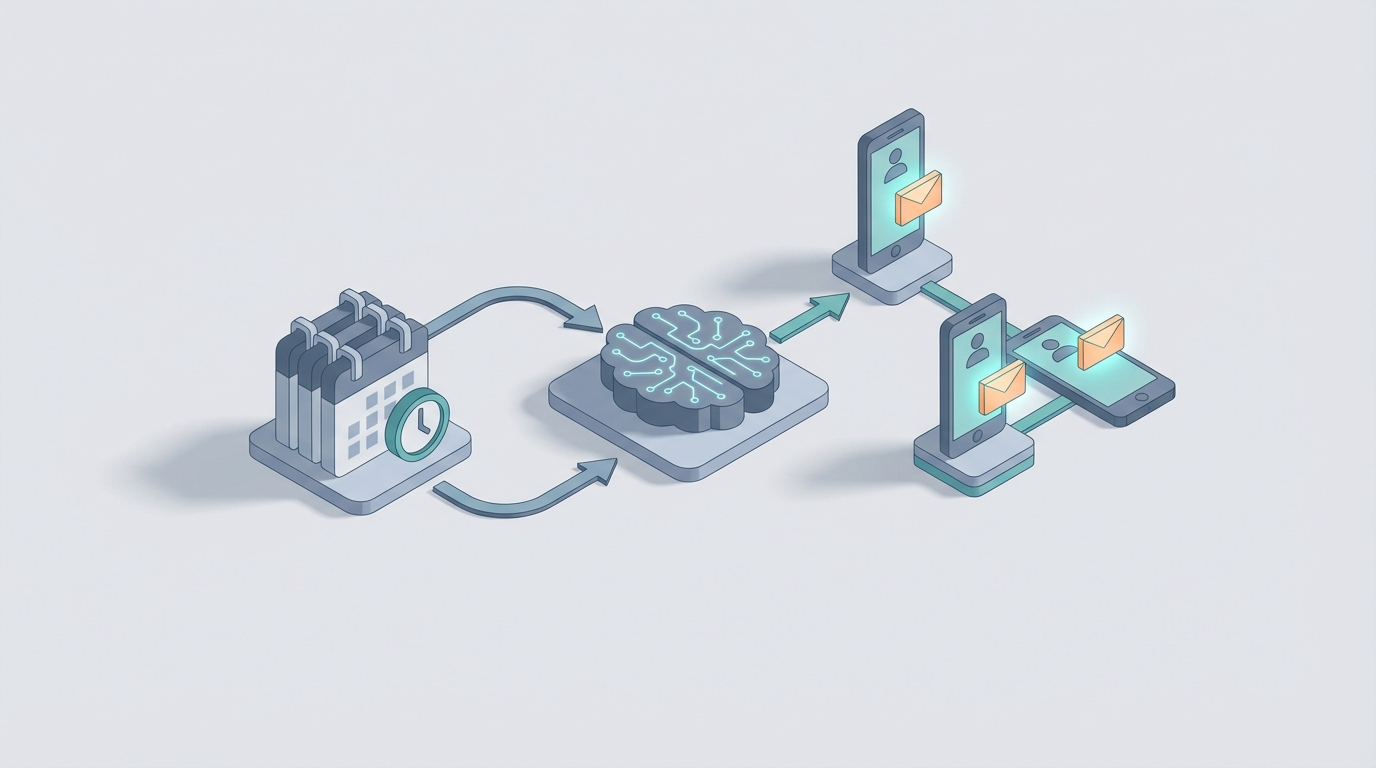
Every morning, in thousands of businesses across the country, someone is hunched over a screen manually cross-referencing attendance records, chasing down missing clock-ins, and copy-pasting data between systems that should talk to each other but don't. Then they're firing off parent notifications—because if you run a childcare center, school, tutoring program, or any business that serves minors, attendance tracking isn't just an operational task. It's a legal and safety obligation.
This whole workflow is a textbook case of something that should have been automated five years ago. The technology exists. The APIs exist. The data is already digital in most cases. And yet, a staggering number of organizations are still burning 5-15 hours per week on what amounts to data entry and message sending.
Let's fix that. Here's exactly how to automate daily attendance tracking and parent notifications using an AI agent built on OpenClaw—what it replaces, what it doesn't, and what you can realistically expect in terms of time and cost savings.
The Manual Workflow Today (And Why It's Worse Than You Think)
Let's map out the actual steps that happen in a typical organization—say a childcare center, after-school program, or private school with 100-300 students—when they track attendance and notify parents manually.
Step 1: Check-In Collection (10-30 minutes) Staff use a paper sign-in sheet, a tablet at the front desk, or a basic app. Kids arrive over a 30-60 minute window. Some parents sign in. Some don't. Some kids show up without a parent (bus riders, walkers). The data is messy from the start.
Step 2: Reconciliation Against Roster (15-30 minutes) Someone—usually an admin or lead teacher—compares the sign-in data against the expected roster. Who's here? Who's not? Did anyone pre-notify an absence? They're flipping between the sign-in sheet, email, text messages, and maybe a shared Google Sheet where parents are supposed to log planned absences.
Step 3: Follow-Up on Unaccounted Absences (15-45 minutes) For any child marked absent without prior notice, staff need to contact the parent. This is both a safety requirement and, in many states, a regulatory one. They're making phone calls, sending texts, leaving voicemails. Some parents respond immediately. Some don't respond until the third attempt. This step alone can eat 45 minutes on a bad day.
Step 4: Documentation and Recording (10-20 minutes) Once attendance is confirmed, someone enters the final data into the system of record—often a separate platform from the check-in tool. They're updating spreadsheets, logging notes about why a child was absent, and flagging chronic absences.
Step 5: Parent Notifications (10-20 minutes) Beyond absence follow-ups, many programs send daily or weekly attendance confirmations to parents. "Your child was checked in at 8:07 AM and checked out at 3:15 PM." This is either done through a dedicated app (which still requires someone to verify the data is correct before sending) or manually via email/text.
Step 6: Reporting and Compliance (30-60 minutes/week) At the end of the week or month, someone compiles attendance data for internal reporting, regulatory compliance, or billing purposes (many programs bill based on attendance). This involves exporting data, cleaning it, running calculations, and generating reports.
Total time: 6-12 hours per week for a mid-sized program. For larger organizations with multiple locations, multiply accordingly.
And this doesn't account for the hidden time costs: the mental load of tracking who responded and who didn't, the context-switching between five different tools, or the stress of knowing that a missed notification could be a safety incident.
What Makes This Painful
The time cost is obvious. But the real pain goes deeper.
Errors are expensive and sometimes dangerous. Manual attendance systems have error rates of 4-8% according to PayrollOrg data. In a payroll context, that's money. In a childcare or education context, that's a child who's unaccounted for. The American Payroll Association estimates time-tracking errors cost U.S. businesses $11-18 billion annually. For organizations serving children, the liability exposure from a single missed absence notification dwarfs any payroll error.
Staff burnout is real. One in four HR professionals say attendance tracking is their most time-consuming task. For program directors at childcare centers and schools, it's even worse because the stakes are higher and the population (kids) is less reliable about following check-in procedures.
Parent communication is a bottleneck. 37% of people forget to clock in or out at least weekly (Homebase study). Now imagine that those "people" are five-year-olds. The forgotten check-in rate for child-serving programs is significantly higher. Every missed check-in triggers a cascade of manual follow-up.
Compliance risk compounds. Many states require specific attendance documentation for licensed childcare facilities. Some school districts tie funding to attendance data accuracy. An audit that reveals sloppy records isn't just embarrassing—it can threaten your license or funding.
The cost math is brutal. If you're paying an admin $20/hour and they're spending 10 hours/week on attendance-related tasks, that's $10,400/year on what is largely automatable work. For a multi-location organization, you could be looking at $40,000-$80,000 annually in pure labor costs for attendance administration. That's before you factor in error correction, compliance risk, and the opportunity cost of having skilled staff do data entry instead of, you know, working with kids.
What AI Can Handle Right Now
Here's where it gets practical. Not everything in attendance tracking needs AI. Some of it just needs basic automation—webhooks, scheduled tasks, conditional logic. But the parts that do benefit from AI are the parts that currently require human judgment on routine decisions.
An AI agent built on OpenClaw can handle:
Intelligent reconciliation. The agent pulls from your check-in system (whether that's a tablet app, RFID badges, QR codes, or a digital sign-in) and cross-references against your roster and pre-submitted absence notifications. It doesn't just flag who's missing—it checks email, text messages, and your communication platform for any parent messages that might explain the absence. Natural language processing means it can read "Hey, Emma won't be in today, she's got a cold" from a text message and correctly mark Emma as absent-excused without human intervention.
Automated parent outreach. For unaccounted absences, the agent sends a notification to the parent through their preferred channel—text, email, app push notification—within minutes of the check-in window closing. It can follow a configurable escalation pattern: text first, then email if no response in 15 minutes, then flag for staff to call if no response in 30 minutes.
Anomaly detection. The agent identifies patterns that humans miss or don't have time to look for: a child who's been absent every Monday for three weeks, a check-in time that's drifting later and later, or a parent who hasn't responded to the last four notifications. These get flagged for human review with context, not just raw data.
Auto-generated reports. Daily summaries, weekly compliance reports, monthly billing reconciliation—all generated automatically with the data the agent has already verified throughout the day.
Natural language interaction. Staff can message the agent: "Was Jordan checked in today?" or "Send me the attendance report for Room 3 this week." Parents can text in: "Picking up Mia early at 2 PM today." The agent processes these and updates records accordingly.
Step-By-Step: How to Build This with OpenClaw
Here's how you'd actually set this up. I'm assuming you have some kind of digital check-in system already (even if it's just a Google Form). If you're still on pure paper, step zero is digitizing your check-in—a tablet at the door running a simple form is fine.
Step 1: Define Your Data Sources
Your OpenClaw agent needs to connect to:
- Check-in system (API, webhook, or database connection)
- Student/employee roster (Google Sheets, Airtable, your SIS, or a database)
- Pre-submitted absences (email inbox, form submissions, messaging platform)
- Parent contact information (from your roster or CRM)
- Communication channel (Twilio for SMS, SendGrid for email, or your existing messaging platform's API)
In OpenClaw, you'd configure these as data sources in your agent's workspace. OpenClaw's integration layer handles authentication and data normalization, so you're not writing custom API wrappers for each service.
Step 2: Build the Reconciliation Logic
This is the core of your agent. The workflow fires at a scheduled time (say, 15 minutes after your check-in window closes):
1. Pull today's check-in records
2. Pull today's expected roster (excluding pre-submitted absences)
3. Compare: who's expected but not checked in?
4. For each unaccounted student:
   a. Search recent parent communications for context
   b. If found: auto-categorize absence, update record, send confirmation to parent
   c. If not found: trigger parent notification sequence
5. Generate daily attendance summary
6. Send summary to designated staff
In OpenClaw, this becomes an agent workflow with decision nodes. The AI component lives primarily in steps 4a and 4b—parsing unstructured parent messages and making categorization decisions. The rest is deterministic logic that the agent executes reliably every time.
Step 3: Configure the Notification Sequence
Set up your escalation pattern:
Tier 1 (T+0 minutes): Automated text to primary parent contact
  "Hi [Parent Name], [Child Name] hasn't been checked in at
  [Program Name] today. If [Child Name] will be absent, please
  reply with the reason. If this is an error, please let us know."

Tier 2 (T+15 minutes, no response): Email to both parents/guardians
  [More detailed message with program contact info]

Tier 3 (T+30 minutes, no response): Alert to program staff
  "No response from [Parent Name] regarding [Child Name]'s
  absence. Manual follow-up recommended."
  [Include parent phone numbers for quick calling]
OpenClaw handles the timing, channel routing, and response monitoring. When a parent replies, the agent processes the response, updates the attendance record, and cancels remaining escalation steps.
Step 4: Set Up Anomaly Detection
Configure the agent to run pattern analysis on a daily or weekly basis:
- Flag students absent more than X days in a rolling Y-day window
- Flag students whose check-in time has shifted more than Z minutes over the past week
- Flag parents with low response rates to notifications
- Flag discrepancies between check-in and check-out records (checked in but never checked out, or vice versa)
These flags go to a dashboard or a daily digest that the program director reviews. The agent provides context—not just "Jordan was absent 4 times this month" but "Jordan was absent 4 Mondays this month. Previous monthly Monday absence average: 0.5. Parent responsiveness to notifications: 100% (responsive within 5 minutes each time)."
Step 5: Build the Reporting Layer
Configure scheduled reports:
- Daily: Attendance summary with check-in/out times, absences (excused/unexcused), late arrivals, early departures
- Weekly: Trend report with patterns, chronic absence flags, notification response rates
- Monthly: Compliance-ready report formatted for your regulatory requirements, billing reconciliation if applicable
OpenClaw agents can output these as formatted documents, spreadsheets, or direct entries into your reporting system.
Step 6: Test with a Parallel Run
This is critical: don't flip the switch overnight. Run your OpenClaw agent in parallel with your existing manual process for two weeks. Compare outputs daily. You're looking for:
- Does the agent correctly identify all absences?
- Does it correctly parse parent messages?
- Are notifications going out on time and to the right people?
- Are edge cases handled properly (half-days, field trips, new enrollments)?
Fix discrepancies, adjust thresholds, and refine the agent's language processing before going live.
What Still Needs a Human
AI doesn't replace judgment. It replaces data entry and pattern matching. Here's what your staff still handles:
Tier 3 escalations. When a parent doesn't respond to automated notifications, a human needs to make that phone call. This is both a relationship and safety issue that shouldn't be delegated to a bot.
Policy exceptions. A family going through a crisis, a child with a medical condition that causes irregular attendance, a custody situation that affects pick-up procedures—these require empathy and discretion that no AI agent should be making calls on.
Chronic absence intervention. The agent flags the pattern. The human has the conversation. Whether it's a supportive check-in with the family or a more formal intervention, this is relationship work.
Disputed records. "The system says my child wasn't checked in, but she was definitely there." A human investigates, reviews camera footage if available, talks to staff, and makes the call.
Regulatory judgment calls. When compliance is ambiguous—and it often is—a human decides how to document and report. The agent prepares the data; the human makes the decision.
The goal isn't to remove humans from the process. It's to remove humans from the parts of the process that don't benefit from human involvement, so they can focus on the parts that do.
Expected Time and Cost Savings
Based on the workflows above and benchmarked against industry data:
| Task | Manual Time/Week | Automated Time/Week | Savings |
|---|---|---|---|
| Check-in reconciliation | 2-3 hours | 10 minutes (review) | ~90% |
| Absence follow-up | 2-4 hours | 30 minutes (Tier 3 only) | ~80% |
| Documentation/recording | 1-2 hours | 5 minutes (spot checks) | ~95% |
| Parent notifications | 1-2 hours | 0 (fully automated) | ~100% |
| Reporting | 1-2 hours | 10 minutes (review) | ~90% |
| Total | 7-13 hours | ~1 hour | 85-90% |
For a program paying $20/hour for admin time, that's roughly $6,000-$12,000 per year in direct labor savings per location. Multi-site organizations see this multiply quickly.
But the bigger savings are indirect: fewer compliance incidents, fewer safety scares from untracked absences, faster billing cycles, and staff who actually have time to do their real jobs instead of playing data entry clerk every morning.
The industry data backs this up. Organizations that have moved to automated attendance systems report HR time reductions of 80%+ on attendance tasks (UKG and BambooHR case studies). Missed-punch rates drop 60-75% with automated detection and follow-up. Manager approval time decreases by 60%+ when AI handles routine reconciliation.
Get Started
If you're spending more than an hour a day on attendance tracking and parent notifications, you're leaving time and money on the table. This isn't a futuristic AI fantasy—it's a workflow automation that you can build and deploy on OpenClaw today.
The agents and templates you need to get started are available on Claw Mart. Browse pre-built attendance tracking agents, notification workflow templates, and integration connectors that you can customize for your specific setup. If you'd rather have someone build it for you, check out our Clawsourcing service—tell us what you need automated, and we'll match you with a builder who can have your agent up and running in days, not months.
Stop doing manually what a machine can do better. Your staff will thank you. The parents will thank you. And your compliance auditor definitely will.
Recommended for this post

Your orchestrator that coordinates agent swarms with task decomposition and consensus protocols -- agents working together.
 SpookyJuice.ai
Your memory engineer that builds persistent context, tiered storage, and retrieval systems -- agents that remember.
SpookyJuice.ai
Helios
Persona
The Elite Agent Architect. Your complete professional partner for building world-class AI agents.
 Just Dan