AI Agent for Vitally: Automate Customer Success Workflows, Product Usage Alerts, and Health Monitoring
Automate Customer Success Workflows, Product Usage Alerts, and Health Monitoring
Most Customer Success teams using Vitally are doing the same thing: staring at a dashboard full of health scores, manually triaging which accounts need attention, copy-pasting context from six different tools into an email, and hoping they catch the churn risk before it's too late.
Vitally is genuinely good at what it does. It centralizes your customer data, gives you health scores, and lets you build playbooks that automate basic if-this-then-that workflows. But here's the honest reality: Vitally's built-in automations are rules engines, not intelligence engines. They can't read the tone of a customer's last three support tickets and decide that this account needs a different approach. They can't synthesize a quarter's worth of product usage data into a coherent QBR narrative. They can't autonomously research why a health score dropped and draft a re-engagement plan.
That gap — between what Vitally stores and what your CS team actually needs to do with it — is exactly where a custom AI agent fits. Not Vitally's own AI features. A purpose-built agent that connects to Vitally's API, pulls in context from your entire stack, reasons about it, and takes action.
Here's how to build one with OpenClaw, what specific workflows to automate first, and why this architecture is where serious CS orgs are heading.
Why Vitally's Native Automation Hits a Ceiling
Before building anything, it's worth understanding exactly where Vitally's playbooks stop being useful.
Vitally playbooks are condition-action pairs. Health score drops below 60? Create a task. Renewal is 90 days out? Send an email template. User hasn't logged in for 14 days? Notify the CSM in Slack.
That's fine for the basics. But here's what they cannot do:
- Interpret natural language. A playbook can't read a support ticket that says "we're evaluating alternatives" and flag it differently than one that says "minor UI bug."
- Branch with nuance. You get basic if/else. You don't get "if the customer is in their first 90 days AND their champion just left AND their usage dropped 40%, do X instead of Y."
- Generate content. Playbooks can send template emails. They cannot write a personalized re-engagement message that references the customer's specific usage patterns and recent support history.
- Chain cross-system logic. Want to check Stripe for payment failures, cross-reference with Zendesk ticket volume, pull the last three CSM notes from Vitally, and then decide on an action? Playbooks don't do multi-system reasoning.
- Learn or adapt. A playbook runs the same way on day 1 as day 1,000. It never gets smarter about which interventions actually work.
None of this is a knock on Vitally. It's a customer success platform, not an AI platform. The smart move is to use Vitally as your system of record and layer intelligence on top.
The Architecture: OpenClaw + Vitally API
Here's the setup. Vitally has a solid REST API and webhook system. You can read and write accounts, users, tasks, notes, health scores, playbooks, custom traits — pretty much everything. Webhooks fire on health score changes, task completions, playbook triggers, new notes, and more.
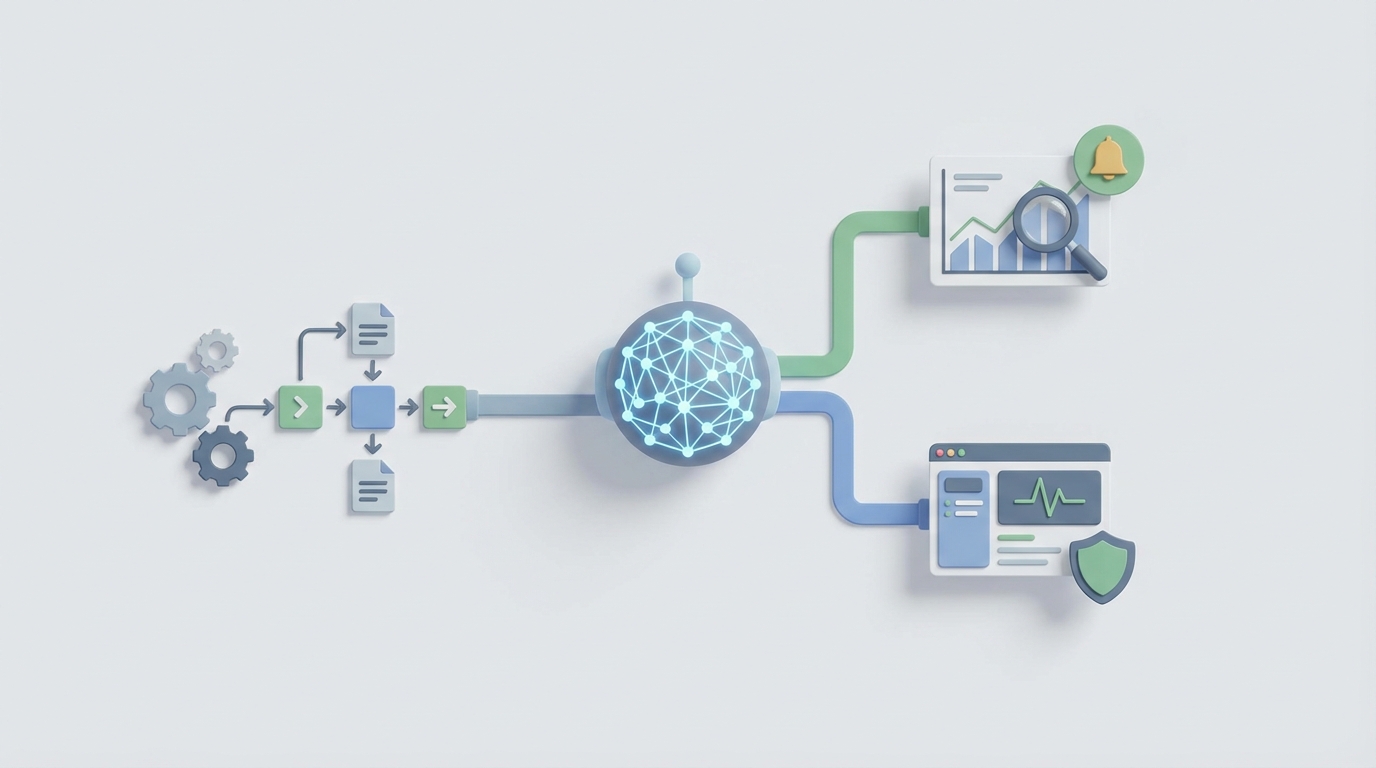
OpenClaw sits on top of this as your AI agent layer. It connects to Vitally's API, ingests the data, applies reasoning through its agent framework, and takes actions back through the API. Think of it as the brain that Vitally's playbooks were never designed to be.
The core architecture looks like this:
Data flows in:
- Vitally webhooks push real-time events (health score changes, new notes, task completions) to your OpenClaw agent.
- Scheduled API polling pulls batch data — account lists, usage metrics, subscription details.
- Additional context comes from connected systems: Salesforce for deal history, Zendesk for ticket sentiment, Stripe for billing data.
Agent reasons:
- OpenClaw's agent framework processes incoming data against your defined workflows.
- It uses tool-calling to pull additional context when needed (e.g., fetching the last 5 support tickets for an account before deciding on an action).
- Vector search over historical CS notes, playbook outcomes, and win/loss data provides institutional knowledge.
Actions go out:
- Create or update tasks in Vitally via API.
- Post notes to account timelines.
- Trigger specific playbooks.
- Update custom traits or health score indicators.
- Send Slack notifications with synthesized context.
- Draft emails for CSM review before sending.
Here's a basic example of how an OpenClaw agent handles a Vitally webhook for a health score change:
# OpenClaw agent workflow: Health Score Drop Handler

@openclaw.on_webhook("vitally.health_score_changed")
async def handle_health_drop(event):
    account_id = event["account"]["id"]
    new_score = event["healthScore"]["score"]
    previous_score = event["healthScore"]["previousScore"]

    # Only act on meaningful drops
    if previous_score - new_score < 10:
        return

    # Gather context from Vitally
    account = await vitally.get_account(account_id)
    recent_notes = await vitally.get_notes(account_id, limit=10)
    tasks = await vitally.get_tasks(account_id, status="open")

    # Pull cross-system context
    recent_tickets = await zendesk.get_tickets(
        email_domain=account["traits"]["domain"],
        days=30
    )
    usage_trend = await vitally.get_usage_metrics(
        account_id,
        period="30d"
    )

    # OpenClaw agent reasoning
    analysis = await openclaw.reason(
        prompt=f"""Analyze this customer health drop and recommend action.

        Account: {account['name']}
        Health: {previous_score} → {new_score}
        ARR: ${account['traits']['arr']}
        Days since onboarding: {account['traits']['days_since_start']}
        Recent notes: {format_notes(recent_notes)}
        Open tasks: {format_tasks(tasks)}
        Support tickets (30d): {format_tickets(recent_tickets)}
        Usage trend: {format_usage(usage_trend)}

        Classify risk level (low/medium/high/critical).
        Identify the likely root cause.
        Recommend specific next action for the CSM.
        Draft a brief outreach message if appropriate.""",
        tools=["vitally_create_task", "vitally_add_note", "slack_notify"]
    )

    # Execute recommended actions
    await openclaw.execute_actions(analysis.recommended_actions)
This is fundamentally different from a Vitally playbook. The agent isn't just checking a threshold — it's synthesizing notes, tickets, usage data, and account context to decide what kind of health drop this is and what specifically to do about it.
Five Workflows Worth Building First
You could build dozens of agent workflows. But these five deliver the most value with the least complexity, based on where CS teams actually waste time.
1. Intelligent Churn Risk Triage
The problem: Vitally's health score tells you that an account is at risk. It doesn't tell you why in a synthesized, actionable way. CSMs spend 15–30 minutes per account pulling together context before they can even decide what to do.
The agent workflow: When a health score crosses a threshold, the OpenClaw agent automatically gathers all relevant context — last 30 days of support tickets, recent CSM notes, usage trends by feature, billing history, champion activity — and produces a structured risk brief. It classifies the root cause (adoption failure, champion departure, product gap, support frustration, budget pressure), recommends a specific intervention, and creates a Vitally task with the brief attached as a note.
Why this matters: Your CSMs go from "Account X health dropped, let me spend 20 minutes figuring out why" to "Account X health dropped because their power user left and feature adoption stalled — here's the recommended re-engagement plan." That time savings multiplied across hundreds of accounts is transformational.
2. Automated QBR Preparation
The problem: QBR prep is one of the most time-consuming, lowest-leverage activities in CS. CSMs manually pull usage stats, build slides, write narratives, and format everything — often spending 2–4 hours per account.
The agent workflow: Triggered 7 days before a scheduled QBR (pulled from Vitally's task/project system), the OpenClaw agent compiles usage metrics, health score trends, support ticket themes, feature adoption rates, and ROI indicators. It generates a structured QBR document with an executive summary, key wins, areas of concern, and recommended discussion topics. It posts the draft as a Vitally note and creates a review task for the CSM.
@openclaw.on_schedule("daily_9am")
async def prepare_upcoming_qbrs():
    # Find accounts with QBRs in the next 7 days
    upcoming = await vitally.get_tasks(
        type="qbr",
        due_within_days=7,
        status="pending"
    )

    for qbr_task in upcoming:
        account = await vitally.get_account(qbr_task["account_id"])

        # Gather 90 days of context
        context = await gather_qbr_context(
            account_id=account["id"],
            period_days=90
        )

        # Generate QBR narrative
        qbr_doc = await openclaw.reason(
            prompt=f"""Generate a QBR preparation document for {account['name']}.

            Include:
            - Executive summary (3 sentences)
            - Key metrics and trends
            - Top 3 wins this quarter
            - Areas of concern with evidence
            - Recommended discussion topics
            - Expansion opportunities based on usage patterns

            Context: {context}

            Write for a CS professional. Be specific, use numbers,
            avoid fluff."""
        )

        # Post to Vitally
        await vitally.create_note(
            account_id=account["id"],
            body=qbr_doc.content,
            category="qbr_prep"
        )

        await vitally.update_task(
            task_id=qbr_task["id"],
            note="AI-generated QBR prep attached. Review and customize."
        )
3. Real-Time Sentiment Analysis on Customer Communications
The problem: A customer can send three increasingly frustrated emails over two weeks, and unless the CSM is paying close attention, the trend goes unnoticed until the health score catches up — which might take days or weeks given data sync lags.
The agent workflow: Every time a new note, email, or support interaction is logged in Vitally (via webhook), the OpenClaw agent analyzes the sentiment and intent. It maintains a rolling sentiment score as a custom trait on the account. When it detects a meaningful negative shift — not just one bad email, but a trend — it alerts the CSM with specific evidence and suggested response.
This is something Vitally literally cannot do natively. Its playbooks don't read natural language. They check numerical fields. An AI agent can understand that "We're happy with the product but need to re-evaluate our tech stack next quarter" is a very different signal than "The latest update broke our workflow and we've been waiting 5 days for a response."
4. Smart Onboarding Orchestration
The problem: Onboarding playbooks in Vitally are linear checklists. Every customer gets roughly the same sequence, adjusted maybe by plan tier. But a customer who's technically sophisticated and already integrated your API doesn't need the same hand-holding as one who's never used a CS platform before.
The agent workflow: At onboarding kickoff, the OpenClaw agent evaluates the customer's profile — company size, technical maturity, use case, deal notes from Salesforce — and dynamically adjusts the onboarding approach. It can modify task sequences, suggest different content resources, adjust check-in frequency, and personalize welcome messages. As the customer progresses, the agent monitors completion velocity and usage signals to identify if they're stuck and need intervention, or if they're racing ahead and could benefit from advanced feature enablement sooner.
5. Expansion Signal Detection and Routing
The problem: Vitally can flag basic expansion signals (seat utilization above 90%, feature limits approaching). But the most valuable expansion signals are nuanced: a customer asks about enterprise features in a support ticket, a new department starts using the product, usage patterns shift toward a higher-tier use case.
The agent workflow: The OpenClaw agent continuously monitors cross-system signals — support ticket content, product usage patterns, user growth rate, feature adoption sequences — and identifies expansion opportunities that rules-based logic would miss. When confidence is high enough, it creates a structured expansion brief, posts it to the account timeline in Vitally, and routes it to the appropriate CSM or Account Manager with specific talking points.
Implementation: Getting Started Without Boiling the Ocean
Here's the practical path. Don't try to build all five workflows at once.
Week 1–2: Connect and observe. Set up OpenClaw's connection to your Vitally workspace via API key. Configure webhook listeners for the events that matter most (health score changes, new notes, task completions). Start logging everything to understand your data shape and volume.
# Initial OpenClaw setup for Vitally integration

import openclaw

# Configure Vitally connection
vitally_config = openclaw.integrations.vitally(
    api_key="your_vitally_api_key",
    workspace="your_workspace",
    webhooks=[
        "health_score.changed",
        "note.created",
        "task.completed",
        "account.updated",
        "playbook.triggered"
    ]
)

# Start with observation mode - log events without taking action
@openclaw.on_webhook("vitally.*")
async def observe_and_log(event):
    await openclaw.log(
        event_type=event["type"],
        account=event.get("account", {}).get("name"),
        payload=event,
        tags=["observation_phase"]
    )
Week 3–4: Build workflow #1 (Churn Risk Triage). This is the highest-value, most immediately useful workflow. Start with accounts that have health scores dropping below your critical threshold. Run the agent in "draft mode" — it generates the analysis and recommended actions, but a human reviews before anything is written back to Vitally.
Week 5–6: Tune and expand. Review the agent's risk assessments against what your CSMs actually found and did. Adjust prompts, add data sources, refine the reasoning. Once confidence is high, enable auto-posting notes and creating tasks. Then move to workflow #2.
Ongoing: Build your context layer. The agent gets dramatically better as you feed it more historical data. Index your past CSM notes, QBR documents, win/loss analyses, and playbook outcomes into OpenClaw's vector store. This gives the agent institutional memory — it can reference what worked with similar accounts in the past.
What This Looks Like at Scale
A CS team of 10 managing 500 accounts, once this is running, looks fundamentally different:
- Morning standups start with AI-generated priority lists ranked by actual risk signals, not just health score numbers.
- QBR prep goes from 3 hours to 30 minutes of review and customization.
- Churn risks get caught when the sentiment shifts, not when the usage finally drops enough to trip a threshold — often weeks earlier.
- Expansion conversations happen with specific, evidence-based talking points instead of generic "have you considered upgrading?"
- New CSMs get up to speed in days instead of months because the agent surfaces institutional knowledge and historical context automatically.
Vitally remains your system of record. It's where your team lives, where your data is organized, where your accounts and health scores and tasks live. The OpenClaw agent is the intelligence layer on top — it reads the data, understands it in ways rules engines can't, and pushes actionable insights back in.
Next Steps
If you're running Customer Success on Vitally and you're feeling the ceiling of rules-based playbooks, there's a clear path forward. Start with the highest-pain workflow (usually churn risk triage or QBR prep), connect your Vitally workspace to OpenClaw, and build your first agent in observation mode.
We help teams build exactly this kind of integration through Clawsourcing. Whether you need help with the initial architecture, connecting your specific tool stack, or building out the full agent workflow library, the team can get you from "we know we need this" to "it's running in production" without the months of trial and error.
The CS teams that figure this out first are going to operate at a completely different level than those still manually triaging health score dashboards. The data is already in Vitally. The API is already there. The missing piece is the intelligence layer — and that's exactly what OpenClaw is built for.