AI Agent for Totango: Automate Customer Journey Orchestration, Churn Prediction, and Account Management
Automate Customer Journey Orchestration, Churn Prediction, and Account Management
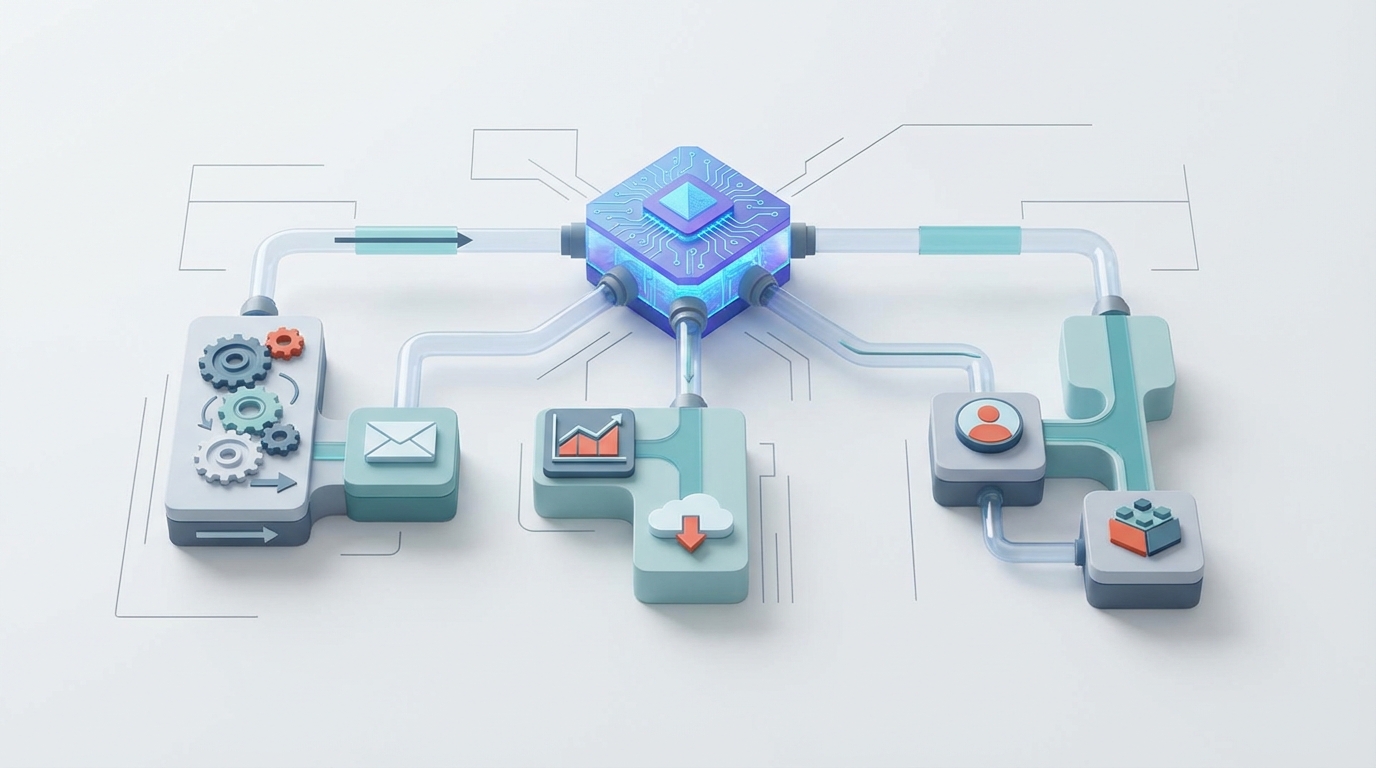
Most Customer Success teams running Totango are operating at maybe 40% of what the platform could actually do for them. Not because they're lazy — because the platform's built-in automation is fundamentally limited to rule-based logic. If health score drops below X, do Y. If renewal is in 90 days, send Z.
That's fine for table stakes. But it means your CSMs are still spending hours every week reading through support tickets, manually piecing together account narratives, guessing which accounts actually need attention versus which ones just triggered a noisy alert, and writing the same slightly-different email over and over.
The fix isn't switching platforms. It's adding an intelligence layer on top of what you already have. That's what we're going to walk through here: building a custom AI agent with OpenClaw that connects to Totango's API, actually understands your account data, and takes autonomous action — not just "if-then" action, but judgment-based, context-aware action.
Let's get into it.
Why Totango's Native Automation Hits a Ceiling
Before building anything, it's worth being honest about where Totango stops being useful on its own. This isn't a knock on the platform — it's genuinely good at orchestration and visibility. But its automation layer has hard limits:
It's rule-based only. Playbooks are if-this-then-that. No conditional branching based on the actual content of a support ticket or the tone of an email thread. You can trigger on ticket count, but not on what the tickets actually say.
There's no real intelligence. Totango can tell you a health score dropped. It cannot tell you why it dropped in plain English, or whether this particular drop pattern historically leads to churn, or what the CSM should actually do about it given this specific account's context.
Execution is batched, not real-time. Playbooks typically run on 15–60 minute schedules. When an enterprise account's primary champion rage-quits and posts about it on LinkedIn, you don't have an hour.
Complex playbooks become debugging nightmares. Anyone who's built a playbook with more than five or six conditions knows the pain. They're brittle, hard to audit, and nearly impossible to maintain when your CS process evolves.
No memory across interactions. Totango doesn't natively connect the dots between what happened in a QBR three months ago, what was said in a support ticket last week, and what the usage data is showing today. Your CSMs do that in their heads, which doesn't scale.
The bottom line: Totango is an excellent system of record and orchestration engine. What it lacks is understanding and judgment. That's exactly what an AI agent adds.
The Architecture: OpenClaw + Totango
Here's what the integration looks like at a high level:
Totango API/Webhooks
        ↓
   OpenClaw Agent
   (reasoning + tool use + memory)
        ↓
  ┌─────┴─────┐
  │            │
Actions back   External outputs
into Totango   (Slack, Email,
(tasks, notes,  dashboards)
attributes,
playbook triggers)
OpenClaw serves as the orchestration and reasoning layer. It connects to Totango's REST API to read account data, health scores, tasks, notes, and usage events. It uses webhooks to react in near-real-time. And it writes back — creating tasks, updating custom attributes, adding notes, or triggering playbooks based on its analysis.
The key difference from native automation: the OpenClaw agent can reason about what it reads. It can synthesize unstructured data (support tickets, call notes, email threads) with structured data (health scores, usage metrics, ARR) and make nuanced decisions.
Connecting to the Totango API
Totango's REST API is reasonably mature. Authentication is API-key-based, which keeps things simple. Here's what the basic connection looks like when you're configuring it in OpenClaw:
# OpenClaw tool configuration for Totango API
totango_config = {
    "base_url": "https://api.totango.com/api/v1",
    "auth": {
        "type": "api_key",
        "header": "app-token",
        "value": "{{TOTANGO_API_KEY}}"
    },
    "tools": [
        {
            "name": "search_accounts",
            "endpoint": "/search/accounts",
            "method": "POST",
            "description": "Search Totango accounts with filters on health, ARR, segment, attributes"
        },
        {
            "name": "get_account_health",
            "endpoint": "/accounts/{account_id}/health",
            "method": "GET",
            "description": "Retrieve composite and category health scores for an account"
        },
        {
            "name": "create_task",
            "endpoint": "/tasks",
            "method": "POST",
            "description": "Create a task assigned to a CSM for a specific account"
        },
        {
            "name": "add_note",
            "endpoint": "/accounts/{account_id}/notes",
            "method": "POST",
            "description": "Add a note to an account with AI-generated summary or recommendation"
        },
        {
            "name": "update_attribute",
            "endpoint": "/accounts/{account_id}/attributes",
            "method": "PUT",
            "description": "Update custom attributes like ai_risk_score, next_best_action, churn_signals"
        },
        {
            "name": "trigger_playbook",
            "endpoint": "/playbooks/{playbook_id}/trigger",
            "method": "POST",
            "description": "Programmatically trigger a Totango playbook for a specific account"
        }
    ]
}
You register these as tools in your OpenClaw agent, which means the agent can decide when and how to call them based on its reasoning — not just based on a static rule.
Five Workflows Worth Building First
You could build dozens of things. Don't. Start with the five that have the highest leverage for a CS team already running Totango.
1. Intelligent Account Summarization
The problem: Before any call, QBR, or renewal conversation, CSMs spend 20–45 minutes pulling together the account picture. They're reading through Totango notes, checking Zendesk tickets, scanning usage dashboards, reviewing the health score breakdown, and trying to remember what happened last quarter.
What the OpenClaw agent does:
The agent pulls the account's health score components, recent notes, open tasks, usage trends, and (if you've synced them) recent support tickets. It then synthesizes everything into a concise brief:
ACCOUNT BRIEF: Acme Corp (ARR: $185K | Health: 62 ↓ from 78)
Renewal: March 15, 2026 (94 days)

KEY RISKS:
- Primary champion (Sarah Chen, VP Ops) left company 3 weeks ago.
  No replacement identified in Totango contacts.
- Support ticket volume up 340% in last 30 days. 3 tickets
  mention "evaluating alternatives" or "competitor."
- Daily active users dropped from 847 to 312 since Oct 1.

BRIGHT SPOTS:
- API usage actually increased 22% — engineering team is
  building deeper integrations.
- New stakeholder (James Wu, Director of CS) attended last
  webinar and asked detailed questions about Enterprise tier.

RECOMMENDED ACTIONS:
1. Schedule executive sponsor alignment call within 5 business days.
2. Reach out to James Wu as potential new champion.
3. Escalate to VP CS — this account needs a save plan before renewal window.
This runs automatically when a CSM opens an account, or on a schedule before key meetings. The agent writes the summary as a note in Totango and can post it to Slack.
2. Predictive Churn Analysis That Actually Explains Itself
The problem: Totango's health scores are useful but opaque. A score of 62 doesn't tell you what's actually wrong or whether this particular pattern tends to precede churn.
What the OpenClaw agent does:
The agent analyzes the full picture — structured health data plus unstructured signals — and produces an explained risk assessment. It's not just a number. It's a narrative with evidence.
Configure the agent in OpenClaw to run nightly across your entire book of business:
# OpenClaw agent workflow: Nightly churn risk analysis
workflow = {
    "trigger": "schedule",
    "cron": "0 6 * * *",  # 6 AM daily
    "steps": [
        {
            "action": "search_accounts",
            "params": {"filter": "health_score < 70 AND arr > 50000"}
        },
        {
            "action": "for_each_account",
            "steps": [
                "fetch_health_components",
                "fetch_recent_notes_and_tickets",
                "fetch_usage_trends_30d",
                "analyze_churn_signals",
                "generate_risk_narrative",
                {
                    "action": "update_attribute",
                    "params": {
                        "ai_churn_risk": "{{risk_level}}",
                        "ai_risk_narrative": "{{narrative}}",
                        "ai_recommended_action": "{{next_action}}"
                    }
                },
                {
                    "condition": "risk_level == 'critical'",
                    "action": "create_task",
                    "params": {
                        "assignee": "{{account.csm}}",
                        "title": "CRITICAL: AI-detected churn risk for {{account.name}}",
                        "description": "{{narrative}}\n\nRecommended: {{next_action}}",
                        "due_date": "{{today + 2_business_days}}"
                    }
                }
            ]
        }
    ]
}
The agent writes its analysis back into Totango as custom attributes (ai_churn_risk, ai_risk_narrative), which means your existing Totango segments and playbooks can now trigger off AI-generated intelligence. You're not replacing Totango's workflow engine — you're feeding it smarter inputs.
3. Automated QBR Preparation
The problem: QBR prep is one of the biggest time sinks for CSMs. Pulling usage data, creating slides, writing talking points, identifying risks and wins — it's easily 2–4 hours per account per quarter.
What the OpenClaw agent does:
Triggered 7 days before a scheduled QBR (detected from the Totango task/calendar), the agent:
- Pulls 90 days of usage analytics, health trends, and milestone completion data
- Summarizes all notes, support interactions, and survey responses from the quarter
- Identifies the top 3 wins, top 3 risks, and top 3 expansion opportunities
- Drafts a structured QBR document with executive summary, usage highlights, and recommended discussion topics
- Posts the draft as a note in Totango and sends it to the CSM via Slack for review
The CSM goes from "build the QBR from scratch" to "review and edit the AI draft." That's 2–4 hours down to 20–30 minutes.
4. Next-Best-Action Engine
The problem: Totango playbooks are great at telling CSMs that they need to do something. They're bad at telling them what specifically to do for this particular account given this particular context.
What the OpenClaw agent does:
When a playbook fires (or on demand), the agent evaluates the account context and recommends specific, personalized actions. Not generic "reach out to customer" — actual tactical guidance:
- "Schedule a technical deep-dive on the reporting module. Usage dropped 60% after their admin (Lisa Park) left. New admin (Tom Reeves) hasn't completed the certification. Send him the self-paced training link and offer a 30-min walkthrough."
- "This account has 47 unused licenses on a 100-seat contract. Renewal is in 60 days. Do NOT bring up license optimization proactively — wait for them to raise it. Instead, focus the conversation on the API integration their engineering team started, which justifies the full seat count if they roll it out to the product team."
That second recommendation? No rule-based system in the world generates that. It requires understanding the account's usage patterns, contract terms, recent conversations, and strategic context — all synthesized together.
5. Real-Time Anomaly Detection and Response
The problem: Totango's scheduled playbook execution means there's always a lag. And rigid thresholds miss subtle but important patterns.
What the OpenClaw agent does:
Using Totango webhooks, the OpenClaw agent reacts in near-real-time to events:
# OpenClaw webhook handler for Totango events
webhook_handlers = {
    "health_score_change": {
        "condition": "delta < -15 AND timeframe == '7_days'",
        "action": "investigate_and_alert",
        "description": "Rapid health decline — agent investigates cause and alerts CSM"
    },
    "survey_response": {
        "condition": "nps_score <= 6",
        "action": "detractor_response_workflow",
        "description": "Immediate detractor follow-up with AI-drafted response"
    },
    "usage_event": {
        "condition": "anomaly_detected",
        "action": "usage_anomaly_investigation",
        "description": "Unusual usage pattern — agent analyzes and determines if action needed"
    }
}
When a health score drops 15+ points in a week, the agent doesn't just fire a notification. It investigates: What changed? Was there a support escalation? Did key users stop logging in? Did a champion leave? It presents the CSM with a diagnosis, not just an alert.
What This Looks Like in Practice
Let's say you're a $50M ARR B2B SaaS company with 400 accounts and 8 CSMs. You're running Totango today with basic playbooks.
After implementing OpenClaw agents:
- CSMs save 8–12 hours per week on account research, QBR prep, and email drafting
- At-risk accounts are identified 2–3 weeks earlier because the agent catches unstructured signals (language in tickets, champion departures, usage pattern shifts) that health scores miss
- Renewal conversations are better prepared because every CSM walks in with an AI-generated brief that synthesizes months of interactions
- Playbooks become smarter without being rebuilt — the agent feeds enriched attributes into Totango, so your existing automations trigger on better data
The CSMs aren't replaced. They're upgraded from "data gatherers who sometimes do strategy" to "strategists who are always informed."
Implementation: Start Small, Expand
Don't try to build all five workflows at once. Here's the order I'd recommend:
Week 1–2: Connect OpenClaw to Totango's API. Get account search, health score retrieval, and note creation working. Build the Account Summarization agent.
Week 3–4: Add the nightly churn risk analysis. Start writing ai_churn_risk attributes back into Totango. Create a Totango segment for "AI-flagged critical risk" and wire it to your existing escalation playbook.
Week 5–6: Build the QBR prep automation. This one has the most immediate, visible time savings and will get your CSMs bought in.
Week 7–8: Layer on real-time anomaly detection via webhooks and the next-best-action engine.
Each step builds on the last. Each step is independently valuable. And each step makes your Totango investment work harder without requiring you to rip anything out.
What You'll Need
- Totango account with API access (API key with appropriate permissions)
- OpenClaw for agent orchestration, reasoning, and tool use
- Your existing integrations — if you're already syncing Zendesk, Salesforce, or product analytics into Totango, the agent benefits from all of that data
- A data warehouse (optional but recommended) — Snowflake or BigQuery for historical analysis and vector search on unstructured data like notes and tickets
If you're already running Totango and have clean data flowing in, the incremental infrastructure is minimal. The hard part isn't the plumbing — it's designing the agent logic well so it generates genuinely useful outputs instead of noise.
Next Steps
If you're running Totango and your CS team is still spending more time on data gathering than actual customer strategy, this is worth exploring. The platform gives you the foundation. OpenClaw gives you the intelligence layer.
We build these integrations through Clawsourcing — our implementation service for custom AI agent builds. We'll scope the integration, build the first two workflows, and hand you a working system your team can extend. No six-month implementation timeline. No $200K consulting engagement. Just working agents that make your existing Totango setup dramatically more useful.
The best CS platforms are the ones that free your team to do what humans are actually good at: building relationships, making judgment calls, and being genuinely helpful. Let the agent handle the rest.