AI Agent for Teachable: Automate Course Enrollment, Student Progress, and Revenue Tracking
Automate Course Enrollment, Student Progress, and Revenue Tracking
Most course creators on Teachable hit the same wall around the same time.
You've got a few hundred students, maybe a couple thousand. Revenue is growing. But you're spending your mornings manually checking who dropped off Module 3, your afternoons writing re-engagement emails that feel generic because they are generic, and your evenings pulling CSV exports into Google Sheets trying to figure out which cohort actually has a decent completion rate.
Teachable is a solid platform for hosting and selling courses. It's not a solid platform for running an intelligent course business. The native automations are "if this, then that" at best. The analytics are surface-level. There's no way to build conditional logic that actually reflects how students behave. And there's definitely no AI built into any of it.
Here's what most people do: they duct-tape together Zapier workflows, pipe data into a spreadsheet, and hope they remember to check it. Some graduate to Make.com and build increasingly fragile multi-step automations that break whenever Teachable changes something.
There's a better approach. You build a custom AI agent that connects directly to Teachable's API and webhooks, reasons about your student data, and takes action autonomously. Not a chatbot. Not a glorified FAQ widget. An actual agent that monitors your school, identifies problems and opportunities, and acts on them — or escalates to you when a human touch matters.
That's what OpenClaw lets you build, and this post is going to walk through exactly how it works with Teachable.
What Teachable's API Actually Gives You to Work With
Before we talk about what an AI agent can do, let's be honest about what the Teachable API supports — and where it falls short.
What you can read:
- Students/Users (profiles, custom attributes, tags)
- Enrollments (who's enrolled in what, enrollment dates)
- Courses, Sections, Lectures (structure and metadata)
- Orders/Transactions (purchase history, refunds)
- Certificates (issued certificates)
What you can write:
- Create and update students
- Create and modify enrollments
- Add/remove tags and custom attributes
- Some order updates
What the webhooks fire on:
order.created,order.refundeduser.created,user.updatedenrollment.created,enrollment.completedlecture.completed- Subscription events (created, renewed, cancelled)
What you can't do:
- Create or modify course content via API (no uploading videos or building lessons programmatically)
- Bulk operations on most endpoints
- Complex queries or filtering server-side
- Access advanced quiz data or checkout customizations
This is actually enough to build something powerful. The read access gives you the data. The webhooks give you real-time triggers. The write access on students, enrollments, and tags gives you the ability to act. You just need something smart sitting in the middle that can reason about the data and decide what to do.
That's the agent.
The Architecture: Teachable → OpenClaw → Actions
Here's how the integration works at a high level:
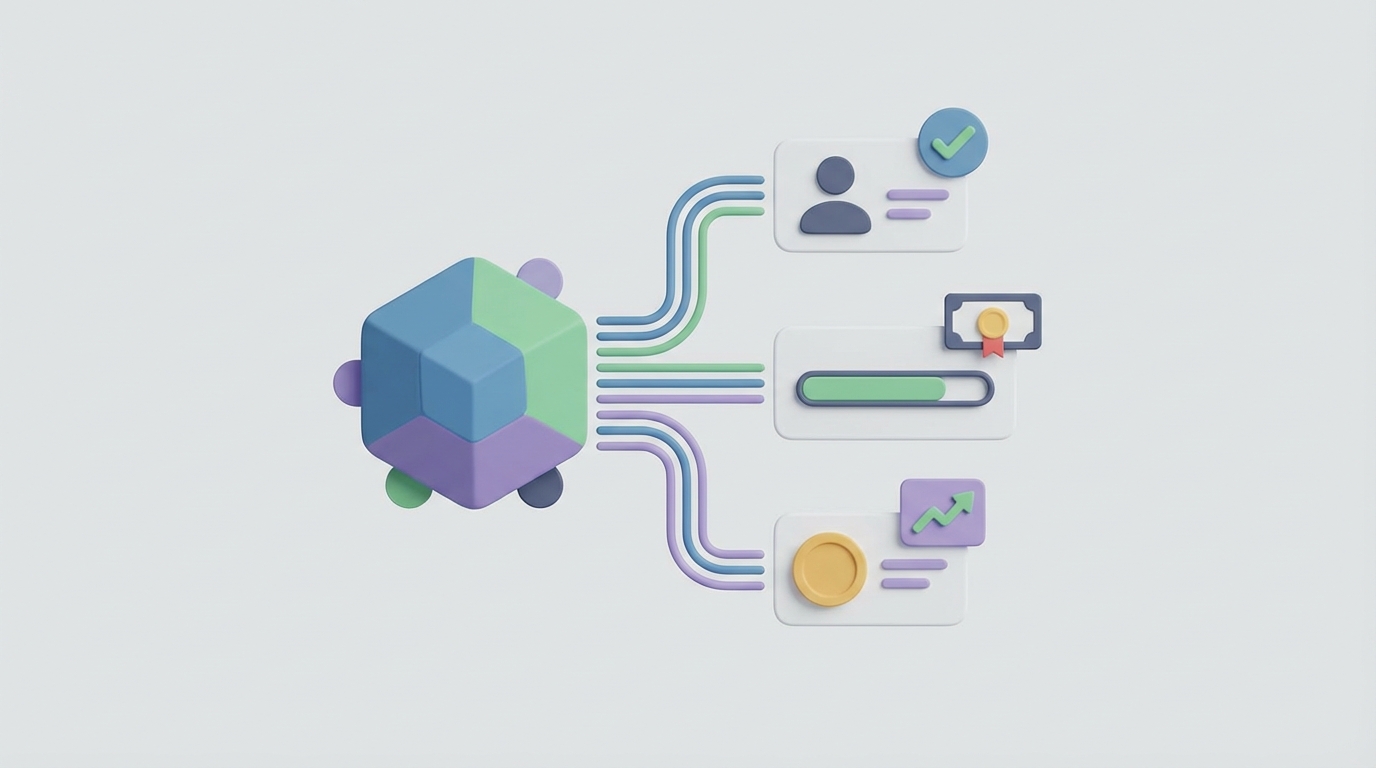
Teachable webhooks fire events in real-time (student enrolled, lecture completed, order created, etc.) and send them to your OpenClaw agent's endpoint.
OpenClaw receives those events, combines them with historical data it's already pulled from Teachable's REST API, reasons about what's happening, and decides on the appropriate action.
Actions flow back out — either to Teachable's API directly (enroll in a course, add a tag, update a custom attribute) or to external tools (send a personalized email via ConvertKit, post to a Slack channel, create a task in your project management tool, update a CRM record).
The key difference between this and a Zapier workflow is the reasoning layer. A Zap does the same thing every time. An OpenClaw agent evaluates context, weighs multiple signals, and makes a judgment call — just like you would if you had time to look at every student individually.
Here's a practical example of how you'd configure a webhook listener for Teachable in OpenClaw:
# OpenClaw agent webhook configuration for Teachable
{
  "trigger": "teachable.lecture.completed",
  "agent_instructions": """
    When a student completes a lecture:
    1. Pull their full enrollment and progress data from Teachable API
    2. Calculate their completion velocity (lectures per day vs. cohort average)
    3. Check if they've been stuck on any previous module for >5 days
    4. If completion velocity is declining AND they're past the 40% mark,
       flag as at-risk and draft a personalized check-in email
    5. If they just completed a milestone module (end of a section),
       trigger the appropriate upsell or community invitation sequence
    6. Log all reasoning to the activity feed
  """,
  "connected_apis": ["teachable", "convertkit", "slack"],
  "escalation": "slack_channel:#student-success"
}
That's not a linear automation. That's an agent that thinks about what's happening and responds appropriately.
Five Workflows That Actually Matter
Let me walk through the specific workflows where an AI agent transforms how a Teachable school operates.
1. Intelligent Student Progress Monitoring
The problem: Teachable shows you a progress bar. That's it. You can see that a student is 47% through your course. You can't see that they blazed through the first three modules in two days, then haven't logged in for three weeks. You can't see that students who stall at Module 4 have a 78% chance of never finishing. You definitely can't see that this specific student asked a question in the community forum two weeks ago that never got answered.
What the OpenClaw agent does:
Every time a lecture.completed webhook fires, the agent pulls the student's full history. It calculates completion velocity, compares it to cohort baselines, checks for engagement signals (forum posts, quiz scores, login frequency), and classifies the student into a health category.
For at-risk students, it drafts and sends a personalized email through your email platform — not a template with a first name merged in, but an actual message that references where they stopped, acknowledges the specific content they might be struggling with, and offers a relevant resource or suggests a specific next step.
For students who are crushing it, it triggers an ambassador or affiliate invitation sequence.
The agent also maintains a running "student health" score as a custom attribute on their Teachable profile, so you can segment and filter on it later.
2. Dynamic Post-Purchase Onboarding
The problem: Everyone who buys your course gets the same welcome email sequence. But the person who found you through a webinar about productivity has different expectations than the person who clicked an Instagram ad about career change. And the person who bought the bundle has different needs than the person who bought a single course.
What the OpenClaw agent does:
When order.created fires, the agent evaluates: What did they buy? How did they find you (UTM parameters, referral source)? Have they purchased before? What's their profile data tell us?
Based on that evaluation, it selects the appropriate onboarding path — which welcome email to send, which "start here" resource to highlight, whether to enroll them in a prerequisite course first, whether to add them to a specific community group or Slack channel.
# Example agent logic for post-purchase routing
{
  "trigger": "teachable.order.created",
  "agent_instructions": """
    Evaluate the new purchase and determine the optimal onboarding path:

    - If the student has previous enrollments, check completion rates.
      If prior courses are <30% complete, send re-engagement + new course welcome hybrid.
    - If the order includes a bundle, create a recommended course sequence
      based on the student's stated goals (from intake form custom attributes).
    - If the purchase is a subscription/membership, emphasize community access
      and schedule the first live session reminder.
    - For all paths: set a 72-hour check-in reminder to verify first login occurred.
      If no login after 72 hours, escalate to high-priority re-engagement.

    Tag the student with their assigned onboarding path for tracking.
  """
}
3. Revenue Intelligence and Churn Prediction
The problem: Teachable's revenue reports tell you how much money came in. They don't tell you why revenue changed, which segments are most valuable, or which subscribers are about to cancel.
What the OpenClaw agent does:
The agent continuously pulls order and subscription data from the Teachable API. It builds cohort models, calculates actual LTV by acquisition source, and identifies patterns that predict churn — like a subscriber who hasn't logged in for two billing cycles, or a student who completed the core content and has no reason to stay subscribed.
When it identifies a likely churn candidate, it can:
- Trigger a retention offer (discount, bonus content enrollment, personal outreach)
- Alert you in Slack with a summary of the student's engagement history and a recommended action
- Add a tag in Teachable so you can see at-risk subscribers at a glance
It also generates periodic revenue intelligence summaries: "Your March cohort has 34% higher completion than February, likely because you added the accountability check-ins. Revenue per student is up $47. Three subscribers are flagged for churn risk this week — here's why and what I recommend."
4. Automated Affiliate and Partner Management
The problem: Teachable has a built-in affiliate system, but managing affiliates well — identifying top performers, detecting fraud, optimizing commission structures, and keeping affiliates engaged — requires constant attention.
What the OpenClaw agent does:
It monitors affiliate performance data, identifies trends (an affiliate's conversion rate suddenly dropped, or a new affiliate is generating suspiciously high refund rates), and takes appropriate action.
For high-performing affiliates, it automatically sends recognition messages and can flag them for commission tier upgrades. For underperformers, it can send re-engagement resources or training materials about how to better promote the course.
It can also analyze which affiliate traffic sources produce students with the highest completion rates and LTV — not just the most sales — so you optimize for quality, not just volume.
5. Smart Content Support and Q&A
The problem: Students ask questions. The same questions, over and over. You answer them manually, or they go unanswered and students get frustrated and drop off. There's no native ticketing system in Teachable.
What the OpenClaw agent does:
This is where it gets interesting. You feed the agent your course content — transcripts, lesson descriptions, supplementary materials. When students submit questions (through a form, community forum, or email), the agent:
- Checks if this question has been answered before
- If yes, surfaces the relevant answer with a link to the specific lecture or resource
- If no, drafts a response based on the course material and your teaching style
- For questions it's not confident about, escalates to you with a suggested response you can edit and send
This alone can save course creators 5–10 hours per week once you're past a few hundred students.
Why OpenClaw and Not a DIY Stack
You could, theoretically, build all of this yourself. Set up a Node.js server, write webhook handlers, integrate the OpenAI API, build a database to track state, write the logic for every workflow, handle error cases, manage API rate limits, and maintain it all when Teachable inevitably changes something.
Most people who start down that path abandon it around week three.
OpenClaw is purpose-built for exactly this kind of agent. You define the triggers, write the agent instructions in plain language, connect your APIs, and the platform handles the orchestration, state management, error handling, and reasoning. You get the power of a custom-built system without needing to maintain the infrastructure.
It also handles the tricky parts that DIY solutions usually skip: retry logic when the Teachable API rate-limits you, graceful degradation when an external service is down, audit logs of every decision the agent made and why, and the ability to adjust the agent's behavior without rewriting code.
Getting Started
If you're running a Teachable school and spending more than an hour a day on tasks that are some combination of repetitive, data-dependent, and context-sensitive — you're a good candidate for this.
The implementation typically follows this path:
-
Audit your current workflows. What are you doing manually that follows a pattern? What data are you checking repeatedly? Where are students falling through the cracks?
-
Map to Teachable's API and webhooks. For each workflow, identify which triggers and data points are available. The list above covers most use cases.
-
Design your agent's decision logic. This is the part most people need help with — not the technical integration, but defining how the agent should think about your specific students, content, and business.
-
Build in OpenClaw. Connect your Teachable API key, configure your webhook endpoints, write your agent instructions, and connect your other tools (email platform, Slack, CRM, whatever else is in your stack).
-
Test with real data, limited scope. Start with one workflow — student progress monitoring is usually the highest-impact starting point. Run it alongside your manual process for a week. Compare results.
-
Expand. Once you trust the agent's judgment on one workflow, add the next one.
The Bottom Line
Teachable is a good course platform that's limited by basic automations and surface-level analytics. Those limitations aren't going away — Teachable is focused on being a course hosting and sales platform, not an AI-powered education operating system.
But you can build that intelligence layer yourself, on top of what Teachable already provides. The API and webhooks give you enough surface area. OpenClaw gives you the reasoning engine and orchestration. The result is a Teachable school that runs more like a $50M EdTech company than a one-person course business — identifying at-risk students before they churn, personalizing every touchpoint, optimizing revenue automatically, and freeing you to focus on creating great content instead of managing spreadsheets.
If you want help designing the right agent architecture for your specific Teachable setup, check out Clawsourcing. The team can help you map your workflows, build your OpenClaw agents, and get the whole system running — so you can stop babysitting automations and start scaling your course business like it actually has a back office.