AI Agent for Schoology: Automate Learning Management, Assessment, and Parent Engagement
Automate Learning Management, Assessment, and Parent Engagement
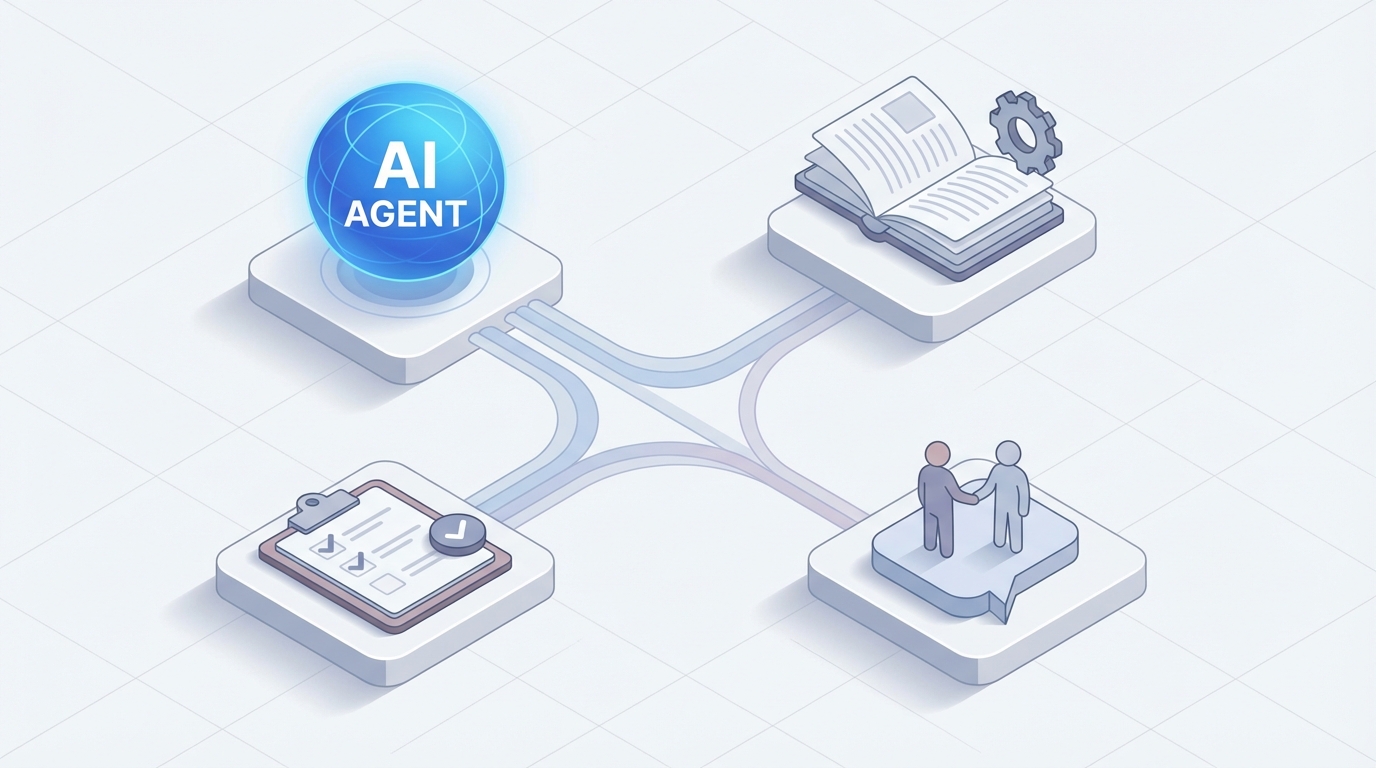
Let me be honest about something: Schoology works. It holds your courses, tracks your grades, manages your enrollments. Millions of students and teachers use it every day. But "works" and "works well" are different things, and if you've spent any time inside Schoology — whether you're a district administrator, a classroom teacher, or a corporate training manager — you know exactly where the gaps are.
Grading 150 open-ended responses by hand. Manually enrolling cohorts because the SIS sync runs once a night. Parents emailing you at 9 PM asking about their kid's missing assignments when the information is right there in the system. Running the same compliance report every Monday by exporting to Excel and reformatting it. Teachers spending their Sunday afternoons building quiz questions from scratch for material they've taught six times.
None of this is a Schoology problem, exactly. It's an LMS problem. These platforms were built to store and organize learning — not to think about it. And Schoology's built-in automation is, to put it charitably, minimal. You get auto-grading for multiple choice. You get nightly SIS syncs. You get basic notification rules. That's about it.
So here's what we're going to talk about: building a custom AI agent that connects to Schoology's API and actually does the tedious, repetitive, high-volume work that eats up your time. Not Schoology's own AI features (which, as of now, are basically nonexistent on the platform). Not some vaporware "AI-powered learning revolution." A real system, built on OpenClaw, that reads from and writes to Schoology and handles the work you shouldn't be doing manually.
Why Schoology Specifically Needs This
Schoology sits in an interesting position. It has a genuinely usable REST API — CRUD operations on users, courses, sections, enrollments, assignments, discussions, submissions, grades, rubric scores, attendance, events, analytics. The coverage is solid. You can do real things with it.
But the platform itself gives you almost no tools to act on that API programmatically. There's no visual workflow builder. No conditional logic engine. No "if a student scores below 60% on this quiz, automatically assign a remediation module." No "when a new employee is added to the HR system, enroll them in the onboarding course and notify their manager." Nothing.
This creates a specific opportunity. The API is the raw capability. OpenClaw is the brain that uses it.
Compare this to, say, trying to add intelligence to a platform with no API at all. You'd be screen-scraping and praying. Schoology gives you legitimate programmatic access to almost everything that matters — content, assessments, grades, enrollments, analytics, messaging. The missing piece is something smart enough to orchestrate it all.
What OpenClaw Actually Does Here
OpenClaw is the platform you use to build the AI agent itself — the layer that sits between Schoology's API and the humans who use it. Think of it as the orchestration brain: it connects to Schoology's data, reasons about what needs to happen, and executes actions through the API.
The architecture looks like this:
Schoology API (OAuth 1.0a)
        ↕
   OpenClaw Agent
   ├── LLM reasoning layer
   ├── Function calling (safe API execution)
   ├── Vector store (course content, resources)
   ├── Workflow automation engine
   └── Human-in-the-loop approval gates
        ↕
Users (teachers, admins, students, parents)
OpenClaw handles the hard parts: maintaining the API connection, managing authentication, storing and retrieving context from course materials, deciding when to act autonomously versus when to ask for human approval, and executing multi-step workflows that would take a person 30 minutes in about 30 seconds.
Let me walk through the specific workflows where this matters most.
Workflow 1: Intelligent Grading and Feedback
This is the single biggest time-saver, and it's not close.
A high school English teacher with 5 sections of 30 students assigns a two-paragraph response essay. That's 150 submissions. Even at 3 minutes per submission — read, evaluate against rubric, write feedback, enter score — that's 7.5 hours of grading. For one assignment.
Here's what the OpenClaw agent does:
- Monitors submissions via the Schoology API. When a student submits, the agent picks it up.
- Retrieves the rubric attached to the assignment (Schoology's API exposes rubric criteria and point values).
- Evaluates the response against each rubric dimension — thesis clarity, evidence use, grammar, organization — using the LLM reasoning layer.
- Generates specific, personalized feedback. Not "good job" — actual feedback like "Your second paragraph introduces the economic argument effectively, but the connection back to your thesis in paragraph one could be stronger. Consider adding a transition sentence that explicitly links industrialization to the labor patterns you described."
- Assigns a provisional score per rubric criterion.
- Queues everything for teacher review. The teacher sees the submission, the AI-suggested score, and the AI-generated feedback. They approve, adjust, or override. One click to accept, or they tweak the score and edit the feedback.
The teacher's 7.5-hour grading session becomes a 45-minute review session. The feedback is more detailed and more consistent than what most teachers can produce at scale under time pressure. And the grades still go through a human before they hit the gradebook.
# Pseudocode for the grading workflow in OpenClaw

agent.on("schoology.submission.created", async (submission) => {
    const assignment = await schoology.getAssignment(submission.assignment_id);
    const rubric = await schoology.getRubric(assignment.rubric_id);
    const studentWork = await schoology.getSubmissionContent(submission.id);

    const evaluation = await agent.evaluate({
        content: studentWork,
        rubric: rubric.criteria,
        instructions: assignment.description,
        tone: "encouraging but specific",
        grade_level: assignment.section.grade_level
    });

    await agent.queueForReview({
        submission_id: submission.id,
        suggested_scores: evaluation.scores,
        suggested_feedback: evaluation.feedback,
        confidence: evaluation.confidence_score,
        reviewer: assignment.teacher_id
    });
});
The confidence_score matters. If the agent is highly confident in its assessment (the rubric is clear, the response is straightforward), it can flag it as "likely ready to approve." If confidence is low (ambiguous rubric criteria, creative writing, edge cases), it flags it for closer review. Teachers learn quickly which ones need attention and which ones they can approve in batch.
For corporate training, substitute "employee" for "student" and "compliance scenario response" for "essay." The workflow is identical.
Workflow 2: Proactive At-Risk Detection
Schoology has analytics. You can see usage data, progress, grades. But you have to go look at it. Nobody has time to review dashboards for 3,000 students every day.
The OpenClaw agent monitors continuously:
- Grade trends: Student's average dropped 15% in the last two weeks across multiple courses.
- Engagement signals: Student hasn't logged in for 5 days. Or they're logging in but not submitting assignments.
- Assignment patterns: Three consecutive missed submissions in a specific course.
- Discussion participation: Student who was active in discussions has gone silent.
When the agent detects a pattern that crosses a configurable threshold, it acts:
- Notifies the teacher with a summary: "Alex M. has missed 3 assignments in your Biology section this month and hasn't logged in since Tuesday. Their grade has dropped from B+ to C-. Here's a timeline of their recent activity."
- Optionally notifies a counselor or administrator if the pattern spans multiple courses.
- Sends a check-in message to the student (if configured): "Hey Alex, I noticed you might have a few things piling up in Biology. Here's a quick summary of what's due and what's overdue. Want me to help you make a plan to catch up?"
- Notifies parents/guardians through Schoology's parent portal messaging with a factual, non-alarming summary.
None of this requires anyone to pull a report or check a dashboard. The agent is watching the data and surfacing what matters when it matters.
For corporate training managers: replace "at-risk student" with "employee falling behind on required compliance training" and "parent notification" with "manager escalation." The stakes are different — regulatory fines instead of report cards — but the workflow is the same.
Workflow 3: Automated Content Generation
A teacher needs to create a quiz on Chapter 7 of a textbook. They've taught this chapter before. They have the learning objectives. But building a 20-question quiz with varied question types, aligned to standards, with good distractors on the multiple choice — that takes an hour.
With OpenClaw:
- Teacher provides the source material — uploads the chapter PDF, or points to existing resources in Schoology's resource bank.
- Agent ingests the material into its vector store, chunked and embedded for retrieval.
- Agent generates the assessment — 10 multiple choice (with plausible distractors), 5 short answer, 3 extended response, 2 matching — all aligned to the specified learning standards.
- Agent creates the quiz directly in Schoology via the API, including question bank entries for future reuse.
- Teacher reviews, edits, and publishes.
# Content generation workflow

agent.on("teacher.request.quiz_generation", async (request) => {
    const sourceContent = await agent.vectorStore.retrieve({
        course_id: request.course_id,
        topic: request.topic,
        chapters: request.chapters
    });

    const quiz = await agent.generate({
        type: "assessment",
        source: sourceContent,
        standards: request.aligned_standards,
        question_distribution: {
            multiple_choice: 10,
            short_answer: 5,
            extended_response: 3,
            matching: 2
        },
        difficulty: request.target_difficulty,
        bloom_levels: ["remember", "understand", "apply", "analyze"]
    });

    const schoologyQuiz = await schoology.createTest({
        section_id: request.section_id,
        title: quiz.title,
        questions: quiz.questions,
        status: "draft"  // Always draft — teacher publishes
    });

    return schoologyQuiz;
});
This also works for lesson plans, rubrics, discussion prompts, and entire module outlines. The agent doesn't replace the teacher's expertise — it gives them a strong first draft to work from instead of a blank page.
Workflow 4: Parent Engagement Automation
This one is underrated. Parent engagement correlates strongly with student outcomes, but teachers can't individually message 150 families every week. And Schoology's parent portal, while functional, is passive — parents have to log in and look.
The OpenClaw agent generates and sends personalized weekly summaries to parents:
- What their child worked on this week (assignments submitted, discussions participated in, resources accessed).
- Upcoming deadlines for the next week.
- Grade snapshot — current grades by course, any recent changes.
- Specific praise or concern — "Jamie did excellent work on the history project this week" or "Jamie has two overdue assignments in Math that need attention."
These go out automatically. The teacher doesn't write them. The agent pulls the data from Schoology's API, generates natural-language summaries appropriate for a parent audience, and sends them through Schoology's messaging system.
For corporate use: replace "parent" with "manager" and "student" with "direct report." Managers get weekly training progress summaries for their teams without anyone in L&D having to compile them.
Workflow 5: Smart Reporting and Natural Language Queries
"Show me all students in 10th grade who are failing two or more classes and have attendance below 85% this semester."
Today, that query requires exporting data from Schoology, probably cross-referencing with your SIS, building a pivot table, and filtering. Thirty minutes if you know what you're doing.
With the OpenClaw agent, you type or speak that query in natural language. The agent:
- Parses the query into structured API calls.
- Pulls enrollment, grade, and attendance data from the Schoology API.
- Applies the filters.
- Returns a formatted report with student names, courses, grades, and attendance percentages.
- Optionally generates it as a downloadable document or pushes it to a shared Schoology resource.
This works for any report the data supports: course completion rates, discussion participation metrics, assignment submission trends, standards mastery progress, resource utilization. If it's in the API, the agent can query it, synthesize it, and present it in plain English.
Handling Schoology's API Quirks
A few practical notes for anyone implementing this. Schoology's API has real constraints you need to design around:
OAuth 1.0a authentication. Yes, it's annoying. Most modern APIs use OAuth 2.0. Schoology is stuck on 1.0a. OpenClaw handles the authentication layer, so you're not manually signing requests, but be aware that token management is slightly more complex than you might expect.
Rate limits (1,000–2,000 calls/hour). This matters for large districts. If you have 50,000 students and you're polling for submission updates, you'll hit rate limits fast. The solution is intelligent polling — check high-priority data frequently, low-priority data less often. Cache aggressively. Use webhooks where they're available (limited but useful for some events). OpenClaw's workflow engine handles request queuing and rate limit management, but you need to architect your workflows with this constraint in mind.
Webhook coverage is incomplete. You can't get real-time notifications for everything. For events without webhook support, you're polling. Design your workflows to be tolerant of 5–15 minute delays on non-critical data.
Some UI-only features. A few things in Schoology can only be done through the web interface. Advanced reporting views, certain grading configurations, some newer features. Your agent won't be able to automate everything, but it covers the vast majority of high-frequency workflows.
What This Means in Practice
Let me put real numbers on this.
A teacher who grades 150 open-ended assignments per week, creates 2 quizzes, sends parent communications, runs grade reports, and monitors student engagement is spending roughly 12–15 hours per week on tasks that the OpenClaw agent can either handle autonomously or reduce to quick review-and-approve cycles.
After implementation, that time drops to 3–5 hours. That's 8–10 hours per week back. Per teacher. In a district with 500 teachers, that's 4,000–5,000 hours per week of reclaimed teaching and planning time.
For corporate training teams, the math is similar. A 5-person L&D team managing compliance training for 2,000 employees can automate enrollment, progress tracking, reporting, and manager communications — work that currently takes 2–3 full-time employees' worth of effort.
Getting Started
The gap between what Schoology can do and what you need it to do is real. The API exists. The intelligence layer exists in OpenClaw. The question is just connecting them in ways that match your specific workflows.
If you want to scope out what an AI agent on top of your Schoology instance would look like — which workflows to automate first, what the integration architecture looks like for your specific setup, and what kind of time savings you'd actually see — Clawsourcing is where to start. You'll work with the team that builds these integrations to design an agent that fits your environment, your constraints, and your highest-priority pain points.
Start with grading automation or parent engagement — those tend to show ROI fastest. Then expand to reporting, content generation, and proactive monitoring. The platform supports all of it. You just need the brain on top.