AI Agent for Salesloft: Automate Sales Cadences, Pipeline Management, and Revenue Intelligence
Automate Sales Cadences, Pipeline Management, and Revenue Intelligence
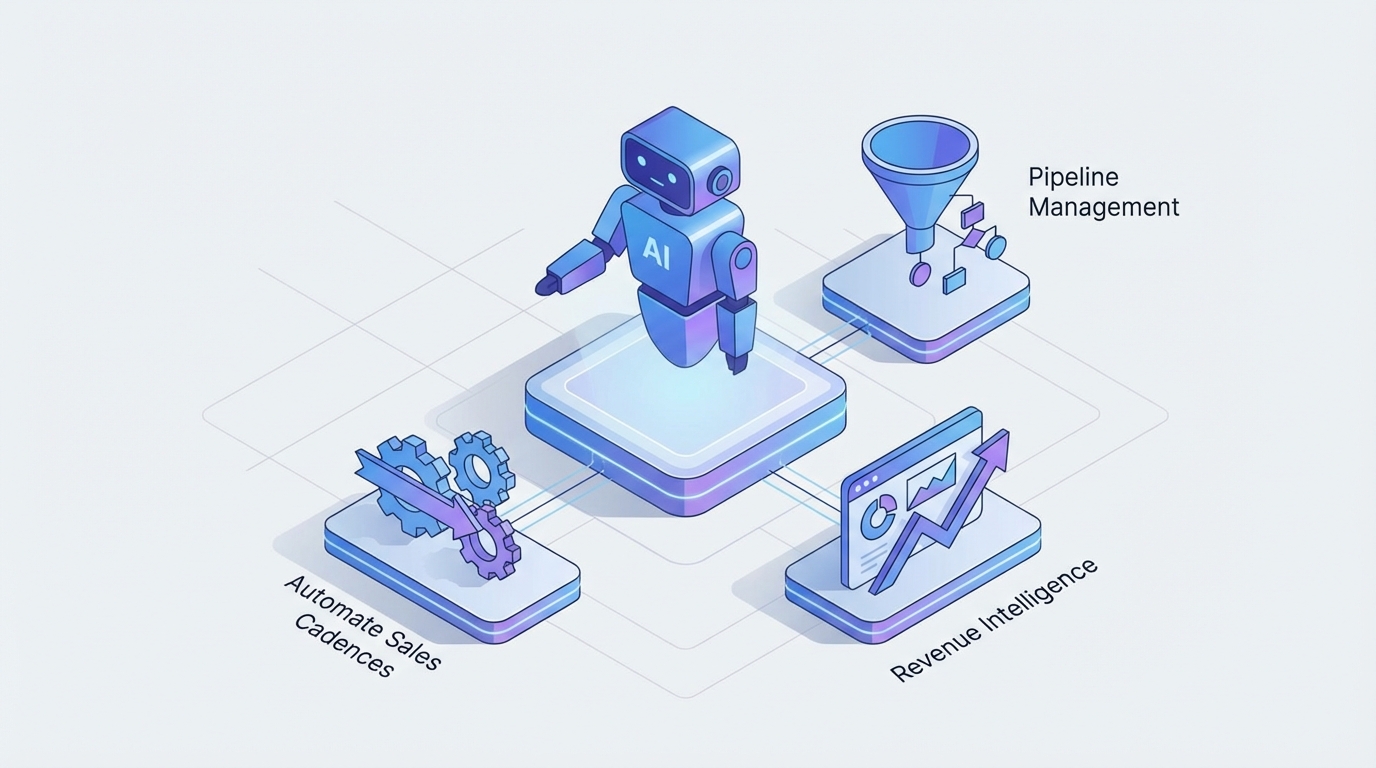
Most sales teams using Salesloft are operating it at maybe 40% of what it could do. Not because they're lazy — because the platform itself hits a ceiling pretty fast once you want anything smarter than "if no reply in 3 days, send email #2."
The cadence engine is solid. The dialer works. CRM sync is… fine (we'll get to that). But the actual intelligence layer — the part that decides what to say, who to prioritize, when to pivot, and how to respond to a lukewarm reply — that's still running on human willpower and whatever time your SDRs have between 47 queued tasks.
Here's what nobody at Salesloft's marketing team will tell you: the platform is best understood as an execution surface, not a brain. It sends the emails, logs the calls, tracks the touches. But the strategic decisions — which prospects deserve custom research, what a vague reply actually means, whether someone should be fast-tracked or deprioritized — all of that is either manual or governed by rules so basic they might as well not exist.
This is where building a custom AI agent on top of Salesloft changes the math entirely. Not Salesloft's built-in "Cadence AI" (which is essentially a template assistant). A real agent that connects to the API, listens to webhooks, pulls in external data, and makes decisions that today require a human staring at a screen.
We've been building these with OpenClaw, and the results are significant enough that I want to walk through exactly how it works.
What Salesloft's Native Automation Actually Does (and Doesn't)
Let's be honest about what you're working with out of the box.
Salesloft's automation is rule-based branching. You can set up cadences with if/then logic: if no reply after X days, advance to next step. If email bounces, exit cadence. If meeting booked, mark complete. That's essentially the extent of the decision-making.
What it cannot do natively:
- Read a reply and understand what it means. A reply that says "Interesting, but we just signed a 2-year deal with [competitor]" and a reply that says "Interesting, can you send more info?" both show up as "replied." A human has to read it and decide what happens next.
- Dynamically personalize beyond merge fields. You get
{{first_name}}and{{company}}and maybe some custom fields you've painstakingly maintained. You don't get "Hey Sarah, saw your team just opened a new office in Austin — congrats" unless a rep manually wrote that. - Reprioritize across prospects in real time. The task queue is chronological and cadence-driven. It doesn't know that Prospect A just raised a Series B (buy signal) while Prospect B's company is in a hiring freeze (deprioritize).
- Orchestrate across external data sources. Intent data from Bombora, technographic data from BuiltWith, funding alerts from Crunchbase, LinkedIn activity — none of this feeds into Salesloft's decision engine because there isn't really a decision engine.
- Learn from outcomes. Which subject lines actually lead to meetings that close? Which cadence structures work for enterprise vs. mid-market? Salesloft gives you the data to analyze manually. It doesn't close the loop.
This isn't a knock on Salesloft. It's the best execution platform in its category. But execution without intelligence is just organized busywork.
The Architecture: OpenClaw as the Brain, Salesloft as the Hands
Here's the mental model that matters: Salesloft stays your system of engagement. OpenClaw becomes your system of intelligence.
Salesloft's REST API is genuinely well-built for this. You get full CRUD on People (prospects), Accounts, Cadences, Steps, and Activities. You can enroll and unenroll people from cadences programmatically. You can create calls, emails, and notes. And critically, you get webhooks — real-time event notifications when things happen: reply received, email bounced, cadence completed, meeting booked.
This is the foundation. OpenClaw connects to these endpoints and webhooks to create an agent that monitors, decides, and acts.
The practical architecture looks like this:
Salesloft (engagement execution)
    ↕ API + Webhooks
OpenClaw Agent (intelligence layer)
    ↕ Connections
External Data Sources (LinkedIn, Apollo, Clearbit, news APIs, CRM)
OpenClaw handles the orchestration — it's where you define the agent's goals, connect it to Salesloft's API, wire up the external data sources, and set the decision logic that governs autonomous actions. The key difference from a basic Zapier integration is that OpenClaw agents can reason about context, maintain memory of past interactions, and make multi-step decisions rather than just triggering single actions from single events.
Let me walk through the specific workflows where this matters most.
Workflow 1: Intelligent Reply Triage and Response Drafting
This is the highest-ROI workflow to automate first because it hits the biggest bottleneck: what happens after someone replies.
The current state: A reply lands in Salesloft's unified inbox. An SDR reads it, decides if it's positive/negative/neutral, manually updates the disposition, maybe exits the cadence, drafts a response, and updates the CRM. For a team running 50+ replies per day, this is hours of cognitive work.
With OpenClaw:
-
Salesloft fires a
reply_receivedwebhook to your OpenClaw agent. -
The agent pulls the full email thread, the prospect's profile, account data, and any prior interaction history.
-
It classifies the reply into actionable categories — not just "positive/negative" but nuanced buckets like:
- Ready to meet → Auto-draft a response with calendar link, update CRM opportunity stage, notify AE
- Interested but objection → Identify the specific objection, draft a tailored response addressing it, keep in cadence but modify next steps
- Referral/redirect → Extract the new contact, create them in Salesloft, enroll in appropriate cadence
- Out of office → Parse return date, pause cadence, reschedule
- Unsubscribe/hostile → Exit cadence, update CRM, flag for compliance
- Ambiguous/needs human → Route to SDR with a suggested response and context summary
-
For categories where confidence is high, the agent can act autonomously — sending the drafted response through Salesloft's API, updating dispositions, managing cadence enrollment. For edge cases, it queues a pre-drafted response for human review.
The technical implementation uses Salesloft's webhook for the trigger, the People and Cadence Membership endpoints for context and actions, and OpenClaw's reasoning capabilities for the classification and response generation.
# Simplified webhook handler for reply processing
# This runs inside your OpenClaw agent's action layer

def handle_reply_webhook(payload):
    person_id = payload['data']['person']['id']
    email_body = payload['data']['email']['body']

    # Pull full context from Salesloft
    person = salesloft_api.get(f'/v2/people/{person_id}')
    cadence_memberships = salesloft_api.get(
        f'/v2/cadence_memberships',
        params={'person_id': person_id}
    )
    activities = salesloft_api.get(
        f'/v2/activities/emails',
        params={'person_id': person_id}
    )

    # OpenClaw agent reasons about the reply
    classification = openclaw_agent.classify_reply(
        reply_text=email_body,
        person_context=person,
        conversation_history=activities,
        account_data=get_account_enrichment(person['account_id'])
    )

    # Act based on classification
    if classification.type == 'ready_to_meet':
        draft_and_send_meeting_response(person, classification)
        exit_cadence(cadence_memberships)
        update_crm_stage(person, 'Meeting Scheduled')

    elif classification.type == 'objection':
        draft = generate_objection_response(
            person, classification.objection_type, email_body
        )
        queue_for_review(person, draft, priority='high')

    # ... handle other categories
This alone saves 2-3 hours per SDR per day and, more importantly, reduces response time from hours to minutes — which directly impacts meeting book rates.
Workflow 2: Research-Enriched Personalization at Enrollment
The second workflow addresses the personalization problem that plagues every Salesloft team: templates feel generic because they are generic.
The current state: A list of 200 prospects gets imported. They're enrolled in "SaaS VP of Sales - Cold Outbound" cadence. Every one of them gets the same email with {{first_name}} and {{company}} swapped in. Open rates are middling. Reply rates are worse.
With OpenClaw:
When a prospect is enrolled in a cadence (detected via webhook or a scheduled batch process), the OpenClaw agent:
- Researches the prospect — pulls recent LinkedIn posts, company news, job changes, funding rounds, tech stack (via BuiltWith/Wappalyzer), and any mutual connections.
- Identifies a relevant hook — something specific and timely that makes the outreach feel like a 1:1 message, not a blast.
- Generates customized email copy for the first 1-2 touchpoints using the cadence template as a structural foundation but rewriting the personalization layer.
- Writes back to Salesloft using the API to update the email body for that specific person's cadence step, or creates a personalized one-off email task.
The result is that 200 enrolled prospects each get a genuinely different first email. Not "different merge field values" — different opening lines, different value propositions selected based on their specific situation, different social proof examples chosen for relevance.
The constraint here is Salesloft's API rate limit (600 requests per 5 minutes), which means you need to batch intelligently. OpenClaw handles the queuing and throttling, but it's worth designing your enrichment pipeline to run asynchronously — enrich and personalize in the background, then write the results back before the cadence step is due.
Workflow 3: Dynamic Cadence Orchestration
This is where things get genuinely powerful and where Salesloft's native capabilities are most obviously limited.
Instead of every prospect following the same static sequence, the OpenClaw agent adjusts the cadence path based on real-time signals:
- Prospect opened email 3 times in the last hour → Move up the call task to today instead of day 5
- Company just announced layoffs → Pause the cadence, switch messaging to cost-savings angle
- Prospect visited your pricing page (from website tracking integration) → Skip the awareness steps, jump to direct meeting request
- No engagement after 5 touches but account shows high intent signals → Switch to a different cadence focused on a different persona at the same account
The OpenClaw agent monitors engagement data from Salesloft (via activity endpoints and webhooks), combines it with external signal data, and uses the Cadence Membership API to move people between cadences or adjust step timing.
This turns your cadence library from "pick one and hope" into a dynamic, responsive system that adapts to each prospect's behavior and context.
Workflow 4: CRM Sync Intelligence
Every Salesloft user has CRM sync horror stories. Duplicates. Ownership conflicts. Activities that vanish. Fields that overwrite each other.
An OpenClaw agent can sit between Salesloft and your CRM and act as an intelligent sync mediator:
- Deduplication logic that actually understands when "Sarah Johnson" at "Acme" and "S. Johnson" at "Acme Corp" are the same person
- Conflict resolution based on rules your Rev Ops team defines — which system wins for which fields, under what conditions
- Activity attribution that properly connects Salesloft engagement data to CRM opportunities for actual multi-touch attribution
- Automated data hygiene — flagging stale records, updating job titles from LinkedIn, marking churned accounts
This isn't glamorous work, but it's the kind of thing that makes your pipeline data actually trustworthy — which downstream affects forecasting, territory planning, and every report your CRO looks at.
Workflow 5: Next-Best-Action Queue
The default Salesloft task queue is chronological — it tells reps what's due, not what's most valuable. An OpenClaw agent can rewrite the priority stack every morning:
- Pull all pending tasks from Salesloft's Task API
- Score each one based on: engagement history, account fit score, recent signals (funding, hiring, content engagement), deal stage proximity, and historical conversion patterns
- Generate a prioritized action list with context for each — not just "Call John Smith" but "Call John Smith — opened pricing email twice yesterday, company just raised Series B, similar profile to Champion at [closed-won account]"
- Push this as a daily briefing to the rep via Slack, email, or a simple dashboard
Reps stop feeling like slaves to the queue and start operating like strategic sellers with an AI research assistant feeding them the highest-probability actions first.
What You Need to Get Started
Practically speaking, here's what's required:
- Salesloft API access — You need an API key (available on Professional and Enterprise plans). Set up OAuth2 for production use.
- Webhook infrastructure — Configure Salesloft webhooks to point at your OpenClaw agent's endpoint. Key events:
reply,bounce,cadence_completed,meeting_booked. - OpenClaw account — This is where you build the agent logic, connect to Salesloft's API, wire up external data sources, and define the autonomous action boundaries.
- External data connections — Depending on your workflows: LinkedIn (via proxy or manual enrichment), Apollo/Clearbit for firmographic data, your CRM API, website visitor tracking.
- Guardrails — Define what the agent can do autonomously vs. what requires human approval. Start conservative (agent drafts, human sends) and expand autonomy as you build confidence.
The build itself isn't a massive engineering project. With OpenClaw handling the orchestration layer, most teams get the reply triage workflow running within a week and iterate from there.
The Honest Caveats
A few things to know before you dive in:
- Salesloft's rate limits are real. 600 requests per 5 minutes means you need to be smart about batching, especially for bulk enrichment workflows.
- Not all UI features are exposed via API. Some newer Salesloft features (particularly around their own AI additions) don't have API endpoints yet.
- LinkedIn integration is fragile everywhere. This isn't a Salesloft problem — LinkedIn actively fights automation. Build your workflows to degrade gracefully when LinkedIn data isn't available.
- Start with one workflow, not five. Reply triage gives you the fastest ROI and teaches you how the integration behaves before you build more complex orchestration.
Next Steps
If you're running Salesloft and your team is spending more time on process than selling, the gap between what the platform does natively and what's possible with an AI agent on top is enormous. We're not talking about marginal improvements — we're talking about fundamentally changing how many quality conversations your team can run per day.
The fastest way to get this built is through Clawsourcing — our service for building custom OpenClaw agents tailored to your specific sales stack, cadence structure, and workflow requirements. We handle the API integration, webhook infrastructure, agent logic, and guardrail configuration so your team can focus on what they're supposed to be doing: closing deals.
Your SDRs didn't sign up to be data entry clerks with a power dialer. Give them the agent that handles the rest.
Recommended for this post

Adam
Full-Stack Engineer
Your full-stack AI engineer that architects, builds, deploys, and automates entire applications from a single conversation. 23+ Core Capabilities.
 Clarence Maker
Your Linear expert that automates issue tracking, builds workflows, and streamlines project management.
 SpookyJuice.ai
Three-level OODA strategy, five-phase Ralph execution, and a recursive feedback engine. Your agent gets faster — this makes it get better.
 JerryRunsOps