AI Agent for Rebrandly: Automate Branded Link Management, UTM Tracking, and Click Analytics
Automate Branded Link Management, UTM Tracking, and Click Analytics
Most marketing teams treat Rebrandly like a fancy link shortener. They create branded links, maybe tag them, glance at click counts, and call it a day. That's like buying a sports car and only driving it to the mailbox.
The real value locked inside Rebrandly isn't the links themselves — it's the data flowing through them. Every click carries geography, device type, referrer, timing. Every campaign folder tells a story about what's working and what's burning budget. Every UTM parameter either creates clean analytics downstream or pollutes your entire measurement stack.
The problem? Rebrandly doesn't do anything intelligent with that data on its own. It shows you dashboards. It lets you export CSVs. If you want actual insights, you're on your own with a spreadsheet and a prayer.
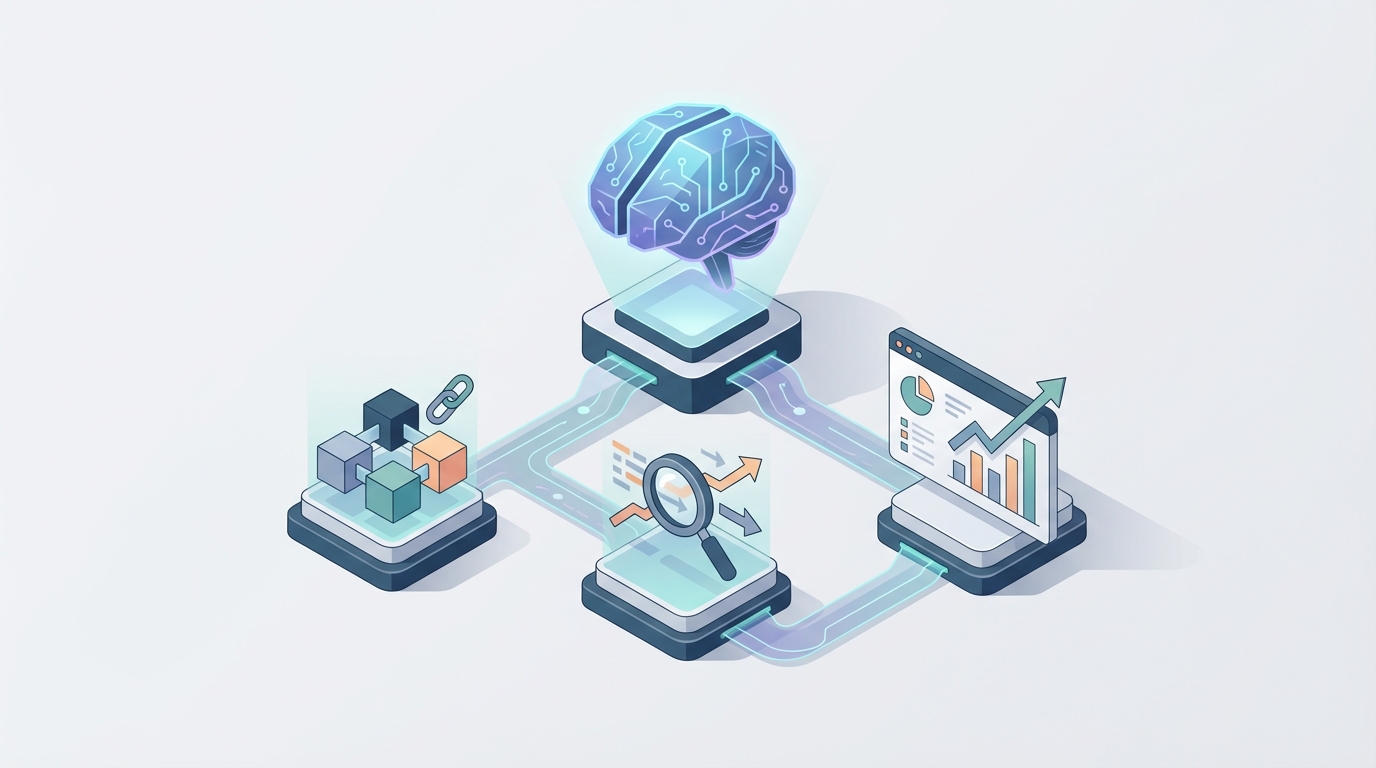
That's where an AI agent comes in — not Rebrandly's AI (they don't have any), but a custom agent you build on top of their API using OpenClaw. One that doesn't just store your links but actively manages them, catches problems before you do, generates campaign structures from a brief, and tells you what's actually working without you having to ask.
Let me walk through exactly what this looks like and how to build it.
Why Rebrandly Needs an External Brain
Rebrandly's built-in automation is, to put it charitably, minimal. You get Zapier triggers. You get basic rules. You get webhooks for "new link created" and "new click registered." That's about it.
Here's what you don't get:
- No conditional logic based on click patterns. You can't set up "if this link gets clicked 500 times with zero conversions, alert me and pause distribution."
- No cross-campaign analysis. There's no way to ask "which UTM source has consistently driven the highest click-through across all Q3 campaigns?"
- No bulk intelligence. If you have 3,000 links and 200 of them point to pages that now 404, Rebrandly won't tell you. You just bleed credibility silently.
- No UTM governance. Every team member creates UTMs differently.
utm_source=linkedinvsutm_source=LinkedInvsutm_source=li— all pointing to the same thing, all fragmenting your Google Analytics data. - No proactive recommendations. The platform never says "Hey, your Instagram links consistently outperform your Twitter links by 4x — maybe reallocate."
These aren't edge cases. These are daily realities for any team managing more than a handful of campaigns. And Rebrandly's answer to all of them is essentially: "Here's the API. Build it yourself."
Fair enough. Let's build it.
The Architecture: OpenClaw + Rebrandly API
OpenClaw is the platform you use to build the AI agent itself. It provides the reasoning layer, the memory, the tool-use framework, and the orchestration that turns Rebrandly's raw API into something that actually thinks.
Here's the high-level architecture:
┌─────────────────────────────────┐
│         Your Interface          │
│   (Slack, Teams, Web, Email)    │
└──────────────┬──────────────────┘
               │
┌──────────────▼──────────────────┐
│         OpenClaw Agent          │
│  ┌───────────────────────────┐  │
│  │  Reasoning Engine (LLM)   │  │
│  ├───────────────────────────┤  │
│  │  Memory Store             │  │
│  │  (campaigns, brand rules, │  │
│  │   historical performance) │  │
│  ├───────────────────────────┤  │
│  │  Tool Registry            │  │
│  │  - Rebrandly API          │  │
│  │  - GA4 API                │  │
│  │  - Slack/Email            │  │
│  │  - CRM (optional)        │  │
│  └───────────────────────────┘  │
└──────────────┬──────────────────┘
               │
┌──────────────▼──────────────────┐
│      Rebrandly REST API         │
│  Links, Domains, Tags, Folders  │
│  Analytics, Scripts, Webhooks   │
└─────────────────────────────────┘
The agent lives in OpenClaw. It uses Rebrandly's API as one of its tools — the same way you'd give a human assistant access to the Rebrandly dashboard, except this assistant never sleeps, never fat-fingers a UTM parameter, and can process 10,000 links in the time it takes you to open a browser tab.
Five Workflows That Actually Matter
Let me skip the "imagine the possibilities" fluff and get to specific, buildable workflows that solve real problems.
1. Campaign Brief → Full Link Structure (In Seconds)
The pain: A campaign manager gets a brief for a product launch. They need 15–30 branded links across email, paid social, organic social, partner channels, and a landing page. Each needs consistent UTMs, the right custom domain, meaningful slugs, proper folder organization, and retargeting pixels attached. This takes 1–3 hours of tedious manual work. And someone will still mess up the UTM_medium on link #23.
The agent workflow:
You drop a campaign brief into Slack (or paste it into your OpenClaw interface). The brief says something like:
"Q1 Product Launch — targeting mid-market SaaS CTOs. Channels: LinkedIn ads, LinkedIn organic, email nurture (3 sends), partner co-marketing with Acme Corp, blog post, YouTube description. Landing page: https://company.com/product-launch-q1. Use retargeting pixel ID 84729."
The OpenClaw agent:
- Parses the brief and identifies all required channels.
- References its memory store for your brand's UTM naming conventions (it learned these from your past campaigns).
- Generates the full link list with proper UTMs:
go.company.com/q1-launch-li-ad→utm_source=linkedin&utm_medium=paid_social&utm_campaign=q1_product_launchgo.company.com/q1-launch-email-1→utm_source=email&utm_medium=nurture&utm_campaign=q1_product_launch&utm_content=send_1- And so on for every channel variant.
- Calls the Rebrandly API to create all links, assign them to a new folder, apply tags, and attach the retargeting pixel.
- Returns a formatted table in Slack with every link, ready to copy-paste into your campaign tracker.
Here's a simplified look at the tool call the agent makes for each link:
# OpenClaw agent tool: create_rebrandly_link
def create_rebrandly_link(destination, slug, domain, tags, folder_id, scripts):
    payload = {
        "destination": destination,
        "slashtag": slug,
        "domain": {"fullName": domain},
        "tags": tags,
        "folder": {"id": folder_id},
        "scripts": [{"id": s} for s in scripts]
    }
    response = requests.post(
        "https://api.rebrandly.com/v1/links",
        json=payload,
        headers={
            "apikey": REBRANDLY_API_KEY,
            "Content-Type": "application/json"
        }
    )
    return response.json()
The agent calls this in a loop, adjusting the parameters for each channel. Total time: under 30 seconds. Zero typos.
2. UTM Governance and Cleanup
The pain: After six months of multiple team members creating links, your UTM data in Google Analytics is a disaster. You've got utm_medium=social, utm_medium=Social, utm_medium=organic_social, and utm_medium=social-organic all meaning the same thing. Your attribution reports are worthless.
The agent workflow:
Schedule the OpenClaw agent to run a weekly audit. It:
- Pulls all links created in the past 7 days via
GET /v1/links?orderBy=createdAt&orderDir=desc. - Extracts UTM parameters from each destination URL.
- Compares them against your canonical UTM taxonomy stored in its memory (e.g., the approved values for
utm_source,utm_medium,utm_campaign). - Flags any deviations: "Link
go.company.com/webinar-promousesutm_medium=Social— your standard isutm_medium=social. Fix?" - If you've given it permission for auto-fix, it calls
POST /v1/links/{id}to update the destination URL with corrected UTMs. - Sends you a summary: "Audited 47 links. Fixed 3 UTM inconsistencies. Flagged 1 link with an unrecognized campaign name for your review."
This alone saves hours of downstream analytics debugging.
3. Broken Link Detection and Remediation
The pain: You have thousands of branded links in Rebrandly. Some of them point to landing pages that have been taken down, restructured, or 301'd to the wrong place. You don't know which ones. Neither does Rebrandly — it doesn't check destination health.
The agent workflow:
The OpenClaw agent runs a nightly sweep:
- Fetches all active links (paginated via the API).
- Performs an HTTP HEAD request against each destination URL.
- Flags any link returning 404, 500, or a redirect chain longer than 3 hops.
- Cross-references click data: "Link
go.company.com/case-study-acmeis returning a 404 and still receiving ~120 clicks/week." - Sends an alert: "🚨 High-traffic broken link detected. 120 weekly clicks going to a dead page. Suggested action: update destination to [new URL] or pause distribution."
- If you pre-configure fallback URLs per campaign, the agent can auto-update the destination immediately.
This is money-saving automation. Every click to a dead page is a lost lead.
4. Click Analytics Intelligence
The pain: Rebrandly gives you click counts, geographic breakdowns, referrer data, and device splits. But it doesn't interpret any of it. You get raw data and have to figure out the "so what" yourself.
The agent workflow:
Configure the OpenClaw agent to run weekly analysis:
- Pull click data for all active campaigns via
GET /v1/links/{id}/clickswith date range filters. - Aggregate by campaign folder, by channel (derived from UTM), by geography, by device.
- Compare against the previous period and against historical baselines stored in memory.
- Generate a natural language briefing:
Weekly Link Performance Brief — Jan 13–19
- Total clicks across all campaigns: 14,832 (↑ 12% WoW)
- Top performer:
go.company.com/q1-launch-li-ad— 3,241 clicks, 89% desktop, primarily US/UK- Underperformer:
go.company.com/q1-launch-tw-organic— 47 clicks. Twitter organic continues to underperform across all campaigns. Consider reallocating effort.- Anomaly:
go.company.com/partner-acmesaw a 900% spike on Thursday. Referrer analysis shows it was shared on Hacker News. Recommend monitoring for bot traffic.- UTM issue detected: 2 links in the Q1 Launch folder have mismatched campaign names.
This is the kind of analysis that would take a marketing analyst 2–3 hours to compile. The agent does it automatically, every week, and drops it in your Slack channel before Monday morning.
5. Smart Link Retirement
The pain: Old campaigns accumulate. You've got link folders from 2022 campaigns that nobody remembers. Some of those links still get occasional clicks (bookmarks, old emails). Most are just clutter that makes it hard to find anything current.
The agent workflow:
Monthly, the OpenClaw agent:
- Identifies all links with zero clicks in the past 90 days.
- Cross-references with campaign end dates (stored in memory or pulled from your project management tool).
- Generates a retirement recommendation: "Found 312 links with zero activity in 90+ days across 14 expired campaign folders. Recommend archiving."
- For links that still receive occasional traffic, suggests redirect updates: "Link
go.company.com/2023-webinarstill gets ~20 clicks/month. Recommend updating destination to your current webinar page rather than archiving." - Executes archival on approval (or automatically, if you've set that policy).
Clean link inventory means faster searches, cleaner analytics, and fewer embarrassing moments when a prospect clicks a two-year-old link and lands on a deprecated product page.
Memory Is What Makes This Actually Smart
The reason you build this on OpenClaw rather than just writing a bunch of cron jobs and Python scripts is the memory and reasoning layer.
A dumb script can check for 404s. An AI agent with memory can say:
- "The last three times you launched a LinkedIn campaign, the links with question-based slugs outperformed keyword slugs by 2.3x. Want me to use that pattern for this campaign?"
- "Your brand guidelines say all slugs should be lowercase with hyphens, but your sales team has been creating links with underscores. Want me to enforce this automatically or just flag it?"
- "The partner links for Acme Corp historically peak in the first 48 hours and then drop to near-zero. Based on that pattern, the current campaign is underperforming — only 30% of expected clicks in the first 48 hours."
This contextual awareness — built from your accumulated campaign data, brand rules, and performance history — is what turns a tool into a co-pilot. OpenClaw's memory architecture lets you store and retrieve this context so the agent improves over time rather than starting from zero every interaction.
What You Need to Get Started
Here's the practical checklist:
-
Rebrandly account with API access. You need at least a Professional plan for meaningful API usage. Enterprise gives you higher rate limits and more endpoints.
-
Your API key. Found in Rebrandly under Account → API Keys. You'll register this as a tool credential in OpenClaw.
-
OpenClaw workspace. This is where you define the agent, its tools, its memory schema, and its scheduled workflows.
-
Your UTM taxonomy document. Whatever your naming conventions are — write them down. The agent needs to know the rules before it can enforce them.
-
An interface. Slack is the easiest starting point. The agent listens for commands in a channel and posts results back. You can also use a web interface or email triggers.
-
30–60 minutes for initial setup. Connecting the Rebrandly API, defining your first workflow (I'd start with campaign brief → link creation), and testing.
What This Isn't
I want to be clear about what this doesn't replace:
- It doesn't replace your marketing strategy. The agent executes and monitors. You still decide what campaigns to run.
- It doesn't replace Google Analytics. Rebrandly click data is top-of-funnel. You still need GA4 (or whatever you use) for conversion and behavioral data downstream. Though the agent can pull from both to give you a fuller picture.
- It doesn't make Rebrandly cheaper. You'll still pay for your Rebrandly plan. The agent makes that investment actually pay off by squeezing more value out of every feature.
What it does do is eliminate the 5–10 hours per week that marketing teams spend on link management busywork and replace it with proactive, intelligent automation that catches things humans miss.
Next Steps
If you're managing more than a few dozen branded links per month — especially if you're an agency or a marketing team running multi-channel campaigns — this is one of the highest-ROI automations you can build.
The link management layer touches everything: paid ads, email, social, partnerships, content, sales. Making it intelligent ripples through your entire marketing operation.
Start with Clawsourcing — Claw Mart's service for building custom AI agents on OpenClaw. Tell them which workflows matter most to your team (campaign creation, UTM governance, analytics briefings, broken link detection), and they'll architect and build the agent for you.
Or if you're the build-it-yourself type, spin up an OpenClaw workspace and start with the Rebrandly API integration. Create one workflow. Get it working. Then expand.
Either way, stop treating your link management tool like a link shortener. It's a data asset. Put an AI on it.