AI Agent for Qualtrics: Automate Experience Management, Survey Logic, and Feedback Analysis
Automate Experience Management, Survey Logic, and Feedback Analysis
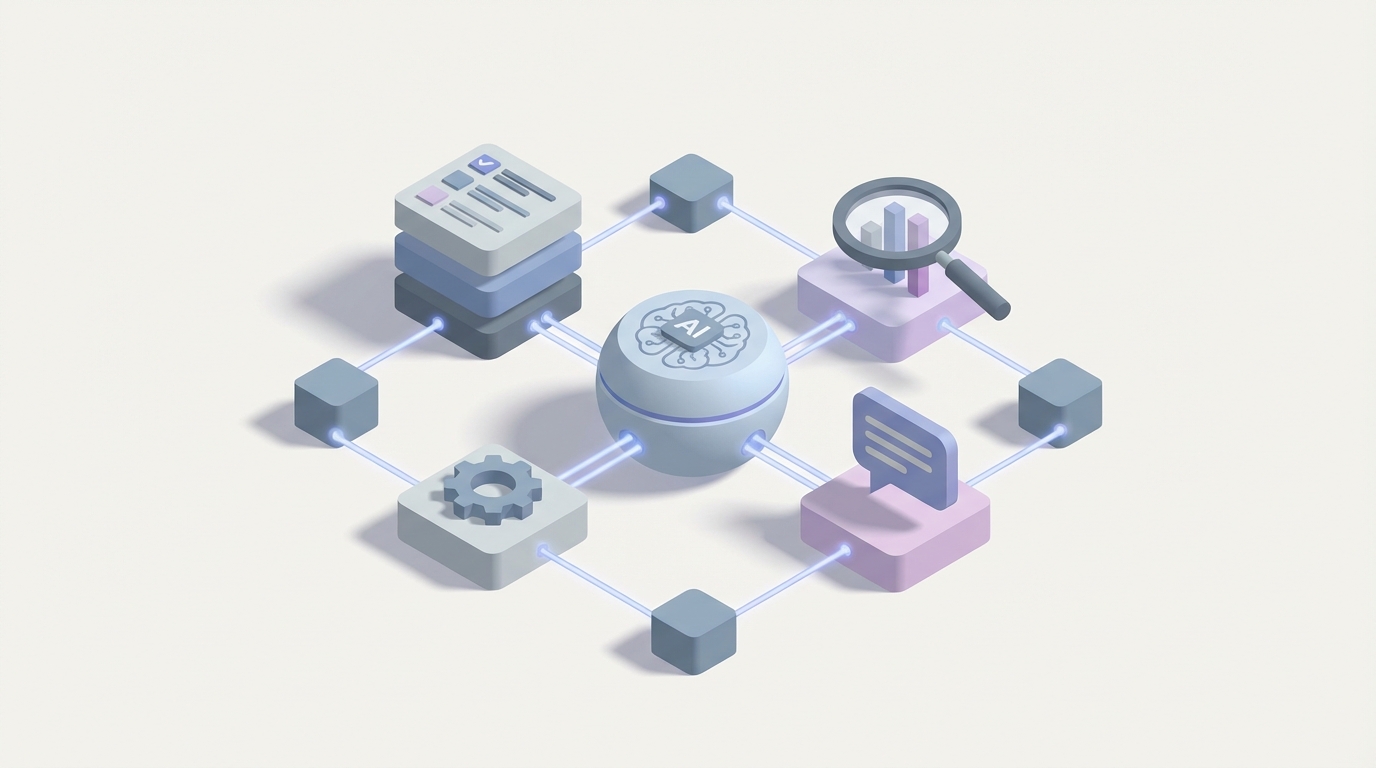
Most companies using Qualtrics have the same problem, and it's not data collection. Qualtrics is absurdly good at collecting data. The survey engine is best-in-class, the distribution logic is powerful, and between NPS, CSAT, CES, engagement surveys, pulse checks, and post-interaction feedback, enterprise Qualtrics deployments are generating thousands of responses per week.
The problem is what happens after.
You get the data. Text IQ tags some themes. A dashboard updates. Maybe a workflow fires and creates a Salesforce case for detractors. Then... someone has to actually look at it. Interpret it. Decide what to do. Follow up. Connect it to what happened last quarter. Compare it to what the account team already knows. Figure out if this is a pattern or a one-off.
That's where everything falls apart. Not because people are lazy, but because the gap between "feedback collected" and "intelligent action taken" requires reasoning, context, and cross-system orchestration that Qualtrics's built-in automation was never designed to handle.
This is the exact problem an AI agent solves. Not Qualtrics's own AI features — those are useful but limited. I'm talking about a custom AI agent built on OpenClaw that connects to Qualtrics via its API, reads every response, reasons about what it means in context, and takes action across your entire stack.
Let me walk through exactly how this works, what it looks like in practice, and how to build it.
Why Qualtrics's Built-In Automation Isn't Enough
Before getting into the solution, it's worth being specific about where Qualtrics Workflows (their built-in automation engine) hit their ceiling, because it happens faster than you'd expect.
The logic is too simple. Qualtrics Workflows give you basic if/then conditions. If NPS < 7, create a ticket. If department = "Engineering", route to this dashboard. That's fine for straightforward routing, but it can't handle: "If this is a high-value customer who gave a low score, has had two support tickets in the last 30 days, and mentioned a competitor in their verbatim response, then draft a personalized retention email, alert the account manager with specific talking points, and flag this account in Salesforce as at-risk." That requires reasoning across multiple data sources. Qualtrics Workflows can't do it.
No real code execution. You can't run Python, JavaScript, or any data transformation logic inside a workflow. Everything is point-and-click. Which means anything requiring parsing, enrichment, deduplication, or calculation has to happen somewhere else.
Text IQ is shallow by modern standards. It does sentiment analysis and basic topic modeling. It does not do nuanced theme detection across hundreds of verbatim responses, identify emerging issues before they become trends, extract competitive intelligence, handle sarcasm or mixed-sentiment responses well, or generate natural-language summaries of what's actually changed and why. Compared to what a well-prompted LLM can do with the same data, Text IQ feels like it's from 2019. Because it is.
Workflows are stateless. Each execution is independent. There's no memory of previous interactions, no ability to track a customer's feedback journey over time within the automation layer itself. You have to hack around this with embedded data or external storage.
Limited connector depth. Qualtrics has native connectors for Salesforce, ServiceNow, Slack, and a few others. But the integrations are surface-level. You can create a record or send a notification. You can't pull data from those systems, reason about it, and then decide what to do.
All of this means companies end up in a predictable state: Qualtrics collects great data, dashboards display it, and humans manually bridge the gap between insight and action. The bigger the company, the wider that gap.
The Architecture: OpenClaw as the Brain, Qualtrics as the Feedback System of Record
The right way to think about this is Qualtrics stays exactly where it is — it's your system of record for feedback. It collects responses, stores contact data in XM Directory, runs distributions, and hosts dashboards. You don't replace any of that.
What you add is an OpenClaw agent that sits on top, connected via the Qualtrics REST API (v3), that acts as the intelligent layer. It listens for new responses, pulls in context from other systems, reasons about what's happening, and takes action — writing back to Qualtrics, Salesforce, Slack, or wherever the action needs to happen.
Here's the technical flow:
[Qualtrics Survey Response]
        |
        v
[Webhook → OpenClaw Agent]
        |
        v
[Agent pulls context: XM Directory profile, Salesforce account data,
 recent support tickets, previous survey responses, product usage data]
        |
        v
[Agent reasons: What's the situation? What action is warranted?
 What's the priority? What should we say?]
        |
        v
[Agent acts: Creates Salesforce case, sends Slack alert with talking
 points, updates Qualtrics embedded data, triggers follow-up distribution,
 drafts response email, logs decision for audit]
The Qualtrics API supports all the primitives you need for this:
- Webhooks/Event Subscriptions: Trigger your agent on every new response in real time.
- Response Retrieval (
GET /surveys/{surveyId}/responses): Pull full response data including verbatim text, scores, embedded data, and metadata. - XM Directory (
GET /directories/{directoryId}/contacts): Access the full contact profile, including historical interaction data and custom attributes. - Survey Management (
GET/POST /surveys/{surveyId}/questions): Read and even modify survey questions programmatically (more on this below). - Distribution Management: Trigger follow-up surveys or reminders.
- Embedded Data Updates: Write agent decisions back to the contact or response record so they're visible in Qualtrics dashboards.
Authentication is straightforward — OAuth 2.0 or API key, with generous rate limits on enterprise plans.
Five Workflows That Actually Matter
Let me get specific about what this looks like in practice. These aren't hypothetical — they're the patterns that deliver the most value for companies running serious Qualtrics programs.
1. Intelligent Closed-Loop for Detractors (That Actually Closes the Loop)
The standard Qualtrics workflow for NPS detractors is: score < 7 → create ticket → notify account manager. The problem is account managers get a bare notification with maybe the score and the verbatim comment. They have to go research the account themselves before they can do anything useful.
An OpenClaw agent changes this completely:
Trigger: Webhook fires on new NPS response with score ≤ 6.
Agent behavior:
- Pulls the full response from Qualtrics API, including all embedded data
- Queries Salesforce for account details: ARR, contract renewal date, recent opportunities, account tier
- Queries your support system for open and recent tickets
- Pulls the contact's previous survey responses from XM Directory to identify trend (is this a new complaint or a recurring one?)
- Analyzes the verbatim response using LLM reasoning — not just sentiment, but: What specific issue are they describing? Have we seen similar language from other customers recently? Is this a product problem, a service problem, or an expectation mismatch?
- Generates a prioritized action recommendation with specific talking points
- Sends a Slack message to the account manager with everything they need: account context, issue analysis, suggested response approach, and a direct link to the Qualtrics response
- Creates a Salesforce case with the full analysis pre-populated
- Writes the agent's classification back to Qualtrics embedded data so dashboards reflect the AI-enriched categorization
The account manager gets a Slack message that says: "Sarah Chen at Acme Corp (Enterprise tier, $340K ARR, renewal in 6 weeks) gave NPS 3. She mentioned slow response times from support — this is the second time in 3 months. She also referenced evaluating [Competitor]. Recommended approach: Executive outreach within 24 hours, address support SLA with specific commitments, offer QBR. Priority: Critical — renewal at risk."
That's the difference between "notification" and "intelligence."
2. Automated Insight Synthesis Across Programs
Most companies running Qualtrics have multiple feedback programs: post-support CSAT, relationship NPS, onboarding feedback, product feedback, maybe employee engagement too. Each has its own dashboard. Nobody is looking across all of them to synthesize what's actually happening.
Schedule: OpenClaw agent runs weekly (or on-demand).
Agent behavior:
- Pulls the last 7 days of responses across all active surveys via the Qualtrics API
- Aggregates and analyzes all verbatim text — not with topic modeling, but with genuine comprehension: What are people talking about? What themes span multiple programs? What's new this week that wasn't present last week?
- Cross-references quantitative scores with qualitative themes
- Generates a natural-language executive summary: "This week, 47 responses across CX and support surveys mentioned billing confusion related to the new pricing tier. This is a 3x increase from last week and correlates with a 12-point NPS drop in the SMB segment. Three specific product bugs were mentioned by multiple customers. Employee pulse survey shows support team morale declining, with 'workload' as the top theme — likely connected to the billing issue volume."
- Pushes the summary to a Slack channel, emails it to the leadership team, and optionally writes a synthesized report back into Qualtrics as a dashboard data source
This is the kind of analysis that a team of analysts would take days to produce. The agent does it every Monday morning.
3. Anomaly and Emerging Issue Detection
Rule-based alerts only catch what you've already defined. If your threshold is "NPS < 7," you'll catch detractors. But you won't catch: a sudden cluster of comments about a specific feature breaking, an emerging competitor being mentioned for the first time, a shift in sentiment among a specific customer segment, or a slow degradation in a score that hasn't crossed your threshold yet.
Trigger: Continuous monitoring (agent runs on every new response, maintains a rolling context window).
Agent behavior:
- Maintains a running analysis of recent response patterns (stored in OpenClaw's memory layer)
- On each new response, evaluates whether it represents a signal worth flagging
- Detects statistical anomalies (score drops), emerging themes (new topics appearing), and pattern breaks (a previously happy segment shifting)
- When it detects something meaningful, generates an alert with context and evidence
- Distinguishes between noise and signal — not every low score is an emergency, and the agent should know the difference
This turns your Qualtrics deployment from a reporting tool into an early warning system.
4. Adaptive Survey Logic and Conversational Follow-Up
Here's where it gets interesting. The Qualtrics API lets you modify surveys programmatically. An OpenClaw agent can use this to make surveys smarter than static branching allows.
Scenario: A customer gives a low score and writes a vague verbatim response like "everything is just frustrating." With standard survey logic, that response goes into Text IQ and gets tagged "negative sentiment, topic: general." Not helpful.
Agent behavior:
- Response webhook fires
- Agent reads the vague response and determines it needs clarification
- Agent uses the Qualtrics distribution API to trigger a brief, personalized follow-up: "Thanks for your feedback. You mentioned things have been frustrating — could you tell us more about what specifically hasn't been working well? We want to make this right."
- The follow-up survey is dynamically generated or selected based on the agent's analysis of what clarification would be most valuable
- When the follow-up response arrives, the agent links it to the original, performs enriched analysis, and routes appropriately
This is the beginning of making surveys feel less like forms and more like conversations — without actually building a chatbot. Qualtrics handles the collection; OpenClaw handles the intelligence.
5. Employee Experience Action Planning
Qualtrics EX programs have a notorious actionability problem. The annual engagement survey runs, managers get results, and then... action planning either doesn't happen or is generic ("improve communication").
Trigger: After engagement survey results are published to manager dashboards.
Agent behavior:
- Pulls results for each team/manager from the Qualtrics API
- Analyzes the specific patterns in that team's data: What are the actual drivers of engagement or disengagement for this team? How do they compare to similar teams? What changed from last year?
- Generates specific, contextual action recommendations: "Your team's scores dropped most on 'career development' (down 15 points). Based on the verbatim responses, team members specifically want more clarity on promotion criteria and more cross-functional project opportunities. Recommended actions: (1) Schedule individual career conversations within the next 2 weeks, (2) Identify one cross-functional project per quarter for team members, (3) Document and share promotion criteria for your team's roles."
- Delivers recommendations to each manager via email or Teams, with a link to their Qualtrics dashboard for details
- Creates follow-up reminders and tracks whether actions were taken before the next pulse survey
Getting Started with OpenClaw
If you're running Qualtrics at any reasonable scale and you've felt the gap between collecting feedback and acting on it, you already know the problem. The question is implementation.
OpenClaw gives you the platform to build these agents without stitching together a dozen services yourself. The agent framework handles the reasoning, memory, tool use, and orchestration. The Qualtrics API is well-documented and mature enough that the integration layer is straightforward. The high-value part — the intelligence, the cross-system context, the decision-making — is where OpenClaw does the heavy lifting.
Start with one workflow. The intelligent closed-loop for detractors (Workflow #1 above) is usually the highest-ROI starting point because it has a clear trigger, measurable outcomes (response time, resolution rate, save rate), and immediately visible value to the teams using it.
Then expand. Once the agent is connected to Qualtrics and your CRM, adding the weekly synthesis, anomaly detection, and other workflows is incremental.
If you want help scoping this out for your specific Qualtrics deployment, Clawsourcing is where our team works with you to design and build the agent architecture, integrations, and workflows. We've seen enough Qualtrics environments to know where the quick wins are and where the complexity hides.
Your feedback data is already there. The API access is already there. The missing piece is an agent smart enough to do something useful with it. That's what OpenClaw is for.