AI Agent for Planning Center: Automate Church Management, Volunteer Scheduling, and Giving Tracking
Automate Church Management, Volunteer Scheduling, and Giving Tracking
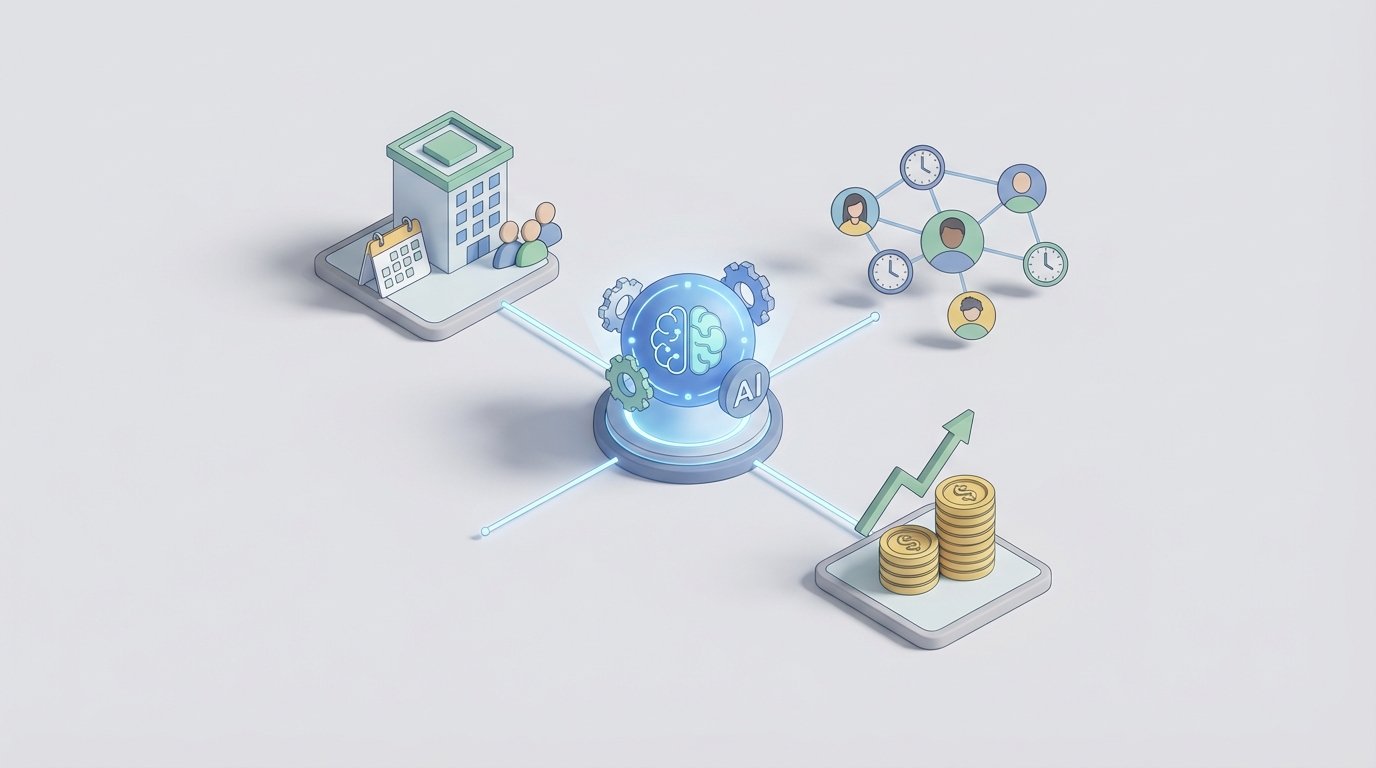
If you've ever watched a church administrator spend four hours on a Tuesday afternoon playing Tetris with volunteer schedules in Planning Center, you already understand the problem. Planning Center is genuinely good software — probably the best church management platform out there — but it's still a tool that requires a human to sit in front of it and click buttons. A lot of buttons. Every single week.
The frustrating part isn't that Planning Center lacks features. It has plenty. The frustrating part is that 80% of the administrative work churches do inside it follows predictable patterns, relies on historical data that's already in the system, and could be handled by something smarter than a human copy-pasting between tabs.
That's what this post is about: building a custom AI agent on OpenClaw that connects to Planning Center's API and actually does work — not just answers questions, but monitors, schedules, triages, and acts. Autonomously. While your worship pastor focuses on, you know, worship.
Why Planning Center Is Ripe for AI Agents
Planning Center has something most church software doesn't: a genuinely good API. It's RESTful, well-documented, supports OAuth2 with granular scopes, offers webhooks for real-time events, and covers nearly every module — Services, People, Giving, Registrations, Resources, and Check-Ins. Full CRUD on most objects. Pagination and bulk operations. It's honestly better than some enterprise SaaS APIs I've worked with.
But here's the disconnect: Planning Center's built-in automations are rudimentary. The People → Workflows feature gives you basic "if X happens, send email or assign task" logic. No branching. No complex conditions. No predictive intelligence. No ability to pull context from multiple modules simultaneously. Most churches end up duct-taping Zapier on top, which adds cost, latency, and another system to maintain.
The API can support sophisticated integrations. The built-in tools can't build them. That gap is exactly where an AI agent lives.
What the Agent Actually Does
Let me be concrete. Here are the specific workflows where an OpenClaw-powered agent connected to Planning Center transforms how a church operates:
1. Intelligent Volunteer Scheduling
This is the single highest-impact use case. Every church with more than a couple hundred people has someone (or a team of someones) who spends hours each week building volunteer schedules. They're mentally juggling:
- Who's available this Sunday
- Who served last week and shouldn't be scheduled back-to-back
- Who has the right skills for each position
- Who's been AWOL and might need a check-in
- Who always says yes but is clearly burning out
- Who just joined a team and needs to be paired with a veteran
All of that information exists in Planning Center. The agent pulls volunteer history, availability preferences, past confirmation/decline rates, team assignments, and attendance data. Then it generates an optimized schedule that balances load, respects availability, avoids back-to-back scheduling, and flags positions it couldn't fill so a human can handle the edge cases.
Here's what the OpenClaw integration looks like at a technical level:
# OpenClaw agent pulling volunteer data from Planning Center Services API
# and generating optimized schedule recommendations

import openclaw
from datetime import datetime, timedelta

agent = openclaw.Agent(
    name="volunteer-scheduler",
    description="Analyzes volunteer history, availability, and team needs to generate weekly schedule recommendations",
    tools=[
        openclaw.tools.PlanningCenterAPI(
            client_id="YOUR_PCO_APP_ID",
            client_secret="YOUR_PCO_SECRET",
            scopes=["services", "people"]
        ),
        openclaw.tools.ScheduleOptimizer(),
        openclaw.tools.NotificationSender()
    ]
)

# The agent can be triggered by webhook when a new plan is created,
# or run on a recurring schedule (e.g., every Monday at 8am)
@agent.on_schedule("0 8 * * 1")  # Every Monday at 8am
async def generate_weekly_schedule(context):
    # Fetch upcoming plans that need scheduling
    plans = await context.tools.planning_center.get(
        "/services/v2/service_types/{type_id}/plans",
        params={"filter": "future", "per_page": 5}
    )

    for plan in plans.data:
        # Get all teams and open positions for this plan
        teams = await context.tools.planning_center.get(
            f"/services/v2/plans/{plan.id}/teams"
        )

        # Get volunteer pool with history
        for team in teams.data:
            members = await context.tools.planning_center.get(
                f"/services/v2/teams/{team.id}/person_team_position_assignments"
            )

            # Agent analyzes: scheduling frequency, decline rates,
            # last scheduled date, blocked-out dates, skill tags
            recommendations = await context.tools.schedule_optimizer.optimize(
                team=team,
                members=members,
                plan_date=plan.attributes.sort_date,
                constraints={
                    "max_consecutive_weeks": 2,
                    "min_rest_weeks": 1,
                    "prefer_experienced_with_new": True,
                    "balance_load_across_members": True
                }
            )

            # Post assignments back to Planning Center
            for rec in recommendations:
                await context.tools.planning_center.post(
                    f"/services/v2/plans/{plan.id}/team_members",
                    data={
                        "person_id": rec.person_id,
                        "team_position_id": rec.position_id,
                        "status": "unconfirmed"
                    }
                )

    # Generate summary for staff review
    await context.tools.notification_sender.send(
        channel="staff-slack",
        message=context.summarize(
            "Weekly schedule generated. {filled_count}/{total_count} positions filled. "
            "{gap_count} gaps need manual attention: {gap_details}"
        )
    )
The key insight: the agent doesn't just randomly assign people. It uses historical patterns — who actually confirms, who tends to decline Sunday morning requests, who's been over-scheduled — to make genuinely intelligent suggestions. And it does it in seconds instead of hours.
2. Proactive Gap Detection and Last-Minute Recovery
Churches are chaotic on Sunday mornings. Volunteers text at 7am that they're sick. The drummer's car broke down. Someone just... doesn't show up. Planning Center will show you the gap if you're looking at the right screen, but it won't do anything about it.
An OpenClaw agent monitoring Planning Center webhooks can:
- Detect the moment a volunteer declines or is marked absent
- Identify qualified replacements from the same team who aren't scheduled
- Check their recent scheduling frequency (don't ask someone who just served three weeks straight)
- Send a personalized text: "Hey Marcus, we have an opening on the audio team for the 11am service today. Any chance you're available? No worries if not."
- Log the outreach and response back to Planning Center
@agent.on_webhook("scheduling.decline")
async def handle_volunteer_decline(event, context):
    declined_assignment = event.data
    plan_id = declined_assignment.relationships.plan.id
    team_id = declined_assignment.relationships.team.id
    position_id = declined_assignment.relationships.team_position.id

    # Find available replacements
    team_members = await context.tools.planning_center.get(
        f"/services/v2/teams/{team_id}/person_team_position_assignments",
        params={"where[team_position_id]": position_id}
    )

    # Filter: not already scheduled, haven't served 2+ weeks in a row,
    # not blocked out, historical accept rate > 40%
    candidates = await context.tools.schedule_optimizer.find_replacements(
        team_members=team_members,
        plan_id=plan_id,
        max_candidates=3,
        sort_by="likelihood_to_accept"
    )

    for candidate in candidates:
        person = await context.tools.planning_center.get(
            f"/people/v2/people/{candidate.person_id}"
        )

        await context.tools.notification_sender.send_sms(
            to=person.attributes.phone_number,
            message=f"Hey {person.attributes.first_name}, we had a last-minute "
                    f"opening on {team.attributes.name} for the "
                    f"{plan.attributes.sort_date} service. Would you be able to "
                    f"fill in? Reply YES or NO — totally understand either way!"
        )

        # Log outreach attempt
        await context.tools.planning_center.post(
            f"/people/v2/people/{candidate.person_id}/notes",
            data={"note": f"Auto-contacted for last-minute {team.attributes.name} coverage"}
        )
This alone saves churches an enormous amount of Sunday morning panic.
3. Cross-Module Intelligence and Reporting
One of the biggest complaints about Planning Center is that data lives in silos. Services knows who's volunteering. People knows their demographics and groups. Giving knows their donation history. But asking a question that spans modules — "Which first-time visitors from the past 3 months have started giving but haven't joined a small group?" — requires manual exports and spreadsheet gymnastics.
An OpenClaw agent can pull data from multiple Planning Center API endpoints, correlate it, and generate actionable insights:
@agent.on_schedule("0 9 * * 2")  # Tuesday mornings
async def weekly_staff_briefing(context):
    # Pull from multiple modules
    recent_visitors = await context.tools.planning_center.get(
        "/people/v2/people",
        params={"where[membership]": "visitor", "created_at[gte]": "90_days_ago"}
    )

    giving_data = await context.tools.planning_center.get(
        "/giving/v2/donations",
        params={"where[received_at][gte]": last_week_start}
    )

    attendance_data = await context.tools.planning_center.get(
        "/check-ins/v2/check_ins",
        params={"where[created_at][gte]": last_week_start}
    )

    volunteer_data = await context.tools.planning_center.get(
        "/services/v2/team_members",
        params={"filter": "confirmed", "plan_date": last_sunday}
    )

    # Agent synthesizes across all data sources
    briefing = await context.analyze(
        data={
            "visitors": recent_visitors,
            "giving": giving_data,
            "attendance": attendance_data,
            "volunteers": volunteer_data
        },
        prompt="""
        Generate a weekly staff briefing covering:
        1. Attendance trends (compare to 4-week and 52-week averages)
        2. New visitor follow-up status (who needs contact this week?)
        3. Giving summary (total, average, new donors, lapsed donors returning)
        4. Volunteer health (no-show rate, burnout risks, understaffed teams)
        5. Specific action items for pastoral staff
        Be direct. Flag problems. Suggest specific next steps.
        """
    )

    await context.tools.notification_sender.send(
        channel="staff-email",
        subject="Weekly Ministry Briefing — Auto-Generated",
        body=briefing
    )
Instead of a staff meeting where everyone reports numbers from their own silo, the team walks in already informed. The meeting becomes about decisions, not data gathering.
4. New Guest Assimilation Automation
Planning Center's workflow for new guests is functional but simplistic. An OpenClaw agent can build a much more sophisticated assimilation pipeline:
- A new person record is created (via check-in kiosk, connection card, or manual entry)
- The agent triggers a multi-step sequence: welcome email → personal text from a hospitality team member → second-visit recognition → small group invitation → volunteer interest follow-up
- Each step is conditional: Did they come back? Did they open the email? Did they indicate interest in anything specific on their connection card?
- The agent can draft personalized messages using context from the person's profile, not just generic templates
- If someone falls through the cracks (no follow-up logged after 48 hours), the agent escalates to a staff member
This is the kind of multi-step, conditional, context-aware workflow that Planning Center's built-in automations simply cannot handle.
5. Data Hygiene and Deduplication
Every church running Planning Center for more than a year has duplicate records. It's inevitable — someone checks in as "Mike Smith" one week and "Michael Smith" the next, or a family registers for VBS under a different email. Planning Center's merge tool exists but requires manual identification.
An OpenClaw agent can periodically scan the People database, identify likely duplicates using fuzzy matching on names, emails, phone numbers, and addresses, and either auto-merge high-confidence matches or queue ambiguous ones for human review. Clean data means every other feature works better.
Why OpenClaw for This
The reason you'd build this on OpenClaw rather than trying to stitch together a bunch of individual scripts and Zapier automations comes down to a few things:
Agent persistence. OpenClaw agents maintain state across interactions. The volunteer scheduler remembers that it already contacted Marcus about filling in last week and he declined. It learns patterns over time.
Multi-tool orchestration. A single agent can hit the Planning Center API, send SMS via Twilio, post to Slack, write to a database, and make decisions about what to do next — all within one coherent workflow. No daisy-chaining five different services.
Webhook handling. OpenClaw natively ingests webhooks from Planning Center (new person created, plan published, gift received, assignment declined) and routes them to the appropriate agent logic. Real-time responsiveness without polling.
Natural language interface. Staff can interact with the agent conversationally: "Who's available for audio this Sunday?" or "Show me giving trends for the young adults ministry over the past quarter." The agent translates intent to API calls and returns synthesized answers.
Retrieval-augmented generation. The agent can index your church's historical data — past service plans, song selections, sermon series, seasonal patterns — and use it for intelligent suggestions. "Build me a service plan similar to what we did for Palm Sunday last year but with the new songs we've been rehearsing."
Implementation: Where to Start
If you're a church administrator, executive pastor, or the tech-savvy volunteer who keeps getting asked to fix things, here's the practical path:
Week 1: Connect. Set up a Planning Center API application (Settings → Developer → Personal Access Token or OAuth App). Connect it to OpenClaw. Verify you can read data from Services, People, and Giving.
Week 2: Start with scheduling. This is where the pain is worst and the ROI is highest. Build the volunteer scheduling agent first. Even a basic version that pre-fills schedules based on historical patterns will save hours per week.
Week 3: Add monitoring. Set up webhooks for volunteer declines and no-shows. Build the last-minute recovery workflow. Sunday mornings get immediately less stressful.
Week 4: Intelligence layer. Build the weekly briefing. Connect giving + attendance + volunteering data into a single view. Give your staff something they've never had: a unified picture of congregational health.
From there, you expand: guest assimilation, data cleanup, content generation for announcements, multi-site coordination.
The Bigger Picture
Churches are some of the most under-resourced organizations relative to the complexity of what they manage. A church with 1,000 weekly attendees is coordinating dozens of volunteers across multiple services, managing a database of thousands of people, processing financial transactions, planning events, and trying to personally care for individuals — often with a staff of 5-10 people.
Planning Center gives them great tools. An AI agent gives those tools a brain.
The churches that figure this out first will free up dozens of staff hours per week. That time goes back into pastoral care, community building, and the actual mission — not data entry and schedule juggling.
Next Steps
If you're ready to build an AI agent for your church's Planning Center instance, the fastest path is through Clawsourcing. We'll scope the integration, build the agent on OpenClaw, and get it running against your actual Planning Center data. No generic demo — your real teams, your real schedules, your real workflows.
Most churches see the volunteer scheduling agent producing usable schedules within two weeks of starting. The full intelligence stack — briefings, gap detection, assimilation workflows, data cleanup — typically takes four to six weeks.
The work your admin team does every week isn't going to do itself. But it could.