AI Agent for n8n: When Visual Workflow Automation Needs AI Intelligence
When Visual Workflow Automation Needs AI Intelligence
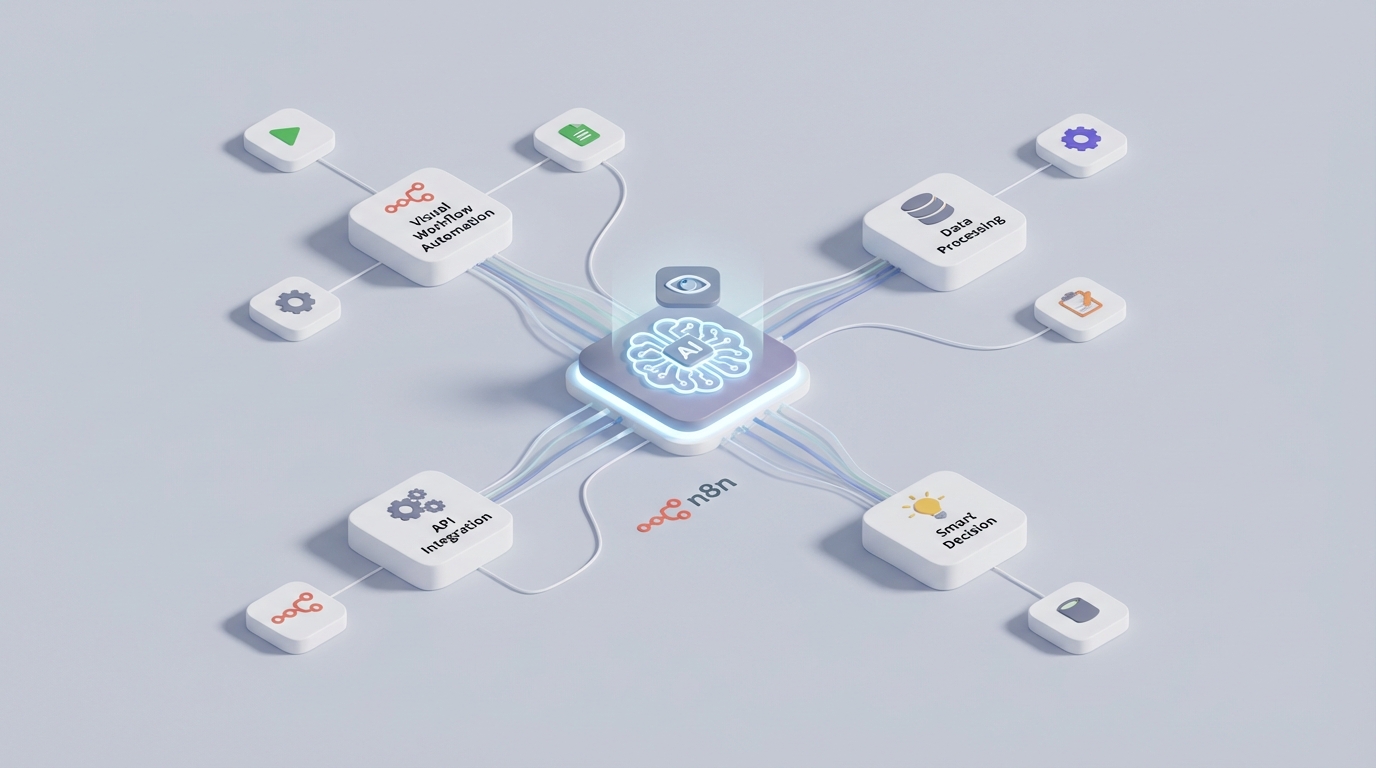
Here's the thing about n8n: it's genuinely good at what it does. You wire up nodes, data flows through them, automations fire. It handles the mechanical parts of your business — syncing data, routing leads, processing invoices — with the reliability of a well-oiled machine.
But it doesn't think.
Every path through an n8n workflow exists because someone explicitly designed it. Every IF node, every branch, every error handler — all pre-planned. When something unexpected happens, the workflow either follows the error path you built or it fails. There's no reasoning. No adaptation. No "hmm, this looks different from usual, let me figure out the right approach."
That gap between reliable execution and intelligent decision-making is exactly where a custom AI agent changes everything. Not n8n's built-in LangChain nodes (which are essentially just another set of nodes you have to manually wire up), but a genuine AI agent that sits on top of n8n, uses it as an execution engine, and adds the intelligence layer your automations are missing.
Let me show you what this looks like in practice and how to build it with OpenClaw.
The Architecture: AI Brain, n8n Hands
Think of it this way: n8n is the body, the AI agent is the brain.
n8n already has a solid REST API that lets you programmatically manage workflows, trigger executions, check results, and handle credentials. A custom AI agent built on OpenClaw connects to this API and turns n8n from a static automation tool into a dynamic, reasoning system.
The architecture looks like this:
[OpenClaw AI Agent]
    ↓ (decides what to do)
[n8n REST API]
    ↓ (executes the work)
[Your integrations: CRM, databases, email, Slack, etc.]
    ↓ (results flow back)
[OpenClaw AI Agent]
    ↓ (evaluates, learns, decides next action)
The agent doesn't replace your n8n workflows. It orchestrates them. Your carefully built, tested, production-grade workflows remain exactly as they are. The agent just gets smart about when to trigger them, what data to pass, and what to do when the results aren't what was expected.
What n8n's API Actually Gives You to Work With
Before building anything, you need to understand what you can control. n8n's REST API (v1) exposes:
- Workflows: Create, read, update, delete, activate, deactivate
- Executions: List all executions, get execution details (including input/output data at each node), retry failed executions, delete old ones
- Credentials: Full CRUD with proper permissions
- Webhooks: Trigger workflows externally with custom payloads
- Variables & Secrets: Manage environment-level configuration
- Health & Metrics: Monitor instance status
This is enough to build a fully autonomous system. The agent can inspect what workflows exist, understand what they do (especially if you maintain good naming conventions and descriptions), trigger them with specific payloads, monitor their execution, and react to failures.
Here's a basic example of how your OpenClaw agent interacts with n8n:
# OpenClaw agent tool: trigger an n8n workflow and monitor execution
import requests

N8N_BASE_URL = "https://your-n8n-instance.com/api/v1"
N8N_API_KEY = "your-api-key"

headers = {
    "X-N8N-API-KEY": N8N_API_KEY,
    "Content-Type": "application/json"
}

def trigger_workflow(workflow_id: str, payload: dict) -> dict:
    """Trigger an n8n workflow via webhook and return execution data."""
    # First, get the workflow to find its webhook URL
    workflow = requests.get(
        f"{N8N_BASE_URL}/workflows/{workflow_id}",
        headers=headers
    ).json()

    # Trigger via production webhook
    webhook_url = f"https://your-n8n-instance.com/webhook/{workflow_id}"
    response = requests.post(webhook_url, json=payload)

    return response.json()

def get_recent_executions(workflow_id: str, status: str = None) -> list:
    """Check recent executions for a specific workflow."""
    params = {"workflowId": workflow_id, "limit": 20}
    if status:
        params["status"] = status  # "success", "error", "waiting"

    response = requests.get(
        f"{N8N_BASE_URL}/executions",
        headers=headers,
        params=params
    )
    return response.json().get("data", [])

def get_execution_details(execution_id: str) -> dict:
    """Get full execution data including node-level input/output."""
    response = requests.get(
        f"{N8N_BASE_URL}/executions/{execution_id}",
        headers=headers
    )
    return response.json()

def retry_execution(execution_id: str) -> dict:
    """Retry a failed execution."""
    response = requests.post(
        f"{N8N_BASE_URL}/executions/{execution_id}/retry",
        headers=headers
    )
    return response.json()
These functions become tools that the OpenClaw agent can call autonomously. The agent doesn't just blindly fire them — it reasons about which tool to use, in what order, and with what parameters based on the situation.
Five Specific Use Cases That Actually Matter
Let me walk through real scenarios where this combination creates something neither n8n nor an AI agent could do alone.
1. Intelligent Lead Processing That Adapts
The n8n workflow you already have: Form submission → Clearbit enrichment → lead scoring → CRM assignment → Slack notification → email sequence.
What breaks: The scoring logic is static. A VP of Engineering at a 500-person company gets the same treatment every time. But what if they've visited your pricing page 12 times this week? What if they're from an industry you just launched a case study for? What if three people from the same company have signed up in the past month?
What the OpenClaw agent adds:
The agent monitors new leads flowing through your n8n enrichment workflow. Instead of relying on a fixed scoring rubric, it evaluates each lead with full context: enrichment data, website activity (pulled from your analytics tool via another n8n workflow), existing contacts from the same company, recent deal history, and current sales team capacity.
# OpenClaw agent tool definition for lead evaluation
lead_evaluation_tool = {
    "name": "evaluate_lead",
    "description": "Evaluate an enriched lead and determine routing, priority, and recommended action",
    "parameters": {
        "lead_data": "Enriched lead data from n8n workflow",
        "company_history": "Past interactions with this company",
        "team_capacity": "Current sales team availability and workload"
    }
}
The agent might decide: "This lead matches the profile of our last three enterprise deals. Sales team A is overloaded but team B has capacity and specializes in this industry. Route to team B, flag as high priority, and trigger the enterprise-specific email sequence instead of the standard one."
That decision gets executed by triggering different n8n workflows — the routing workflow, the notification workflow, the email sequence workflow — each with the right parameters. The execution is still reliable, auditable n8n. The intelligence is the agent.
2. Proactive Workflow Health Monitoring
The problem: You have 47 active n8n workflows. Some run every five minutes, some run daily, some are webhook-triggered. When one fails at 3 AM, you find out when someone complains the next morning. n8n's built-in error workflows help, but they're reactive and dumb — they send a Slack message that says "Workflow X failed" and that's it.
What the OpenClaw agent adds:
The agent runs on a schedule (or continuously) and pulls execution data across all your workflows:
def monitor_all_workflows():
    """Agent tool: comprehensive workflow health check."""
    workflows = requests.get(
        f"{N8N_BASE_URL}/workflows",
        headers=headers,
        params={"active": True}
    ).json()

    health_report = []
    for wf in workflows.get("data", []):
        # Get recent executions
        executions = get_recent_executions(wf["id"])

        # Calculate error rate
        errors = [e for e in executions if e.get("status") == "error"]
        error_rate = len(errors) / max(len(executions), 1)

        # Check for execution time anomalies
        run_times = [
            e.get("stoppedAt", 0) - e.get("startedAt", 0)
            for e in executions
            if e.get("status") == "success"
        ]

        health_report.append({
            "workflow_id": wf["id"],
            "name": wf["name"],
            "error_rate": error_rate,
            "recent_errors": len(errors),
            "avg_runtime": sum(run_times) / max(len(run_times), 1),
            "total_executions": len(executions)
        })

    return health_report
But here's the key difference: the agent doesn't just report numbers. It investigates. When it sees a spike in errors, it pulls the execution details, examines which node failed, looks at the error message, checks if the same error happened before, and determines the likely cause.
"The Stripe invoice sync workflow has failed 8 times in the last hour. All failures are at the HTTP Request node calling the Stripe API. Error: 429 Too Many Requests. This workflow runs every 2 minutes and processes an average of 200 invoices per run. Recommended action: Deactivate the workflow temporarily, increase the batch interval to 5 minutes, add the SplitInBatches node with a 1-second delay between batches. Shall I deactivate the workflow now to prevent further rate limiting?"
That's not a Slack alert. That's an intelligent diagnosis with a specific recommendation and the ability to act on it immediately.
3. Dynamic Customer Onboarding
The n8n workflows you have: Contract signed → Create accounts → Send welcome email → Schedule kickoff → Provision in product → Notify CS team.
What breaks: Every customer gets the same onboarding flow. But a 10-person startup needs different onboarding than a 5,000-person enterprise. A customer who bought three products needs different provisioning than one who bought one. A customer whose champion just left (you saw the LinkedIn update) needs completely different handling.
What the OpenClaw agent adds:
The agent receives the "contract signed" event and builds a custom onboarding plan. It examines the deal data, company size, products purchased, sales notes, and any relevant context from your knowledge base. Then it orchestrates the appropriate combination of n8n workflows:
- For the enterprise customer: Trigger the enterprise provisioning workflow (not the standard one), schedule a white-glove kickoff using the calendar workflow, assign a senior CS rep via the routing workflow, and create a custom Slack channel using the communication workflow.
- For the startup: Trigger the self-serve provisioning workflow, send the automated onboarding email sequence, schedule an optional group onboarding session, assign to the SMB CS pool.
Same underlying n8n workflows. Completely different orchestration based on intelligent analysis of the situation.
4. Financial Operations With Exception Handling
The n8n workflow: Stripe payment → Match to invoice in QuickBooks → Reconcile → Update internal dashboard.
What breaks: Partial payments. Currency mismatches. Payments that don't match any invoice. Duplicate charges. Refunds that need to be applied to the right period. Every edge case requires a new branch in your workflow, and you can never anticipate them all.
What the OpenClaw agent adds:
The agent handles exceptions that fall outside the normal workflow path. When the n8n matching workflow can't find a corresponding invoice, instead of just logging an error, the agent:
- Searches for similar amounts (within a threshold) in recent invoices
- Checks if the customer has any outstanding credits or partial payments
- Looks at the payment metadata for any reference numbers
- Checks if there was a recent price change that might explain the discrepancy
- Either resolves it autonomously (if confidence is high and the amount is below a threshold) or routes it to the finance team with a full analysis and recommended resolution
The agent uses your existing n8n workflows as tools throughout this process — the search workflow, the customer lookup workflow, the invoice history workflow. It just chains them together intelligently based on what it finds at each step.
5. Content Operations Pipeline
The n8n workflows: YouTube video published → Extract transcript → Post to social media → Create newsletter section → Update content calendar.
What breaks: The output quality is garbage. Automated social posts from transcripts sound like robots. The newsletter section is just a transcript excerpt. Nothing is tailored to platform-specific best practices.
What the OpenClaw agent adds:
The agent takes the transcript (extracted via n8n) and actually understands the content. It identifies the key insights, most quotable moments, and controversial takes. Then it crafts platform-specific content:
- Twitter/X thread that leads with the most provocative insight
- LinkedIn post that emphasizes the professional development angle
- Newsletter section that provides context the video didn't cover
- Blog post outline that expands on the topic with additional research
Each piece of content gets published through your existing n8n social media posting workflows. The agent handles the creative intelligence; n8n handles the reliable publishing infrastructure.
Setting This Up With OpenClaw
OpenClaw is built for exactly this kind of integration. Instead of trying to force AI capabilities into n8n's node-based paradigm (which fundamentally limits what the AI can do), you build your agent in OpenClaw and give it n8n as one of its tools.
The setup process:
Step 1: Register your n8n tools in OpenClaw
Define each n8n interaction as a tool the agent can use. The functions I showed earlier — trigger_workflow, get_recent_executions, get_execution_details, retry_execution, monitor_all_workflows — each become registered tools with clear descriptions of what they do and when to use them.
Step 2: Map your workflow inventory
Create a reference document (stored in your agent's knowledge base) that describes each n8n workflow: what it does, what inputs it expects, what outputs it produces, and when it should be used. This gives the agent the context it needs to choose the right workflow for each situation.
{
  "workflow_registry": [
    {
      "id": "workflow_abc123",
      "name": "Lead Enrichment - Standard",
      "description": "Takes a lead email, enriches via Clearbit and Apollo, returns company data and contact info",
      "trigger": "webhook",
      "input_schema": {"email": "string", "source": "string"},
      "output": "Enriched lead object with company size, industry, title, social profiles",
      "use_when": "New lead needs enrichment before scoring"
    },
    {
      "id": "workflow_def456",
      "name": "Enterprise Provisioning",
      "description": "Creates enterprise-tier accounts across product, billing, and support systems",
      "trigger": "webhook",
      "input_schema": {"company_id": "string", "products": "array", "admin_email": "string"},
      "output": "Provisioning confirmation with account IDs",
      "use_when": "New enterprise customer (50+ seats) needs account setup"
    }
  ]
}
Step 3: Define agent behaviors and guardrails
This is critical. You don't want an autonomous agent making irreversible changes without oversight. Set clear boundaries:
- Autonomous actions: Monitoring, analysis, reporting, retrying failed executions, routing decisions
- Human-approval required: Deactivating workflows, modifying workflow configurations, financial transactions above a threshold, customer-facing communications
- Never allowed: Deleting workflows, modifying credentials, accessing production databases directly
Step 4: Build feedback loops
The agent should learn from outcomes. When it routes a lead to a specific team and that lead converts, that signal gets stored. When it recommends a fix for a failed workflow and the fix works, that pattern gets reinforced. Over time, the agent builds an operational playbook specific to your business.
Why This Is Better Than n8n's Built-in AI Nodes
I want to be direct about this because n8n markets their LangChain integration heavily.
n8n's AI nodes let you add an LLM call within a workflow. That's useful, but fundamentally limited:
- You still design every path. The AI node sits inside a fixed workflow. It can't decide to call a different workflow or skip steps.
- No persistent memory across workflow runs. Each execution starts fresh.
- Tool selection is manual. You wire up which tools the "agent" node can access at build time.
- Debugging is painful. When the LangChain agent node behaves unexpectedly (and it will), you're debugging inside n8n's execution viewer, which wasn't designed for multi-step agent reasoning.
- No multi-agent coordination. You can't have specialist agents collaborating on complex tasks.
A purpose-built AI agent on OpenClaw that uses n8n as its execution layer gives you genuine autonomy, persistent memory, dynamic tool selection, proper reasoning traces, and the ability to coordinate multiple agents for complex operations.
The n8n workflows stay exactly as they are — reliable, auditable, version-controlled. The intelligence layer sits on top, where it belongs.
Getting Started
If you're running n8n in production and you've hit the ceiling of what static workflows can do, the move to an AI-orchestrated approach is more straightforward than you might think.
Start with monitoring. Build an OpenClaw agent that watches your n8n executions, identifies failures and anomalies, and reports them with context and recommendations. That alone will save you hours per week and give you confidence in the approach before you expand to autonomous actions.
Then pick one workflow that has too many IF branches — lead routing is a great candidate — and let the agent handle the decision-making while n8n handles the execution.
If you want help architecting this for your specific n8n setup, Clawsourcing is where our team designs and builds custom AI agent integrations. We'll map your existing n8n workflows, identify where intelligence adds the most value, and build the OpenClaw agent layer that turns your automation into something that actually thinks.
Your n8n workflows are the foundation. OpenClaw is what makes them smart.