AI Agent for Metabase: Automate Self-Service Analytics, Alerts, and Embedded Reporting
Automate Self-Service Analytics, Alerts, and Embedded Reporting
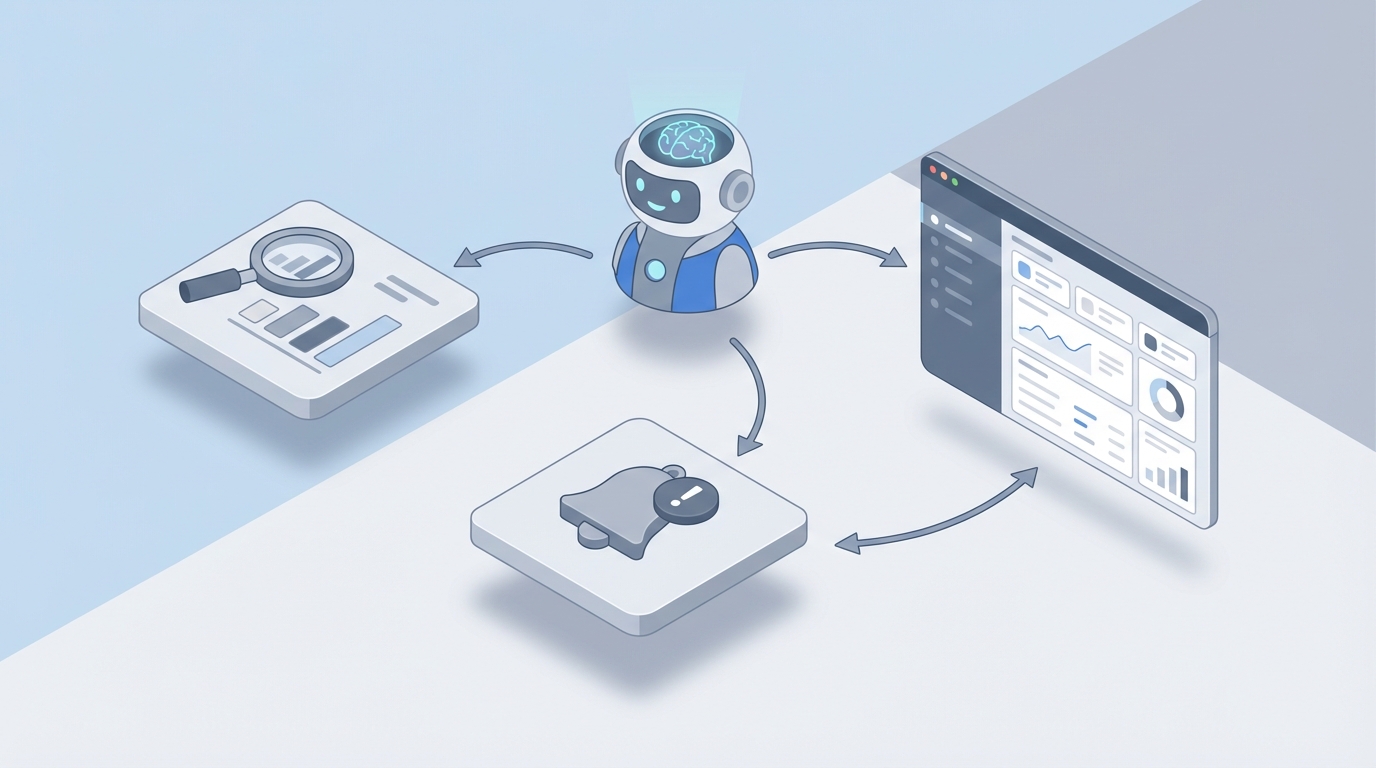
Most teams adopt Metabase because it's the fastest path from "raw database" to "dashboards people actually use." And it delivers on that promise. Within a day you can have a self-hosted BI layer on top of Postgres, Snowflake, or BigQuery, with non-technical people building their own questions using the notebook editor. It's genuinely good software.
But then reality sets in.
Someone asks to get a Slack alert when MRR drops below a certain threshold and a breakdown of which segments caused it. Another person wants a Monday morning briefing that doesn't just show numbers but actually explains what changed and why. The CS team wants to embed analytics in the product but have the dashboards respond to customer questions in natural language. The data team is drowning in "can you pull this?" requests despite having built 200+ saved questions that nobody can find.
Metabase's built-in automation can't handle any of this. Its alerting is limited to single-question threshold checks delivered via email or Slack. No conditional logic, no multi-step reasoning, no cross-referencing, no integration with the rest of your tool stack. You hit the ceiling fast.
This is the gap an AI agent fills — not Metabase's own AI features (which are basically query suggestions), but a custom agent that sits on top of Metabase's API and adds the intelligence, proactive monitoring, and autonomous action that the platform lacks natively.
Here's how to build it with OpenClaw.
Why Metabase's Native Automations Fall Short
Let's be specific about what Metabase can and can't do on the automation front, because this matters for understanding what you're actually building.
What Metabase gives you:
- Scheduled dashboard subscriptions (send this dashboard as an email/Slack message on a cron schedule)
- Simple threshold alerts on individual questions ("notify me when this value goes above X")
- Slack and email as delivery channels
What it doesn't give you:
- Conditional branching ("if metric A drops, then check metric B segmented by C")
- Multi-step investigation workflows
- Cross-system integration (combining Metabase data with Salesforce, Zendesk, Stripe, Jira)
- Personalized analysis for different roles
- Natural language interaction with your data
- Anomaly detection beyond basic thresholds
- Any ability to take action based on what the data shows
- Memory or context across time ("this is the third week activation has trended down")
That's not a criticism of Metabase. It's a BI tool, not an orchestration platform. But the result is that your data team becomes the glue layer — manually doing the analysis, context-gathering, and communication that should be automated. Every "can you check why X happened?" Slack message is a symptom of this gap.
What Metabase's API Actually Exposes
Before building anything, you need to understand what you can programmatically access. Metabase has a solid REST API under /api/ that covers more than most people realize.
The useful endpoints for an AI agent:
POST /api/dataset— Run any query (native SQL or structured) and get results back as JSON. This is the workhorse.GET /api/card/:id— Fetch a saved question's definition and metadata.POST /api/card/:id/query— Execute a saved question and get results.GET /api/dashboard/:id— Get a dashboard's structure (which cards, which filters).GET /api/search— Search across questions, dashboards, collections, and models by keyword.GET /api/database/:id/metadata— Get full schema information (tables, columns, types).GET /api/collection/:id/items— Browse collections programmatically.GET /api/alert— List existing alerts.GET /api/activity— See recent activity (who queried what, when).
This means an AI agent can: discover what data exists, find relevant saved questions, run queries, fetch results, and understand your schema — all programmatically. That's a surprisingly complete toolkit.
Authentication is session-based. You hit POST /api/session with credentials and get a session token. For a long-running agent, you'll want to handle token refresh. Enterprise customers can also use API keys.
import requests

METABASE_URL = "https://your-metabase.company.com"

# Authenticate
session = requests.post(f"{METABASE_URL}/api/session", json={
    "username": "agent@company.com",
    "password": "your-secure-password"
})
token = session.json()["id"]

headers = {"X-Metabase-Session": token}

# Run a saved question
results = requests.post(
    f"{METABASE_URL}/api/card/42/query",
    headers=headers
)
data = results.json()["data"]["rows"]

# Search for relevant questions
search = requests.get(
    f"{METABASE_URL}/api/search?q=monthly+revenue",
    headers=headers
)
matching_items = search.json()
This is straightforward. The hard part isn't calling these endpoints — it's building the reasoning layer that knows when to call them, what to query, and what to do with the results.
Building the Agent Layer with OpenClaw
OpenClaw is where the orchestration and intelligence lives. Instead of writing a brittle script that runs five queries in sequence and formats the output, you're building an agent that reasons about what to do based on context.
Here's the architecture:
[Triggers: Schedule / Slack / Webhook / Anomaly Detection]
          ↓
    [OpenClaw Agent]
     ├── Tool: query_metabase(sql_or_question_id)
     ├── Tool: search_metabase(keyword)
     ├── Tool: get_schema(database_id)
     ├── Tool: send_slack(channel, message)
     ├── Tool: create_jira_ticket(summary, description)
     ├── Tool: fetch_salesforce_account(account_id)
     └── Memory: conversation history + metric context
          ↓
    [Output: Insight / Alert / Action / Report]
The agent has access to Metabase as a set of tools. It also has access to your other business systems. OpenClaw handles the reasoning loop — deciding which tools to call, in what order, based on the prompt and the results it gets back.
Defining the Metabase Tools
In OpenClaw, you define tools that the agent can invoke. Here's what the core Metabase toolkit looks like:
# Tool definitions for OpenClaw agent

def query_metabase_sql(database_id: int, sql: str) -> dict:
    """Run a native SQL query against a Metabase database and return results."""
    response = requests.post(
        f"{METABASE_URL}/api/dataset",
        headers=headers,
        json={
            "database": database_id,
            "type": "native",
            "native": {"query": sql}
        }
    )
    result = response.json()
    return {
        "columns": [col["name"] for col in result["data"]["cols"]],
        "rows": result["data"]["rows"][:100],  # Limit for context window
        "row_count": result["data"]["row_count"]
    }

def run_saved_question(question_id: int, parameters: dict = None) -> dict:
    """Execute an existing saved question in Metabase."""
    payload = {}
    if parameters:
        payload["parameters"] = parameters
    response = requests.post(
        f"{METABASE_URL}/api/card/{question_id}/query",
        headers=headers,
        json=payload
    )
    result = response.json()
    return {
        "columns": [col["name"] for col in result["data"]["cols"]],
        "rows": result["data"]["rows"][:100],
        "row_count": result["data"]["row_count"]
    }

def search_questions(query: str) -> list:
    """Search Metabase for saved questions and dashboards matching a keyword."""
    response = requests.get(
        f"{METABASE_URL}/api/search?q={query}&models=card&models=dashboard",
        headers=headers
    )
    results = response.json()
    return [
        {"id": item["id"], "name": item["name"], "type": item["model"],
         "collection": item.get("collection", {}).get("name", "Root")}
        for item in results[:20]
    ]

def get_database_schema(database_id: int) -> dict:
    """Get table and column information for a Metabase database."""
    response = requests.get(
        f"{METABASE_URL}/api/database/{database_id}/metadata",
        headers=headers
    )
    db = response.json()
    schema = {}
    for table in db["tables"]:
        schema[table["name"]] = {
            "description": table.get("description", ""),
            "columns": [
                {"name": f["name"], "type": f["database_type"],
                 "description": f.get("description", "")}
                for f in table["fields"]
            ]
        }
    return schema
You register these as tools in OpenClaw, and the agent calls them as needed during its reasoning process. The key is that the agent decides the execution path — you don't hardcode it.
Five Workflows That Actually Matter
Let me walk through specific agent patterns that solve real problems. These aren't theoretical — they map directly to the pain points I hear from teams using Metabase.
1. The Anomaly Detective
Problem: Metabase can tell you a number crossed a threshold. It can't tell you why, and it can't check related metrics to build context.
Agent workflow:
The agent runs on a schedule (every hour, every morning, whatever). It pulls key metrics from pre-defined Metabase questions. Instead of just checking "is this above/below X?", it compares against trailing averages, week-over-week changes, and expected ranges.
When it spots something anomalous, it investigates autonomously:
- Detect: "Daily signups dropped 34% compared to the 7-day average."
- Segment: Run a follow-up query breaking signups down by acquisition channel, geography, and device type.
- Correlate: Check related metrics — did website traffic also drop? Did the conversion rate change? Are there deployment logs or incidents?
- Narrate: Compose a finding with context: "Signups dropped 34% day-over-day, driven entirely by paid search (down 61%). Organic and direct are normal. This correlates with the Google Ads budget hitting its monthly cap yesterday at 3pm. Recommend checking with marketing."
- Route: Post to the relevant Slack channel. If the impact exceeds a threshold, also create a Jira ticket assigned to the marketing ops team.
This is fundamentally different from a threshold alert. It's an investigation.
2. The Executive Briefing Agent
Problem: Executives want a concise, contextualized summary of the business — not a link to a dashboard with 30 charts they need to interpret themselves.
Agent workflow:
Every Monday at 7am, the agent:
- Pulls 15-20 key metrics from saved Metabase questions (revenue, activation, retention, pipeline, burn rate, support volume, etc.).
- Compares each to prior week, prior month, and targets.
- Identifies the 3-5 most notable changes.
- For each notable change, runs follow-up queries to add context.
- Generates a structured briefing — written in plain English, with the key numbers bolded and trends called out.
- Delivers via email or Slack DM, personalized per recipient (CEO gets the financial focus, VP Engineering gets reliability and velocity metrics, VP Sales gets pipeline and conversion).
The output looks like a memo an analyst would write, not a screenshot of a dashboard.
3. Natural Language Data Access
Problem: Non-technical team members can't find answers in Metabase's 400+ saved questions, so they ping the data team.
Agent workflow:
The agent lives in a Slack channel (or embedded in your internal tool). When someone asks a question:
- The agent first searches existing Metabase questions/dashboards that might answer it.
- If a relevant saved question exists, it runs it (possibly with parameters) and returns the answer with a link to the source.
- If no existing question fits, the agent examines the database schema, writes SQL, runs it via the Metabase API, and returns the results.
- It explains its methodology: "I pulled this from the
orderstable, filtering for the last 30 days, grouped by product category. Here's the saved question link if you want to bookmark it."
This preserves Metabase's value (saved questions, governed data, models) while making it accessible through conversation. The agent isn't replacing Metabase — it's making Metabase's existing content discoverable.
4. Embedded Customer Analytics Agent
Problem: You embed Metabase dashboards in your product for customers, but customers want to ask questions about their data, not just stare at pre-built charts.
Agent workflow:
This is the same natural language pattern, but scoped to a specific customer's data using Metabase's parameterized queries or data sandboxing.
The agent:
- Receives a question from a customer within your product.
- Identifies the customer's tenant/account ID.
- Runs relevant Metabase queries filtered to that customer's data only.
- Returns the answer in the product UI.
This turns static embedded dashboards into an interactive analytics experience. The permissioning is handled by Metabase's existing row-level security — the agent just passes the right parameters. OpenClaw manages the session context and customer scoping so you don't leak data between tenants.
5. Dashboard Governance and Cleanup
Problem: After 18 months of Metabase usage, you have 600 saved questions, 80 dashboards, and nobody knows which ones are accurate, current, or used.
Agent workflow:
The agent periodically:
- Pulls usage data from Metabase's activity API (which questions are actually being viewed/run).
- Identifies stale content (not accessed in 90+ days).
- Finds duplicate or near-duplicate questions (same SQL with minor variations).
- Checks for broken queries (referencing deleted columns or tables).
- Generates a governance report: "47 questions haven't been accessed in 90 days. 12 questions are functionally identical. 3 questions reference columns that no longer exist."
- Optionally archives stale content or notifies the owners.
This is pure operational hygiene that nobody has time to do manually but that compounds in value.
What This Looks Like in Practice
When you wire all of this up through OpenClaw, the experience changes fundamentally. Your data team stops being a service desk. Business users get answers in seconds instead of days. Executives get context, not just charts. And your Metabase instance — which already has all the data, all the queries, all the permissions — becomes dramatically more useful without ripping anything out.
The key insight is that Metabase is already doing the hard part: connecting to your databases, managing permissions, providing a query layer, and organizing saved questions. What it's missing is the intelligence and orchestration layer on top. OpenClaw provides exactly that — the reasoning, the multi-step workflows, the cross-system integration, and the natural language interface.
You're not replacing Metabase. You're making it 10x more useful.
Getting Started
If you're running Metabase and any of these pain points resonated, here's the practical path forward:
- Audit your current state. How many saved questions do you have? What are the top 10 recurring requests your data team gets? Where does Metabase's native alerting fall short?
- Pick one workflow. Don't try to build all five patterns at once. The anomaly detective or the executive briefing agent usually delivers the fastest ROI.
- Map the Metabase API surface you need. Identify which saved questions, databases, and collections the agent needs access to.
- Build in OpenClaw. Define your tools, set up the reasoning loop, connect your output channels (Slack, email, Jira, whatever).
- Iterate based on actual usage. The first version won't be perfect. Watch what questions people ask, where the agent gets confused, and refine.
If you want help scoping this out — figuring out which workflows matter most for your team, how to structure the Metabase integration, and how to get to production quickly — that's exactly what Clawsourcing is for. We work with teams to design, build, and deploy AI agents on OpenClaw that integrate with the tools you're already using. No rip-and-replace, no six-month project. Just a working agent that makes your existing stack smarter.
Your Metabase instance is already full of valuable data and well-structured queries. The question is whether that value stays locked behind manual processes or starts working for your team autonomously.