AI Agent for LionDesk: Automate Real Estate CRM, Video Emails, and Transaction Tracking
Automate Real Estate CRM, Video Emails, and Transaction Tracking
Most real estate agents pick LionDesk because it promises to be the one tool that handles everything — contacts, emails, texts, calls, drip campaigns, pipeline tracking. And to be fair, it does all of those things. The problem is it does most of them at about 60% of what you actually need once your business gets past a handful of deals a month.
The automation layer, in particular, is where things fall apart. Smart Plans sound great in a demo. In practice, they're rigid, linear sequences with barely any conditional logic. You can't branch based on sentiment. You can't pull in data from your MLS feed to personalize a message. You can't have the system intelligently decide whether to text or email based on how a lead has responded in the past. You definitely can't have it read an incoming text, understand that the person is asking about a specific listing, and reply with something useful — all without you touching your phone.
That's what a custom AI agent does. And the fastest way to build one that actually works with LionDesk is OpenClaw.
What We're Actually Building
Let me be specific about what this looks like, because "AI agent" is one of those terms that can mean anything from a glorified chatbot to a fully autonomous system.
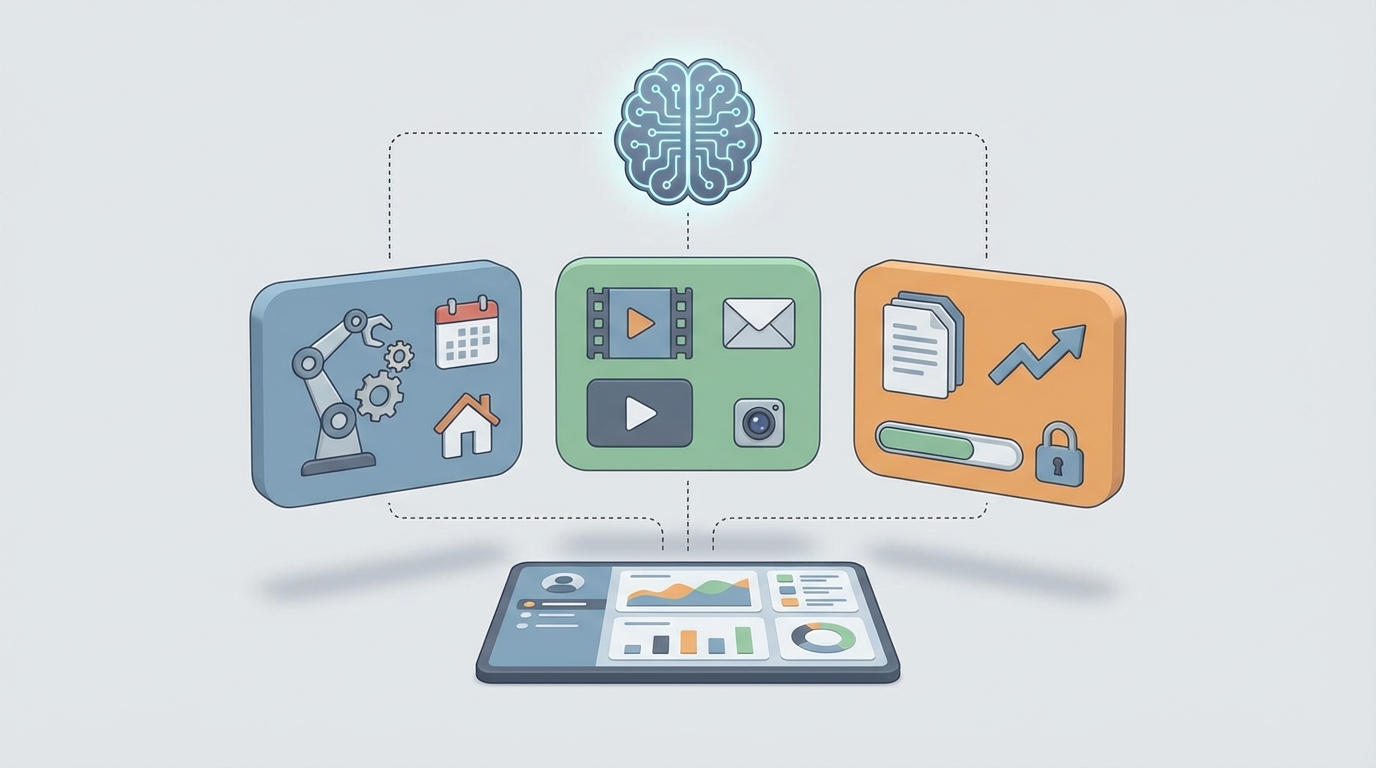
What we're building here is a layer that sits on top of LionDesk via its REST API and webhooks. It listens for events (new lead, incoming message, stage change, task due), processes them through an intelligent reasoning layer, and writes actions back into LionDesk (send a message, update a contact field, create a task, move someone through the pipeline).
The agent runs continuously. It doesn't wait for you to open your laptop. It handles the 80% of CRM work that's repetitive but requires just enough judgment that you couldn't automate it with a dumb drip sequence.
Here's what it can do that Smart Plans can't:
- Read incoming messages and understand intent. Not keyword matching — actual comprehension. "We're thinking about listing in the spring" gets treated very differently from "Take me off your list."
- Generate personalized responses at scale. Not mail-merge tokens. Actual unique messages that reference the contact's history, their neighborhood's market data, and the last thing they said to you.
- Dynamically choose channels and timing. If someone opens your emails but never replies, maybe it's time for a text. If they've replied to three texts in a row, don't switch to email.
- Create context-aware tasks. Instead of a generic "Follow up with lead" task, you get "Call Maria — she mentioned her lease ends in April and asked about 3-bedroom homes in Riverside. Last interaction was 4 days ago via text."
- Flag hot leads and at-risk clients. Based on communication patterns and sentiment, not just whether they opened an email.
The Technical Integration
LionDesk's API (v2) supports OAuth 2.0 authentication and provides endpoints for the resources that matter:
- Contacts: Full CRUD, custom fields, tags, search
- Activities: Notes, calls, tasks, appointments
- Messages: Send and retrieve emails and SMS
- Smart Plans: Enroll and unenroll contacts
- Pipelines/Stages: Move contacts through your pipeline
- Webhooks: Real-time notifications for contact updates, new messages, stage changes, and completed tasks
The architecture looks like this:
LionDesk Webhooks → OpenClaw Event Queue → AI Reasoning Layer → LionDesk API (write-back)
                                                ↑
                                    External Data Sources
                                    (MLS, Calendar, Market Data)
In OpenClaw, you define the agent's capabilities, its decision-making logic, and its available tools. The platform handles the orchestration — receiving webhook events, routing them to the right processing logic, maintaining conversation context, and executing API calls back to LionDesk.
Here's a simplified example of how you'd configure an inbound message handler in OpenClaw:
agent: liondesk_lead_responder
trigger:
  source: liondesk_webhook
  event: message.received

context:
  - liondesk.contact.history
  - liondesk.contact.tags
  - liondesk.contact.pipeline_stage
  - liondesk.contact.custom_fields
  - external.mls.active_listings

rules:
  - if: message.intent == "unsubscribe"
    action: liondesk.contact.add_tag("do-not-contact")
    action: liondesk.smart_plan.unenroll_all
    notify: agent_owner

  - if: message.intent == "listing_inquiry"
    action: generate_response(
      template: "listing_detail",
      personalize: true,
      include: matched_listings
    )
    action: liondesk.contact.move_stage("Active Inquiry")
    action: liondesk.task.create(
      title: "Follow up on listing inquiry",
      context: message.summary,
      due: "+24h"
    )

  - if: message.intent == "schedule_showing"
    action: liondesk.task.create(
      title: "Schedule showing",
      priority: "high",
      context: message.summary,
      due: "+4h"
    )
    action: generate_response(
      template: "showing_confirmation_attempt",
      check: calendar.availability
    )

  - default:
    action: analyze_and_respond(
      tone: "professional_friendly",
      max_length: 160,
      escalate_if: confidence < 0.7
    )
The critical piece is escalate_if: confidence < 0.7. The agent doesn't try to handle everything. When it's not sure, it creates a high-priority task for you and sends the lead an acknowledgment like "Got your message — I'll get back to you shortly." That's the difference between a useful agent and one that embarrasses you.
Five Workflows Worth Building First
You could build dozens of automations on top of this, but here's where I'd start, ranked by impact per hour of setup time.
1. Intelligent Inbound Lead Response
The problem: New leads from Zillow, Realtor.com, or your website land in LionDesk and get enrolled in a generic Smart Plan. The first message they receive is a template that reads like a template. By the time you personally follow up, they've already talked to three other agents.
The agent workflow: Webhook fires on new contact creation → Agent pulls lead source, any available context (search criteria, property viewed, message submitted) → Generates a personalized first response referencing specific details → Sends via the channel most appropriate for the lead source (text for Zillow, email for website form fills) → Creates a follow-up task with full context → Monitors for response and adjusts next touchpoint accordingly.
Why it matters: Speed-to-lead is the single highest-leverage metric in real estate lead conversion. An AI agent responds in seconds with something that actually sounds human. Studies consistently show that responding within 5 minutes makes you 10x more likely to connect than waiting 30 minutes.
2. Smart Follow-Up Orchestration
The problem: Your Smart Plans run on a fixed schedule. Day 1: email. Day 3: text. Day 7: email. It doesn't matter if the lead responded enthusiastically on Day 1 or went completely silent. Everyone gets the same sequence.
The agent workflow: Agent monitors all communication with each contact → Tracks engagement signals (opens, clicks, replies, sentiment of replies) → Dynamically decides next action: send a text, send a video email, create a call task, wait longer, or try a completely different angle → Adjusts messaging tone and content based on accumulated context.
This is where LionDesk's video email feature becomes particularly powerful. LionDesk has a BombBomb-style video messaging capability built in, but most agents barely use it because they don't know when it's the right move. The agent can identify the right moment — say, after a lead has opened three emails but never replied — and trigger a video email that stands out from the text-based noise. It can even generate the script for you to record, personalized to that specific lead.
3. Pipeline Hygiene and Stage Automation
The problem: Your pipeline is a mess. You've got 200 contacts sitting in "New Lead" who should have been moved to "Nurture" or "Dead" weeks ago. You've got contacts under contract whose closing dates have passed but are still showing as active.
The agent workflow: Agent runs a daily audit of all contacts in the pipeline → Analyzes last activity date, communication history, and engagement patterns → Automatically moves contacts to appropriate stages based on defined criteria → Flags anomalies (contact says they bought with another agent, closing date passed with no update) → Generates a daily digest: "Moved 12 contacts to Nurture, flagged 3 for review, 2 contacts may need stage updates based on their recent messages."
# Example: Pipeline audit logic in OpenClaw
def audit_pipeline(contacts):
    for contact in contacts:
        days_since_activity = (now - contact.last_activity_date).days
        last_sentiment = analyze_sentiment(contact.last_message)

        if contact.stage == "New Lead" and days_since_activity > 14:
            if contact.engagement_score > 0.5:
                move_stage(contact, "Warm - Needs Attention")
                create_task(contact, "Re-engage warm lead", priority="high")
            else:
                move_stage(contact, "Long-term Nurture")
                enroll_smart_plan(contact, "quarterly_check_in")

        if contact.stage == "Under Contract":
            if contact.closing_date and contact.closing_date < now:
                flag_for_review(contact, "Closing date passed - verify status")

        if last_sentiment == "negative" and contact.stage != "Do Not Contact":
            create_task(contact,
                f"Review - negative sentiment detected: '{contact.last_message_preview}'",
                priority="urgent")
4. Sphere of Influence Reactivation
The problem: You have 500 past clients and sphere contacts in LionDesk. You know you should be reaching out regularly to generate referrals. You send a monthly newsletter that nobody reads. You occasionally remember to text someone on their home anniversary. That's about it.
The agent workflow: Agent continuously monitors your sphere contacts against external data signals (neighborhood price changes, market reports, property tax assessments, life event indicators from public data) → Identifies timely, relevant reasons to reach out → Drafts personalized messages: "Hey Tom, saw homes in Oakwood are up 8% this year — your place has probably appreciated nicely since you bought. Want me to run a quick CMA?" → Queues for your review or sends automatically based on your confidence settings.
This is the workflow that generates the most ROI for experienced agents. Referrals from your sphere close at dramatically higher rates than cold leads, but only if you stay top of mind with relevant touches, not generic drip content.
5. Transaction Milestone Tracking
The problem: LionDesk isn't a full transaction management system. But your contacts who are under contract still need milestone-based communication — inspection reminders, appraisal updates, closing prep checklists. Currently, you're managing this in your head or a separate tool.
The agent workflow: When a contact moves to "Under Contract," the agent creates a milestone timeline based on the contract date and closing date → Automatically generates and sends client-facing updates at key milestones → Creates tasks for you before each deadline → Monitors for delays (if appraisal results aren't logged by expected date, flags it) → After closing, transitions the contact to "Past Client" pipeline and enrolls them in the sphere nurture campaign.
What This Does NOT Do
Let's be clear about limitations, because overselling AI agents is how you end up disappointed.
- It won't replace the human relationship. It handles the operational overhead so you can focus on actual conversations.
- It won't fix bad data. If your LionDesk contacts are full of duplicates, wrong numbers, and missing tags, the agent will be working with garbage. Clean your data first.
- It won't bypass LionDesk's API limits. The API has relatively strict rate limits. Your agent needs to respect those, which means batch operations need to be queued and throttled. OpenClaw handles this, but you need to design workflows with it in mind.
- It won't manage TCPA compliance for you. The agent can help — logging consent, respecting opt-outs, limiting text frequency — but you are still legally responsible. Build compliance checks into every workflow that sends outbound messages.
Why OpenClaw Instead of Duct-Taping It Yourself
You could wire this up yourself with Zapier, some serverless functions, and direct API calls. People do it. Here's what happens: it works for two months, then Zapier changes their pricing, a webhook starts failing silently, your error handling doesn't catch an edge case, and a lead gets texted at 2 AM about a listing that sold three weeks ago.
OpenClaw gives you the orchestration layer purpose-built for this kind of work — persistent agent state, built-in error handling, webhook management, rate limit respect, conversation memory, and the reasoning engine to make intelligent decisions rather than just following if/then chains. You're building an agent, not a Rube Goldberg machine.
The platform is designed specifically for connecting AI agents to business tools via their APIs. LionDesk is one of many CRMs it integrates with, which also means if you eventually outgrow LionDesk and move to Follow Up Boss or kvCORE, the agent logic transfers — you're only swapping the integration layer, not rebuilding from scratch.
Getting Started
Here's what I'd actually do if I were setting this up this week:
- Audit your LionDesk setup. Clean your contacts, standardize your tags, make sure your pipeline stages are defined and consistent. Garbage in, garbage out.
- Pick one workflow to start. I'd start with Intelligent Inbound Lead Response (Workflow #1) because it has the highest immediate impact and the simplest integration surface.
- Set up your LionDesk API credentials. Enable OAuth, set up your webhooks for new contacts and incoming messages.
- Build the agent in OpenClaw. Define the trigger, context sources, decision logic, and write-back actions.
- Run in shadow mode first. Have the agent generate its proposed actions but route them to you for approval before executing. Do this for at least a week to calibrate.
- Go live, then iterate. Turn on autonomous execution for the workflows you trust. Add complexity gradually.
If you want help getting this built — either doing it yourself with guidance or having the team handle it — check out Clawsourcing. It's the fastest path from "I know what I want this to do" to "it's running and I haven't touched my CRM in three days."
LionDesk is a solid foundation. It just needs a brain on top of it. That's what this builds.