AI Agent for LearnDash: Automate WordPress LMS, Quizzes, and Student Progress Tracking
Automate WordPress LMS, Quizzes, and Student Progress Tracking
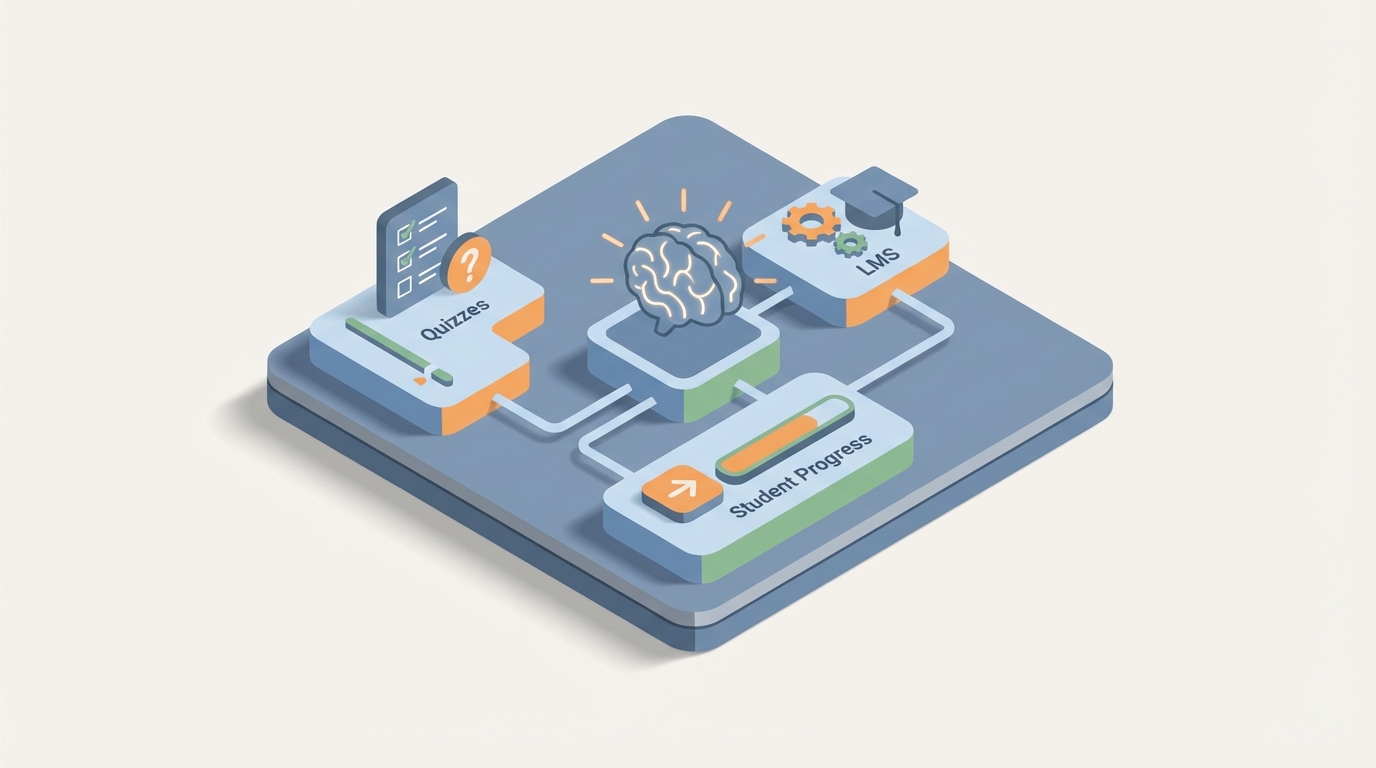
Most LMS setups follow the same depressing arc. You spend three weeks building out your LearnDash courses, configuring quizzes, setting up drip schedules, and connecting WooCommerce. It looks great. Then six months later, you're drowning in a spreadsheet trying to figure out which of your 400 users actually finished the compliance training, who failed the quiz twice, and whether anyone even opened Module 3.
LearnDash is a solid platform. It gives you ownership over your learning content in a way that Teachable and Kajabi never will. But it was built as a content delivery system, not an intelligent one. The admin experience is manual. The reporting is surface-level. The built-in automations top out at "enroll user → send email." And the moment you need anything more sophisticated — like "find everyone in the sales team who scored below 70% on the product quiz and haven't logged in for two weeks, then send them a personalized nudge and flag their manager" — you're either writing custom code or duct-taping together five different plugins.
That's where an AI agent changes the game. Not LearnDash's AI features (they don't really have meaningful ones). I'm talking about a custom AI agent that connects to LearnDash's REST API, understands your courses, monitors your learners, and takes autonomous action when things need attention.
And the platform you build it on is OpenClaw.
What OpenClaw Actually Does Here
OpenClaw is an AI agent platform that lets you build intelligent, stateful agents that connect to external APIs — including WordPress and LearnDash — and take real actions based on reasoning, not just simple trigger-response logic.
The key difference between OpenClaw and something like Zapier or Uncanny Automator: those tools handle linear automations. If X happens, do Y. OpenClaw agents can reason across multiple data points, maintain memory of past interactions, chain complex multi-step workflows, and make decisions that would normally require a human admin staring at a dashboard.
Think of it as the difference between a thermostat and an actual building manager. The thermostat reacts. The building manager understands context, anticipates problems, and coordinates across systems.
For LearnDash specifically, here's what that looks like in practice.
The Integration Layer: LearnDash REST API + OpenClaw
LearnDash exposes its data through the WordPress REST API. The core endpoints you'll work with:
- Courses:
/wp-json/ldlms/v2/sfwd-courses— CRUD operations on courses - Lessons:
/wp-json/ldlms/v2/sfwd-lessons— lesson data, ordering, drip settings - Topics:
/wp-json/ldlms/v2/sfwd-topic— subtopics within lessons - Quizzes:
/wp-json/ldlms/v2/sfwd-quiz— quiz configuration and metadata - User Progress:
/wp-json/ldlms/v2/users/{id}/course-progress— completion status per course - Quiz Attempts: Custom endpoints or database queries for detailed attempt data
- Groups:
/wp-json/ldlms/v2/groups— team/cohort management - Enrollment: Programmatic enroll/unenroll via user-course relationship endpoints
Authentication is handled via WordPress Application Passwords or JWT tokens. Here's a basic example of how your OpenClaw agent pulls user progress:
import requests

SITE_URL = "https://yoursite.com"
API_USER = "agent-user"
API_PASS = "xxxx xxxx xxxx xxxx xxxx xxxx"  # WP Application Password

def get_course_progress(user_id, course_id):
    response = requests.get(
        f"{SITE_URL}/wp-json/ldlms/v2/users/{user_id}/course-progress/{course_id}",
        auth=(API_USER, API_PASS)
    )
    return response.json()

def get_quiz_attempts(user_id, quiz_id):
    response = requests.get(
        f"{SITE_URL}/wp-json/ldlms/v2/users/{user_id}/quiz-attempts",
        params={"quiz_id": quiz_id},
        auth=(API_USER, API_PASS)
    )
    return response.json()

def get_group_users(group_id):
    response = requests.get(
        f"{SITE_URL}/wp-json/ldlms/v2/groups/{group_id}/users",
        auth=(API_USER, API_PASS)
    )
    return response.json()
Within OpenClaw, you configure these API connections as tools the agent can call. The agent doesn't need you to pre-define every scenario — it understands the available tools and decides when and how to use them based on the goals you set.
Five Workflows That Actually Matter
Let me walk through specific, high-value workflows you can build with OpenClaw + LearnDash. These aren't theoretical. They're the exact problems LearnDash admins complain about in every forum thread and review.
1. Intelligent Progress Monitoring and Intervention
The problem: ProPanel gives you a dashboard, but nobody sits there watching it all day. Students fall behind silently. By the time you notice, they've already disengaged.
The OpenClaw agent workflow:
The agent runs on a scheduled loop (daily or however frequently you want). On each run, it:
- Pulls all active enrollments and progress data across courses
- Identifies users who are behind the expected pace (factoring in enrollment date, drip schedule, and cohort averages)
- Checks quiz performance for those users — are they struggling or just disengaged?
- Generates a contextually appropriate action:
- For users who are simply inactive: sends a personalized re-engagement email referencing exactly where they left off ("You were halfway through Module 4 — Building Objection Scripts. Pick up where you left off.")
- For users who failed a quiz: sends a targeted review email with specific lesson links tied to the questions they missed
- For users who are severely behind on compliance deadlines: flags their group leader via Slack or email with a summary
This isn't a Zapier automation. The agent is making judgment calls about what kind of intervention each user needs, based on multiple data points assessed together.
2. Automated Quiz Generation from Course Content
The problem: Building quizzes in LearnDash is tedious. Each question has to be manually created, assigned to a question bank, configured with point values, and mapped to lessons. For a 10-module course with 5 questions per module, that's 50 individual questions you're hand-crafting.
The OpenClaw agent workflow:
- Feed the agent your lesson content (text, transcripts, PDFs — whatever you're using)
- The agent generates quiz questions aligned to each lesson's key concepts — multiple choice, true/false, fill-in-the-blank, matching, and even essay prompts
- It formats them according to LearnDash's quiz question schema
- Pushes them via the API directly into the correct quiz, associated with the right lesson, with appropriate point values and answer explanations
# Example: Agent creates a question via LearnDash API
def create_quiz_question(quiz_id, question_data):
    payload = {
        "quiz_id": quiz_id,
        "question_type": question_data["type"],  # e.g., "single", "multiple", "essay"
        "title": question_data["question_text"],
        "points": question_data["points"],
        "answers": question_data["answers"],  # list of answer objects
        "correct_answer": question_data["correct"],
        "hint": question_data.get("hint", ""),
        "explanation": question_data.get("explanation", "")
    }
    response = requests.post(
        f"{SITE_URL}/wp-json/ldlms/v2/sfwd-question",
        json=payload,
        auth=(API_USER, API_PASS)
    )
    return response.json()
You review and approve before publishing. But the 90% of the work — drafting, formatting, structuring — is handled. What used to take a full day now takes 30 minutes of review.
3. Cross-System Orchestration: LearnDash + CRM + Slack + Email
The problem: LearnDash lives on WordPress. Your sales team lives in HubSpot. Your internal comms live in Slack. Your email marketing is in ConvertKit or ActiveCampaign. None of these systems talk to each other natively without expensive middleware.
The OpenClaw agent workflow:
The agent acts as an intelligent middleware layer that understands the context of actions across all systems:
- New course completion → Update the contact record in HubSpot with certification status → Trigger a congratulations email from ActiveCampaign → Post in the
#team-winsSlack channel - Enterprise client onboarding → Check which users in the client's LearnDash group haven't started → Notify the account manager in HubSpot → Send a getting-started sequence from email
- Instructor workflow → When all students in a cohort complete a module, notify the instructor to schedule the live Q&A → Create a calendar event → Post the Zoom link to the group's BuddyBoss feed
The agent maintains awareness of the broader business context. It doesn't just pass data — it decides what matters and routes it appropriately.
4. Smart Reporting That Doesn't Require a Data Analyst
The problem: LearnDash reporting, even with ProPanel, is limited to basic completion rates and quiz scores. Anything more complex requires CSV exports, manual pivot tables, or a dedicated BI tool connection. Most small teams just... don't do it.
The OpenClaw agent workflow:
You ask the agent questions in natural language and it queries the API, aggregates the data, and returns structured insights:
- "What's the average completion rate for the Q3 compliance course, broken down by department?"
- "Which lessons have the highest drop-off rates across all courses?"
- "Show me everyone in the Sales group who hasn't started the new product training."
- "What's the correlation between quiz scores in Module 2 and overall course completion?"
The agent handles the multi-call API logic (pulling group membership, cross-referencing with progress data, calculating aggregates), which would otherwise require a developer writing custom queries against the WordPress database.
You can also set up automated weekly reports: the agent compiles the data, generates a summary with highlights and concerns, and delivers it to your inbox or Slack every Monday morning.
5. Adaptive Learning Path Recommendations
The problem: LearnDash supports prerequisites and linear paths, but it has zero ability to personalize the learning experience based on how someone is actually performing. Everyone gets the same path regardless of their knowledge level.
The OpenClaw agent workflow:
- Agent monitors quiz performance and time-on-lesson data
- For users who ace the foundational modules, it recommends (or auto-enrolls them in) advanced electives
- For users struggling with specific topics, it suggests supplementary lessons or resources
- It can dynamically adjust the drip schedule — accelerating for fast learners, slowing down for those who need more time
- Post-course, it recommends the next logical course based on their role, performance, and what others in similar roles found valuable
This turns LearnDash from a rigid conveyor belt into something that actually adapts to the learner. You're not building a new platform — you're making the one you already have significantly smarter.
Implementation: How to Actually Set This Up
Here's the practical path to getting an OpenClaw agent running against your LearnDash instance:
Step 1: API Access Create a dedicated WordPress user for your agent with appropriate permissions. Generate an Application Password. Test basic API calls to confirm connectivity.
Step 2: Define Your Agent's Tools in OpenClaw Map out the LearnDash API endpoints your agent needs access to. Define them as callable tools within OpenClaw — get_user_progress, get_quiz_results, enroll_user, create_question, send_notification, etc.
Step 3: Set Your Agent's Goals and Constraints This is where OpenClaw shines versus simple automation. You define the agent's objectives ("Monitor student progress and intervene when users fall behind"), its constraints ("Never unenroll a user without admin approval," "Always CC the group leader on compliance alerts"), and its available actions.
Step 4: Connect External Systems Add your other tools — Slack webhooks, email API, CRM endpoints — as additional tools the agent can use. OpenClaw handles the orchestration logic.
Step 5: Test with a Single Course Don't try to automate your entire LMS on day one. Pick one high-value course — probably your most enrolled one or your compliance training — and let the agent run against that. Review its actions, tune its reasoning, expand from there.
Step 6: Scale Once the agent is reliable on one course, expand its scope. Add more courses, more complex reporting, more cross-system workflows.
Why This Matters More Than You Think
The dirty secret of online education — whether it's corporate training or paid courses — is that completion rates are terrible. Industry averages hover around 5-15% for self-paced online courses. Even corporate compliance training with mandatory deadlines often struggles to break 70% on time.
The reason isn't that the content is bad (though sometimes it is). It's that these platforms are passive. They host content and wait for users to show up. There's no intelligence, no adaptation, no proactive nudging based on actual behavior patterns.
An AI agent built on OpenClaw doesn't fix bad content. But it fixes the operational gap between "we built a course" and "people actually completed the course and learned something." That gap is where most of the value leaks out of your LMS investment.
LearnDash gives you the infrastructure. OpenClaw gives you the intelligence layer on top.
Next Steps
If you're running LearnDash and spending more time on admin work than actual course improvement, an OpenClaw-powered agent is worth exploring. The integration surface area is well-defined, the API is functional (if not perfect), and the automation opportunities are significant.
If you want help scoping out what an AI agent would look like for your specific LearnDash setup — which workflows to prioritize, how to handle your particular mix of courses and user segments, what the integration architecture should look like — check out our Clawsourcing service. We'll help you build the agent that turns your LMS from a content warehouse into something that actually works for you.
Stop babysitting your LMS. Make it babysit itself.