AI Agent for ConvertBox: Automate Lead Capture, Segmentation, and On-Site Personalization
Automate Lead Capture, Segmentation, and On-Site Personalization
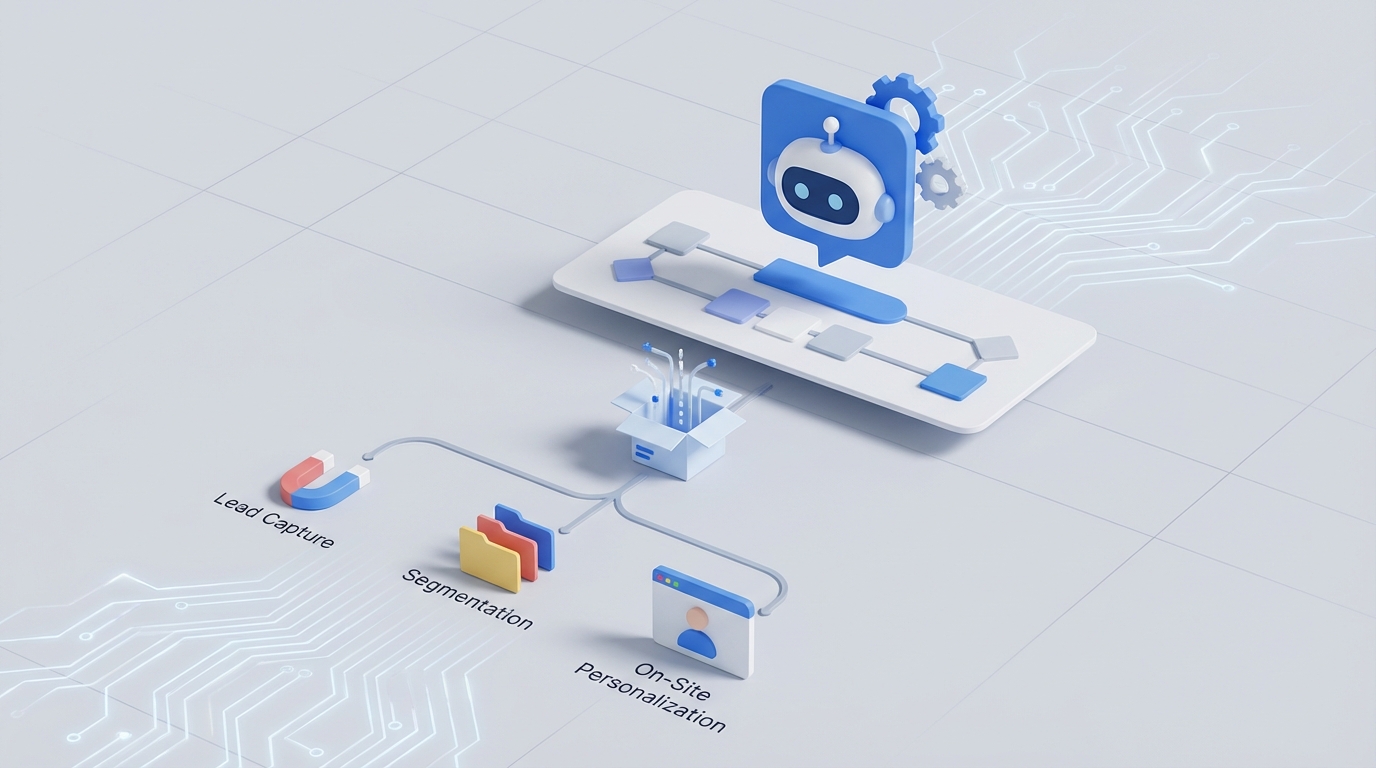
Most ConvertBox setups follow the same depressing pattern: you spend hours designing the perfect exit-intent popup, wire it to Mailchimp or ActiveCampaign, tag the lead, and then... hope your pre-built email sequence does the right thing. The lead capture part is genuinely great. Everything that happens after the form submission is where it falls apart.
The dirty secret of ConvertBox — and really any popup/form tool — is that it's a dumb pipe. It captures data and shuttles it somewhere else. The "automation" is really just routing: if form submitted, then send to list, apply tag, maybe redirect. That's not automation. That's a mail sorting machine.
What if the layer between ConvertBox and your downstream tools could actually think? Not in the vague "AI-powered" marketing copy sense, but genuinely analyze each lead's responses, decide what to do with them, enrich the data, personalize the follow-up, and orchestrate actions across your entire stack — without you building seventeen Zapier zaps that break every time someone changes a field name?
That's what we're building here. A custom AI agent on OpenClaw that connects to ConvertBox's API, processes every lead submission with real intelligence, and takes autonomous action based on what it finds.
Why ConvertBox Needs an AI Layer (And Why It's Not Built In)
ConvertBox is legitimately good at what it does. The behavioral targeting is solid — exit-intent, scroll depth, URL parameters, referral source, cookie-based retargeting. The visual builder produces clean opt-ins. The quiz/survey funnels work well for segmentation. Self-hosted scripts mean your boxes load fast and dodge ad blockers.
But ConvertBox's automation model is intentionally shallow: on submission → send to integration → apply tags → redirect. That's it. There's no lead scoring, no conditional follow-up logic, no ability to wait and trigger actions based on behavior after capture, no multi-step reasoning. The platform explicitly pushes that responsibility to your email service or Zapier.
This creates the classic "tool gap" problem. You end up with:
- ConvertBox handling capture and initial routing
- Zapier or Make handling the workflow logic (badly)
- Your ESP handling sequences (with static segmentation)
- Your CRM handling lead management (with data that's already stale)
- You handling the judgment calls that none of these tools can make
Every connection point is a place where context gets lost, nuance disappears, and leads get shoved into generic buckets.
An AI agent sitting between ConvertBox and the rest of your stack eliminates this. It becomes the brain that ConvertBox doesn't have and Zapier can't be.
The Architecture: ConvertBox → OpenClaw → Everything Else
Here's the technical setup. It's simpler than you'd expect.
ConvertBox stays as your front-end capture layer. You don't replace it — it's excellent at triggering the right form at the right moment. You keep your popups, slide-ins, quizzes, and inline boxes exactly as they are.
Webhooks send every form submission from ConvertBox to your OpenClaw agent in real-time. ConvertBox supports webhook firing on submission, which means every lead hits your AI agent within seconds.
OpenClaw is where the intelligence lives. Your agent receives the raw lead data, processes it, makes decisions, and takes actions across your connected tools. OpenClaw handles the reasoning, memory, tool orchestration, and autonomous decision-making that no combination of Zapier filters and ESP conditional logic can match.
Downstream tools (your ESP, CRM, Slack, calendar, etc.) receive instructions from the OpenClaw agent — not from ConvertBox directly.
The flow looks like this:
Visitor triggers ConvertBox popup/quiz/form
    ↓
ConvertBox captures submission + fires webhook
    ↓
OpenClaw agent receives payload:
  - Form fields (name, email, answers, selections)
  - Behavioral context (page URL, referral source, device)
  - ConvertBox metadata (which box, which step, A/B variant)
    ↓
Agent processes with reasoning:
  - Enriches lead (domain lookup, company research)
  - Scores lead based on answers + enrichment
  - Determines intent and urgency
  - Selects appropriate follow-up sequence
  - Generates personalized content if needed
    ↓
Agent takes actions:
  - Adds to correct ESP list with dynamic tags
  - Updates CRM with enriched data + score
  - Sends Slack alert if high-value
  - Books call if qualified
  - Triggers personalized ConvertBox follow-up via API
No Zapier. No brittle multi-step zaps. One intelligent agent making contextual decisions.
Setting Up the Webhook Connection
First, configure ConvertBox to send submission data to your OpenClaw agent. In ConvertBox, you'll set up a webhook URL for each box (or use a single endpoint and route based on the box ID in the payload).
The webhook payload from ConvertBox typically looks like this:
{
  "event": "form_submission",
  "box_id": "abc123",
  "box_name": "Exit Intent - Pricing Page",
  "submitted_at": "2026-01-15T14:32:00Z",
  "fields": {
    "email": "jane@acmecorp.com",
    "name": "Jane Chen",
    "company": "Acme Corp",
    "role": "VP Marketing",
    "team_size": "50-200",
    "biggest_challenge": "We're spending too much on paid acquisition and our organic funnel is basically nonexistent"
  },
  "meta": {
    "page_url": "https://yoursite.com/pricing",
    "referrer": "https://google.com",
    "device": "desktop",
    "country": "US",
    "ab_variant": "B"
  }
}
Your OpenClaw agent receives this and gets to work.
Five Workflows That Actually Matter
Let me walk through five specific agent workflows that solve real problems ConvertBox users hit constantly.
1. Intelligent Lead Qualification from Open-Ended Responses
This is the highest-ROI workflow for anyone selling services or high-ticket products.
ConvertBox's multi-step forms let you collect open-ended text responses (like "What's your biggest challenge?" or "Tell us about your current setup"). But those responses just get dumped into a custom field in your ESP, where nobody reads them until a sales call.
Your OpenClaw agent reads every single one. In real-time.
The agent analyzes the free-text response for:
- Intent signals: Are they researching, actively buying, or just kicking tires?
- Budget indicators: Language patterns that suggest enterprise vs. bootstrapped startup
- Urgency markers: "We need this yesterday" vs. "exploring options for next quarter"
- Specific pain points: Mapped to your solution's strengths
- Red flags: Misaligned expectations, wrong ICP, competitor mentions
Based on this analysis, the agent assigns a lead score and routes accordingly:
- Score 80+: Immediate Slack notification to sales team with a summary. Add to CRM as hot lead. Send personalized email within minutes referencing their specific challenge. Book a call if calendar integration is connected.
- Score 40-79: Add to nurture sequence. Tag with identified pain points so email content is relevant. Queue for follow-up in 3 days if no engagement.
- Score below 40: Add to general newsletter. No sales team notification. Don't waste anyone's time.
This replaces the "everyone gets the same 7-email sequence" approach that most ConvertBox → ESP integrations produce.
2. Dynamic Quiz Result Personalization
ConvertBox quiz funnels are popular for a reason — they work. "What type of X are you?" quizzes segment leads based on their answers and show a personalized result page.
But the personalization is limited to what you pre-build. You create 3-5 result buckets, write static copy for each, and every lead in that bucket sees the same thing.
An OpenClaw agent can generate truly personalized results. The agent takes all quiz answers, combines them with any behavioral data from ConvertBox's meta fields, and generates:
- A custom headline that references their specific combination of answers
- Personalized product or service recommendations with reasoning
- A custom follow-up email that continues the conversation from where the quiz left off
- Dynamic ConvertBox content for their next visit (using ConvertBox's API to update what they see)
Instead of "You're a Type B Marketer! Here are some resources," they get "Based on your focus on organic content and team size of 10-20, here's exactly how companies like yours typically approach this — and where most of them get stuck."
The difference in conversion rate between generic bucket results and genuinely personalized responses is massive. I've seen 2-3x improvements on the quiz-to-sale conversion when the follow-up feels custom.
3. Cross-Tool Orchestration Without Zapier
Here's where most ConvertBox power users are suffering. They've got a ConvertBox form connected to ActiveCampaign via native integration, then a Zapier zap that also fires to update HubSpot, another zap that posts to Slack, a third that adds a row to Google Sheets for reporting, and a fourth that conditionally books a Calendly link.
Four zaps. Each one a potential failure point. No shared context between them. No ability to make a judgment call like "this lead submitted the form twice with different emails — should we merge the records or flag it?"
An OpenClaw agent replaces all of this with a single intelligent workflow. One webhook from ConvertBox. The agent receives it, reasons about what needs to happen, and executes actions across every connected tool in sequence — with full context carried through.
If one action fails (say the CRM API is temporarily down), the agent can retry intelligently, queue the action, or alert you — instead of silently failing like a Zapier zap does.
More importantly, the agent can make conditional decisions that Zapier's filter system can't handle:
If lead is from a company with 500+ employees
  AND they mentioned "compliance" in their open-ended response
  AND they came from the enterprise pricing page
  AND they haven't already been contacted by sales
THEN:
  - Create HubSpot deal in Enterprise pipeline
  - Assign to enterprise sales rep (round-robin)
  - Send Slack DM to assigned rep with full context summary
  - Queue personalized outreach email for rep's approval
  - Skip the standard nurture sequence entirely
Try building that in Zapier. I'll wait.
4. Continuous Voice-of-Customer Analysis
Every ConvertBox form submission contains signal about what your audience cares about, what language they use, and what's not working about your current messaging. But this data sits in ESP custom fields, unread, forever.
An OpenClaw agent with memory can continuously analyze all submissions and surface insights. Not just keyword frequency — actual thematic analysis.
After every 50 or 100 submissions, the agent can generate a summary:
- "32% of leads from the blog mention 'scaling' as their primary concern, up from 18% last month"
- "Leads from the exit-intent popup on the pricing page consistently mention competitor X — consider adding a comparison section"
- "Quiz respondents who select 'team size 1-5' convert at 2x the rate of larger teams — your messaging may be resonating more with solopreneurs than intended"
- "The word 'overwhelmed' appears in 41% of open-ended responses. Your audience is drowning, not looking for more features."
This is strategic intelligence that normally requires a dedicated analyst reviewing submissions manually. The agent does it automatically and pushes insights to wherever you want them — email digest, Slack channel, Notion database.
5. Adaptive Follow-Up Based on Post-Capture Behavior
ConvertBox's job ends at capture. But what happens after matters more.
Using ConvertBox's API in the other direction, your OpenClaw agent can update what a returning visitor sees based on their post-capture behavior. Did they open your welcome email but not click? Show a different ConvertBox message on their next visit that addresses likely objections. Did they click through to your case studies? Show a box offering a strategy call. Did they go dormant for two weeks? Trigger a re-engagement box with a new incentive.
The agent tracks each lead's journey across tools (email engagement from your ESP, page visits from ConvertBox's behavioral data, CRM stage) and dynamically adjusts the on-site experience.
This is the "personalization engine" that ConvertBox's native conditional logic can't quite pull off — because it requires cross-tool awareness and reasoning that lives outside any single platform.
What This Looks Like in Practice
Let me paint a concrete picture.
You run a B2B SaaS company. You've got a ConvertBox quiz on your blog: "What's Your Marketing Automation Maturity Score?" It's five questions, takes 90 seconds, and converts at 12%.
Without OpenClaw: Lead completes quiz → gets bucketed into one of three segments → tagged in ActiveCampaign → enters a 5-email nurture sequence → maybe converts, probably doesn't.
With OpenClaw: Lead completes quiz → webhook fires to your agent → agent reads all answers including the open-ended "What's your biggest frustration with your current setup?" → agent identifies they're using a competitor and are frustrated with deliverability issues → agent scores them as high-intent (8/10) → agent creates an ActiveCampaign contact with tags for both their maturity segment AND their specific pain point → agent generates a personalized first email that references deliverability specifically and includes a relevant case study → agent creates a HubSpot deal → agent notifies the sales rep in Slack with a 3-sentence summary → agent updates ConvertBox via API so next time this lead visits, they see a slide-in offering a deliverability audit instead of the generic quiz they already took.
Same ConvertBox front-end. Radically different outcome.
Getting Started
The implementation path is straightforward:
- Audit your current ConvertBox setup: Which boxes drive the most submissions? Which ones feed into the most complex downstream workflows? Start there.
- Set up your OpenClaw agent: Configure it to receive webhooks, connect it to your ESP, CRM, and communication tools via their APIs.
- Define your routing logic in plain language: This is the advantage of an AI agent — you describe what "good" looks like, and the agent handles the edge cases. "High-value leads are enterprise companies with active pain points who came from high-intent pages."
- Start with one workflow: Don't try to replace all your Zapier zaps at once. Pick the highest-value one — usually intelligent lead qualification — and validate that it's working correctly.
- Expand from there: Add voice-of-customer analysis, dynamic personalization, cross-tool orchestration, and adaptive follow-up as you get comfortable.
ConvertBox is excellent at getting the right message in front of the right visitor at the right time. OpenClaw makes everything that happens after they respond actually intelligent.
If you want help designing and deploying an OpenClaw agent for your ConvertBox setup — or any conversion tool in your stack — check out our Clawsourcing service. We'll scope the integration, build the agent, and get it running in your environment. No seventeen-zap Rube Goldberg machines required.
Recommended for this post

Adam
Full-Stack Engineer
Your full-stack AI engineer that architects, builds, deploys, and automates entire applications from a single conversation. 23+ Core Capabilities.
 Clarence Maker
Your Linear expert that automates issue tracking, builds workflows, and streamlines project management.
 SpookyJuice.ai
Three-level OODA strategy, five-phase Ralph execution, and a recursive feedback engine. Your agent gets faster — this makes it get better.
 JerryRunsOps