AI Agent for CircleCI: Automate CI/CD Monitoring, Build Optimization, and Deployment Tracking
Automate CI/CD Monitoring, Build Optimization, and Deployment Tracking
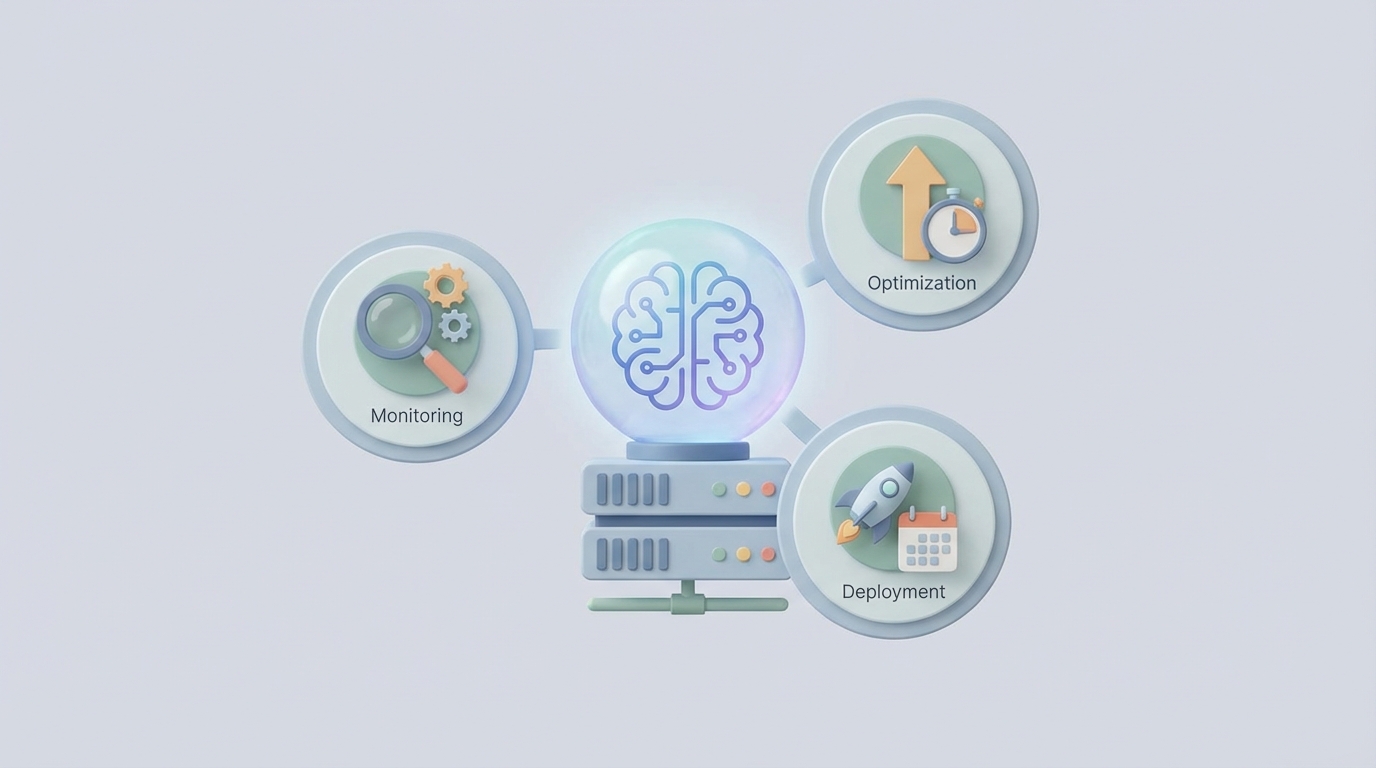
Most CI/CD platforms are dumb pipes. You push code, YAML tells a machine what to do, and you stare at a build log hoping it goes green. CircleCI is no exception — it's a great execution engine, but it has zero understanding of what it's doing or why something broke.
That's the gap. And it's a gap that costs engineering teams hours every single week.
Think about the actual workflow: a build fails, someone gets a Slack notification, they click into CircleCI, scroll through 400 lines of logs, realize it's a flaky test they've seen three times this month, manually re-run the pipeline, and go back to pretending they were being productive. Multiply that by every engineer on your team, every day, across every repo. It's a staggering amount of wasted time hiding behind the illusion of automation.
The fix isn't more YAML. It's an AI agent that actually understands your CI/CD pipeline, monitors it proactively, and takes action when things go sideways — without waiting for a human to context-switch and investigate.
Here's how to build one with OpenClaw, connected to CircleCI's API.
Why CircleCI's Built-In Tooling Isn't Enough
Let me be clear about what CircleCI does well. Insights gives you build time trends and failure rates. Orbs let you package reusable config. Scheduled pipelines cover cron-style jobs. Parallelism is excellent. For a CI/CD execution engine, it's one of the best.
But here's what it cannot do:
- It can't explain why a build failed in plain English. It shows you logs. You do the interpreting.
- It can't distinguish a flaky test from a real regression. Every failure looks the same.
- It can't dynamically adjust resource classes based on what's actually running.
- It can't correlate a failure with a specific code change and tell you which commit likely caused it.
- It can't notify the right person with the right context — it just blasts a generic Slack message.
- It can't learn from your team's patterns — the same failure that tripped you up last Tuesday will trip you up again next Thursday, with zero institutional memory.
CircleCI's automation is declarative and static. You define rules at commit time, and those rules execute blindly. There's no reasoning layer. No semantic understanding. No autonomy.
That's exactly what an AI agent built on OpenClaw provides.
What This Agent Actually Does
Before we get into the technical details, let's be specific about the workflows this agent handles. Not theoretical "AI could maybe..." stuff. Actual, buildable workflows that solve real problems CircleCI users complain about constantly.
1. Intelligent Failure Triage
When a build fails, the agent:
- Pulls the full job logs via CircleCI's API
- Parses the error output and identifies the failure type (dependency resolution, test assertion, timeout, infrastructure flake, OOM kill, etc.)
- Cross-references against a history of past failures in your organization
- Determines whether this is a known flaky test, a new regression, or an infrastructure issue
- Posts a summary to Slack with the root cause analysis, the likely offending commit, and a suggested fix
- If it's a known flaky test, automatically retries the pipeline without human intervention
This alone saves 15-30 minutes per failure, per engineer.
2. Build Performance Optimization
The agent continuously monitors your Insights data and:
- Identifies jobs where cache hit rates have degraded
- Flags resource classes that are over-provisioned (you're paying for
xlargebut CPU never exceeds 40%) - Detects test suites where parallelism is unbalanced (one container finishes in 30 seconds, another takes 8 minutes)
- Recommends specific
config.ymlchanges with exact YAML snippets - Tracks the credit cost per pipeline and alerts when spend spikes unexpectedly
3. Deployment Gating and Cross-System Orchestration
Before approving a deployment to production, the agent:
- Checks PagerDuty for active incidents
- Verifies no deploy freeze is active in your team calendar
- Confirms the PR has the required approvals in GitHub
- Validates that staging health checks are passing
- Only then triggers the approval job via CircleCI's API
If any condition fails, it posts to Slack explaining exactly what's blocking the deploy and what needs to happen.
4. Conversational CI
Engineers can interact with the agent directly:
- "Why did the last build on
mainfail?" - "What's our average build time for the payments service this week?"
- "Retry the deploy pipeline for PR #482 with the large resource class."
- "Show me all flaky tests in the last 30 days."
No more clicking through the CircleCI UI. No more memorizing API endpoints. Just ask.
Technical Architecture: How It Connects
CircleCI has a solid v2 REST API. It's not perfect — you can't modify config.yml through it, and rate limits hover around 3,000-5,000 calls per hour depending on your plan — but it covers the critical operations you need for an agent.
Here's how the integration works with OpenClaw:
The Core Loop
CircleCI Webhooks → OpenClaw Agent → Reasoning + Tool Use → Actions (CircleCI API, Slack, GitHub, etc.)
CircleCI fires webhooks on pipeline, workflow, and job state changes. Your OpenClaw agent receives these events, reasons about them, and takes action using a set of defined tools.
Key API Endpoints the Agent Uses
Monitoring and Data Collection:
GET /api/v2/pipeline/{pipeline-id}/workflow
GET /api/v2/workflow/{workflow-id}/job
GET /api/v2/project/{project-slug}/job/{job-number}/artifacts
GET /api/v2/insights/{project-slug}/workflows
GET /api/v2/insights/{project-slug}/workflows/{workflow-name}/jobs
Taking Action:
POST /api/v2/project/{project-slug}/pipeline  (trigger pipelines)
POST /api/v2/workflow/{workflow-id}/approve/{approval-request-id}
POST /api/v2/workflow/{workflow-id}/rerun
DELETE /api/v2/workflow/{workflow-id}/cancel
Configuration and Context:
GET /api/v2/project/{project-slug}/envvar
POST /api/v2/context/{context-id}/environment-variable
GET /api/v2/project/{project-slug}/pipeline?branch={branch}
Setting Up the OpenClaw Agent
In OpenClaw, you define the agent with a set of tools that map to these API calls, plus additional tools for your other systems. Here's what the tool configuration looks like:
agent:
  name: circleci-copilot
  description: "Monitors CI/CD pipelines, triages failures, optimizes builds, and manages deployments"

  tools:
    - name: get_workflow_status
      type: api_call
      endpoint: "https://circleci.com/api/v2/pipeline/{pipeline_id}/workflow"
      auth: circleci_token

    - name: get_job_logs
      type: api_call
      endpoint: "https://circleci.com/api/v2/project/{project_slug}/job/{job_number}/artifacts"
      auth: circleci_token

    - name: rerun_workflow
      type: api_call
      method: POST
      endpoint: "https://circleci.com/api/v2/workflow/{workflow_id}/rerun"
      auth: circleci_token
      requires_confirmation: false  # for known flaky patterns

    - name: trigger_pipeline
      type: api_call
      method: POST
      endpoint: "https://circleci.com/api/v2/project/{project_slug}/pipeline"
      auth: circleci_token
      requires_confirmation: true  # for new pipelines

    - name: approve_deployment
      type: api_call
      method: POST
      endpoint: "https://circleci.com/api/v2/workflow/{workflow_id}/approve/{approval_request_id}"
      auth: circleci_token
      requires_confirmation: true

    - name: get_insights
      type: api_call
      endpoint: "https://circleci.com/api/v2/insights/{project_slug}/workflows"
      auth: circleci_token

    - name: post_slack_message
      type: api_call
      endpoint: "https://slack.com/api/chat.postMessage"
      auth: slack_token

    - name: check_pagerduty_incidents
      type: api_call
      endpoint: "https://api.pagerduty.com/incidents?statuses[]=triggered&statuses[]=acknowledged"
      auth: pagerduty_token

    - name: search_failure_history
      type: vector_search
      index: circleci_failures
      description: "Search past build failures for similar patterns"

  triggers:
    - type: webhook
      source: circleci
      events: [workflow-completed, job-failed]
    - type: schedule
      cron: "0 9 * * 1"  # Weekly optimization report
    - type: chat
      channels: [slack:engineering]
The Webhook Handler
When CircleCI fires a job-failed webhook, the OpenClaw agent receives the payload and kicks off its reasoning chain:
# Simplified representation of the agent's decision flow

async def handle_job_failure(event):
    # 1. Get full job details
    job = await tools.get_workflow_status(pipeline_id=event.pipeline_id)

    # 2. Pull logs/artifacts
    logs = await tools.get_job_logs(
        project_slug=event.project_slug,
        job_number=event.job_number
    )

    # 3. Analyze the failure (LLM reasoning)
    analysis = await agent.analyze(
        prompt=f"Analyze this CI failure and determine root cause: {logs}",
        context=await tools.search_failure_history(query=logs.error_summary)
    )

    # 4. Take action based on analysis
    if analysis.failure_type == "known_flaky_test":
        await tools.rerun_workflow(workflow_id=event.workflow_id)
        await tools.post_slack_message(
            channel="ci-alerts",
            text=f"🔄 Auto-retried build #{event.build_num} — known flaky test: {analysis.test_name}. "
                 f"This test has flaked {analysis.flake_count} times in 30 days. Consider fixing or quarantining."
        )
    elif analysis.failure_type == "dependency_resolution":
        await tools.post_slack_message(
            channel="ci-alerts",
            text=f"🚨 Build #{event.build_num} failed: {analysis.summary}\n"
                 f"Likely cause: {analysis.root_cause}\n"
                 f"Suggested fix: {analysis.suggestion}\n"
                 f"Offending commit: {analysis.likely_commit}"
        )
    elif analysis.failure_type == "oom_kill":
        await tools.post_slack_message(
            channel="ci-alerts",
            text=f"💀 Build #{event.build_num} OOM killed on resource class `{event.resource_class}`. "
                 f"This job's peak memory has been trending up. Consider upgrading to `{analysis.recommended_resource_class}` "
                 f"or splitting the test suite."
        )
This isn't a rigid if/else tree. The OpenClaw agent uses LLM reasoning to interpret logs it's never seen before, cross-reference with past failures, and make nuanced decisions. The code above is a simplified representation — the actual agent handles the ambiguity and edge cases that make CI debugging so painful.
Building the Failure Knowledge Base
The agent gets smarter over time. Every failure it processes gets stored in a vector index:
# After every failure analysis
await failure_index.upsert({
    "id": f"{event.project_slug}-{event.build_num}",
    "text": logs.error_summary,
    "metadata": {
        "root_cause": analysis.root_cause,
        "failure_type": analysis.failure_type,
        "resolution": analysis.suggestion,
        "project": event.project_slug,
        "timestamp": event.timestamp,
        "was_flaky": analysis.failure_type == "known_flaky_test",
        "auto_resolved": analysis.action_taken == "rerun"
    }
})
After a few weeks, the agent has a rich history of your team's specific failure patterns. It stops being a generic log parser and starts being an expert on your CI/CD problems.
The Weekly Optimization Report
Beyond reactive failure handling, the agent runs a scheduled analysis every Monday morning:
📊 CI/CD Weekly Report (Jan 13–19)

Pipeline Performance:
• Avg build time: 8m 42s (↓12% from last week)
• Success rate: 94.2% (↑2.1%)
• Credits consumed: 48,200 (↓8%)

Top Issues:
1. `auth-service` test suite: 23 flaky failures (same 3 tests)
   → Recommended: Quarantine tests, create Linear ticket
2. `payments-api` Docker build: cache miss rate 67%
   → Recommended: Switch to registry-based caching (YAML snippet attached)
3. `mobile-ios` workflow: parallelism imbalance (max container: 6m12s, min: 0m44s)
   → Recommended: Rebalance test splitting (config change attached)

Cost Optimization:
• 3 jobs running on `xlarge` that could use `large` (est. savings: 4,800 credits/week)
• Suggested resource class changes attached

Auto-Resolved This Week:
• 17 flaky test retries (saved ~4.25 hours of engineer time)
• 3 automatic cache invalidations after dependency updates
This is the kind of report that would take a platform engineer half a day to compile manually. The agent generates it from Insights data, correlates it with the failure history, and attaches actionable config changes.
What This Looks Like for Specific Team Types
Monorepo teams — The agent uses path filtering logic combined with code change analysis to recommend which pipeline jobs to skip. When someone changes only the docs/ folder, it can suggest (or automatically trigger) a lightweight pipeline instead of the full 45-minute build.
Mobile teams — macOS executor time is expensive. The agent monitors TestFlight and Google Play deployment jobs, flags when builds are queued behind resource contention, and helps optimize the expensive executor usage.
Platform teams — For Terraform plan/apply workflows, the agent reviews the plan output, flags destructive changes (resource deletions, security group modifications), and only approves when safety checks pass.
Teams struggling with YAML complexity — When your config.yml hits 1,500 lines, the agent can suggest refactoring into Orbs or help generate new pipeline configurations from natural language descriptions.
The Practical Reality
Let me be honest about limitations. CircleCI's API doesn't let you modify config.yml directly — changes still need to go through Git. The agent can generate config changes and open PRs, but it can't magically rewrite your pipeline on the fly. Rate limits mean you need to be thoughtful about polling frequency. And the agent needs a few weeks of failure data before its pattern matching gets genuinely useful.
But even on day one, the failure triage alone is worth it. The difference between "build failed, here's a link to 400 lines of logs" and "build failed because the Redis connection pool timed out in the integration test suite, same as last Wednesday, auto-retrying" is enormous. It's the difference between a 30-second glance and a 20-minute investigation.
Getting Started
The fastest path to a working CircleCI agent:
- Set up a CircleCI webhook pointing to your OpenClaw agent endpoint for
workflow-completedandjob-failedevents. - Configure the core tools — CircleCI API (with a project token), Slack API, and your failure vector index.
- Start with failure triage only. Get the agent reading logs, classifying failures, and posting summaries to Slack. Don't try to automate actions on day one.
- Add auto-retry for flaky tests after two weeks, once the agent has enough data to confidently identify flake patterns.
- Layer in the weekly report using Insights API data.
- Add deployment gating once you trust the agent's judgment on the simpler tasks.
Each layer builds on the last. Resist the urge to ship everything at once.
Next Steps
If you're running CircleCI and your team is burning hours on build failures, cache debugging, and manual deployment checks, this is a high-ROI automation to build.
OpenClaw gives you the platform to connect to CircleCI's API, add reasoning on top of raw build data, and turn a static execution engine into something that actually thinks about your pipelines.
Need help scoping this out for your specific setup? Clawsourcing connects you with specialists who build these integrations. Whether you're running a monorepo with 50 workflows or a mobile team burning through macOS executor credits, they'll help you design and deploy an agent tailored to your CircleCI environment.
Stop reading logs. Start shipping.