AI Agent for Calendly + CRM Combos: Automate the Full Meeting Lifecycle from Booking to CRM Update to Follow-Up
Automate the Full Meeting Lifecycle from Booking to CRM Update to Follow-Up
Most teams using Calendly with a CRM think they've automated their meeting workflow. They haven't. They've automated one step — the booking — and duct-taped the rest together with Zapier zaps that break every time someone renames a CRM field.
Here's what actually happens in most "integrated" setups: someone books a meeting, a contact gets created (maybe duplicated), the meeting appears on a timeline, and then a human being still has to do everything that matters. Research the prospect. Figure out why they booked. Route them correctly. Prep for the call. Take notes during it. Update the CRM after. Write the follow-up email. Create tasks for next steps.
That's not automation. That's a notification system with extra steps.
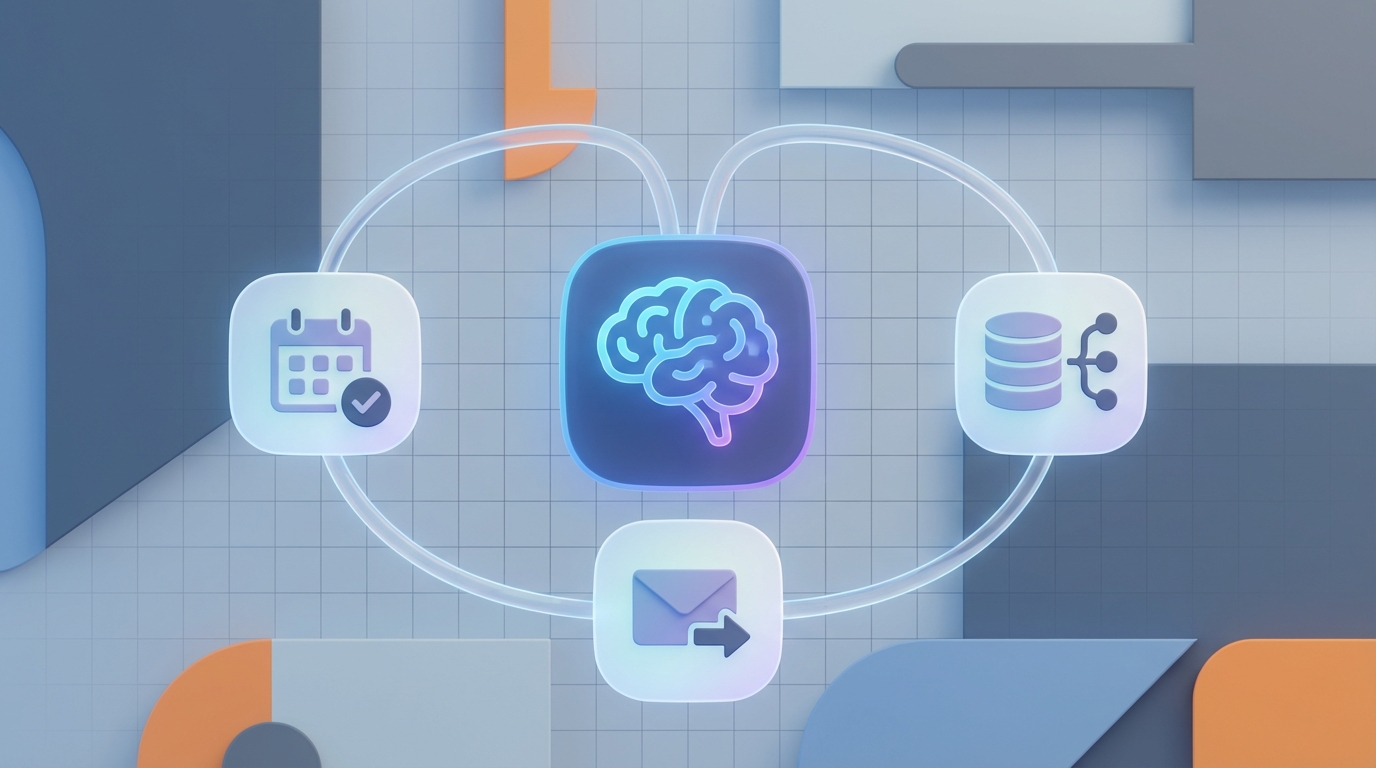
The real opportunity — the one almost nobody has built yet — is an AI agent that owns the full meeting lifecycle. Not just the booking. Everything from the moment someone clicks your Calendly link to the follow-up email three days later. And you can build it today using OpenClaw, Calendly's API, and your CRM's API.
Let me walk through exactly how.
The Problem with Native Integrations
Calendly's built-in CRM integrations (HubSpot, Salesforce, Pipedrive) are fine for what they do. They create contacts. They log activities. They map form fields. For a five-person team doing 30 meetings a month, that's probably enough.
But the moment you scale past that, the cracks show up fast:
Duplicate records everywhere. Someone books with their personal email, then their work email. Now you've got two contacts and no connection between them. The native integration has no intelligence to match on company domain, LinkedIn URL, or any other signal.
Zero conditional logic. You can't tell the native integration "if this person selected 'Enterprise' on the form AND their company has more than 500 employees in the CRM, route to the Enterprise AE team." You get basic round-robin or nothing.
No post-meeting intelligence. The integration's job ends when the meeting is logged. Everything after the call — notes, CRM updates, follow-up tasks, deal stage changes — is manual. Every single time.
Brittle custom field mapping. Rename a field in Salesforce? Your mapping breaks silently. Add a new question to your Calendly form? It goes nowhere until someone notices and fixes it.
No context awareness. The integration doesn't know that the person who just booked a demo has three open support tickets, spoke with your CS team last week, and is on a plan that's up for renewal in 30 days. It just sees a new booking and pushes data.
These aren't edge cases. This is the daily reality for any team doing serious volume through Calendly.
What an AI Agent Actually Does Differently
An AI agent built on OpenClaw doesn't just move data between Calendly and your CRM. It understands what's happening and acts on that understanding. The difference is fundamental.
A native integration says: "A meeting was booked. Here's the data. I put it in the CRM."
An AI agent says: "A meeting was booked by someone who matches an existing opportunity worth $120K that's been stalled for two weeks. The form answers suggest they're evaluating competitors. I've routed this to the senior AE who owns the account, created a briefing doc with full deal history, moved the opportunity back to 'Active,' notified the sales manager, and drafted a personalized confirmation email referencing their specific use case."
That's not a marginal improvement. That's a different category of tool.
Architecture: How This Works with OpenClaw
Here's the technical architecture for a full meeting lifecycle agent:
Calendly Webhooks → OpenClaw Agent → CRM API + Email + Slack/Teams
                         ↕
                    CRM Data (read)
                    Email History
                    Call Transcripts
                    Enrichment APIs
The OpenClaw agent sits in the middle as the orchestration and intelligence layer. It receives events from Calendly, pulls context from your CRM and other data sources, makes decisions, and takes actions across multiple systems.
Step 1: Webhook Configuration
Calendly's API v2 supports webhooks for the events that matter:
invitee.created— someone bookedinvitee.canceled— someone canceledinvitee.rescheduled— someone moved the meetingrouting_form_submission.created— someone submitted a routing form
You configure these to POST to your OpenClaw agent's endpoint:
{
  "url": "https://your-openclaw-agent.endpoint/calendly-webhook",
  "events": [
    "invitee.created",
    "invitee.canceled",
    "invitee.rescheduled"
  ],
  "organization": "https://api.calendly.com/organizations/YOUR_ORG_ID",
  "scope": "organization"
}
When someone books, Calendly sends a payload with the invitee's email, name, form answers (every custom question they answered), UTM parameters, event type, assigned team member, and scheduling metadata.
Step 2: OpenClaw Agent — The Intelligence Layer
This is where everything interesting happens. Your OpenClaw agent receives the webhook and kicks off a multi-step workflow. Here's what a real implementation looks like:
On invitee.created:
# Pseudocode for the OpenClaw agent workflow

async def handle_new_booking(calendly_event):
    invitee = calendly_event["invitee"]
    form_answers = calendly_event["questions_and_answers"]

    # 1. Intelligent Contact Matching
    crm_contact = await openclaw.search_crm(
        email=invitee["email"],
        name=invitee["name"],
        company=extract_company(form_answers),
        fuzzy_match=True  # Match on domain, company name variations, etc.
    )

    if not crm_contact:
        # Enrich before creating
        enriched = await openclaw.enrich_contact(invitee["email"])
        crm_contact = await openclaw.create_crm_contact(
            email=invitee["email"],
            name=invitee["name"],
            company=enriched.get("company"),
            title=enriched.get("title"),
            employee_count=enriched.get("employee_count"),
            source="Calendly Booking",
            utm_params=calendly_event.get("tracking", {})
        )

    # 2. Pull Full Context
    context = await openclaw.gather_context(
        contact_id=crm_contact["id"],
        include=["deal_history", "recent_activities", "support_tickets",
                 "email_threads", "account_health_score"]
    )

    # 3. Intelligent Routing Decision
    routing = await openclaw.decide_routing(
        form_answers=form_answers,
        crm_context=context,
        rules={
            "enterprise": {"employee_count": ">500", "budget": ">50000"},
            "existing_customer": {"has_active_subscription": True},
            "high_intent": {"signals": ["competitor_mention", "timeline_urgent"]}
        }
    )

    # 4. Take Actions
    await openclaw.execute_actions(routing["actions"])
The key thing to understand: OpenClaw handles the reasoning. You define the data sources, the rules, and the possible actions. The agent figures out the right combination for each specific booking.
Step 3: Pre-Meeting Automation
Once the booking is processed and routed, the agent handles pre-meeting prep:
For the prospect:
- Sends a personalized confirmation email that goes beyond "Your meeting is confirmed." It references their specific use case from the form answers, includes relevant case studies or resources, and sets expectations for the call.
For the rep:
- Generates a briefing document that includes:
- Full CRM history (deals, activities, support interactions)
- Company intel (size, industry, tech stack if available)
- Form answer analysis ("They mentioned integration with Salesforce — flag our SF connector")
- Suggested talking points based on their persona and stage
- Risk flags ("This account had a negative NPS score 3 months ago")
This briefing gets pushed to Slack, email, or directly into the CRM record — wherever the rep will actually see it.
Step 4: Post-Meeting Processing
This is where most teams completely fall apart, and where the AI agent delivers the most value.
After the meeting ends (detected via calendar event completion or a webhook from your video platform), the agent:
Processes the call recording:
async def handle_meeting_completed(meeting_data):
    # Get transcript from Zoom/Google Meet/etc.
    transcript = await openclaw.get_transcript(meeting_data["recording_url"])

    # AI-powered analysis
    analysis = await openclaw.analyze_meeting(
        transcript=transcript,
        context=meeting_data["pre_meeting_brief"],
        extract=[
            "summary",
            "action_items",
            "objections_raised",
            "competitors_mentioned",
            "budget_discussed",
            "timeline_discussed",
            "decision_makers_identified",
            "next_steps_agreed",
            "sentiment_score"
        ]
    )

    # Update CRM with structured data
    await openclaw.update_crm_record(
        contact_id=meeting_data["crm_contact_id"],
        updates={
            "last_meeting_summary": analysis["summary"],
            "deal_stage": analysis["recommended_stage"],
            "budget_range": analysis["budget_discussed"],
            "decision_timeline": analysis["timeline_discussed"],
            "competitors": analysis["competitors_mentioned"],
            "sentiment": analysis["sentiment_score"]
        }
    )

    # Create follow-up tasks
    for item in analysis["action_items"]:
        await openclaw.create_crm_task(
            title=item["description"],
            owner=item["assigned_to"],
            due_date=item["due_date"],
            priority=item["priority"],
            related_to=meeting_data["crm_contact_id"]
        )

    # Draft follow-up email
    follow_up = await openclaw.draft_email(
        recipient=meeting_data["invitee_email"],
        context=analysis,
        tone="professional",
        include=["summary_of_discussion", "agreed_next_steps",
                 "relevant_resources"]
    )

    await openclaw.send_for_review(
        email_draft=follow_up,
        reviewer=meeting_data["assigned_rep"],
        channel="slack"
    )
The rep gets a Slack message with a draft follow-up email they can review, edit, and send in 30 seconds. Instead of spending 15 minutes writing it from scratch (or, more realistically, forgetting to send it for two days).
Five High-Value Workflows You Can Build This Week
1. Intelligent Lead Qualification and Routing
Instead of basic round-robin, the agent analyzes form answers, matches against CRM data and enrichment sources, and routes based on actual qualification criteria. An enterprise prospect with an active opportunity goes to their existing AE. A new lead from a target account gets flagged for the VP of Sales. A support customer booking a "sales" meeting gets redirected to their CSM first.
2. No-Show and Cancellation Recovery
When someone cancels or no-shows, the agent doesn't just update a status. It analyzes the context — is this a high-value opportunity? What's the deal stage? Has this happened before? — then triggers the appropriate response. Maybe it's an automatic reschedule request. Maybe it's an alert to the sales manager. Maybe it's a different outreach channel entirely.
3. Stale Deal Reactivation
The agent monitors your CRM for deals that have gone quiet. When it identifies an account that should be re-engaged, it can send a personalized Calendly link with context-appropriate messaging. "Hey, we spoke about your Q2 migration plans back in March. Want to reconnect now that you're heading into planning season?"
4. Multi-Stakeholder Meeting Coordination
When a deal involves multiple stakeholders, the agent tracks who's been in meetings, who hasn't, and suggests additional meetings with missing decision-makers. It can automatically send Calendly links to technical evaluators after a business-level demo, with messaging that references what was discussed.
5. Meeting Outcome Analytics
The agent aggregates data across all meetings — conversion rates by rep, by meeting type, by lead source, by time slot. It identifies patterns: "Meetings booked within 24 hours of form submission convert at 3x the rate of those booked 5+ days later." This feeds back into your scheduling strategy.
CRM-Specific Implementation Notes
HubSpot: Easiest to integrate. The API is clean, well-documented, and supports custom properties without much overhead. Deal stage automation works particularly well. Use HubSpot's workflow engine for simple triggers and let OpenClaw handle the complex logic.
Salesforce: Most powerful but requires more setup. Custom objects, record types, and permission sets add complexity. The OpenClaw agent needs proper connected app configuration with appropriate OAuth scopes. Plan for the Salesforce API's governor limits if you're doing high volume — batch your updates.
Pipedrive: Great for deal-centric workflows. The API is straightforward. Activity types and deal stages map cleanly to meeting lifecycle events. Pipedrive's limitations on custom objects mean you might need to be creative with custom fields.
Zoho / Dynamics / Others: Functional but typically require more custom mapping work in the OpenClaw agent. Expect to spend more time on the CRM integration side than on the Calendly side.
What This Looks Like in Practice
A mid-market SaaS company doing 400 demo bookings per month implemented this pattern with OpenClaw. Here's what changed:
- Rep prep time dropped from 12 minutes per meeting to under 2 (reading the auto-generated brief instead of hunting through the CRM)
- CRM data completeness after meetings went from ~40% of fields filled to ~95%
- Follow-up emails went out same-day for 90%+ of meetings, up from about 60%
- Lead-to-meeting routing errors dropped by roughly 80%
- The team reclaimed approximately 35 hours per week of cumulative administrative work
None of these numbers required building a massive system. The agent is webhook-driven, reads from two APIs (Calendly + CRM), and writes back to the CRM plus Slack. The intelligence comes from OpenClaw's reasoning layer, not from a complex rules engine you have to maintain.
Getting Started
You don't need to build all five workflows at once. Start with the highest-impact one for your team:
If your reps waste time prepping: Build the pre-meeting briefing agent first.
If your CRM data is a mess: Build the intelligent contact matching and post-meeting update agent first.
If follow-ups are inconsistent: Build the post-meeting summary and email draft agent first.
If routing is broken: Build the intelligent qualification and routing agent first.
Each of these is a standalone workflow in OpenClaw that you can deploy independently, then connect as your system matures.
Next Steps
If you want to build this but don't want to wire up the Calendly webhooks, CRM API connections, and OpenClaw agent logic yourself, that's exactly what Clawsourcing is for. The team at Claw Mart will build, deploy, and maintain your meeting lifecycle agent — scoped to your specific CRM, your Calendly setup, your routing rules, and your post-meeting workflow.
Get started with Clawsourcing →
You can also explore OpenClaw directly if you want to prototype the agent yourself first. But if you want this running in production, handling real meetings, with proper error handling and monitoring — Clawsourcing is the fastest path.
The meeting lifecycle is one of the most concrete, measurable workflows you can automate with AI. Every meeting your team runs without this system is time and data you're leaving on the table. The tools exist. The APIs are there. The only question is whether you build it this quarter or next.