AI Agent for AWeber: Automate Email List Management, Autoresponders, and Subscriber Engagement
Automate Email List Management, Autoresponders, and Subscriber Engagement
Let's be honest about AWeber: it's a perfectly fine email platform for most small businesses, but its automation capabilities stopped evolving somewhere around 2016. You've got linear sequences, basic tagging, and an automation builder that makes you feel like you're programming a VCR.
The typical advice at this point is "just switch to ActiveCampaign or Klaviyo." And sure, that's one option. But if you've got years of subscriber data in AWeber, workflows that are actually generating revenue, and no desire to spend three weeks migrating everything — there's a better path.
You can bolt an AI agent onto AWeber using OpenClaw, connect it through AWeber's REST API, and suddenly have intelligent automation that AWeber will probably never build natively. I'm talking about dynamic personalization, predictive segmentation, autonomous campaign optimization, and natural language workflow creation — all running on top of your existing setup.
Here's exactly how to do it and why it works.
The Core Problem With AWeber's Automation
AWeber's automation is essentially a conveyor belt. Subscriber enters. Subscriber gets email 1. Wait 3 days. Subscriber gets email 2. Maybe there's a tag check. That's about it.
What you can't do natively:
- If/else branching based on complex behavior (e.g., "if they opened emails 2 and 4 but didn't click the CTA in either, send them a completely different email 5")
- Dynamic content generation per subscriber based on their engagement history
- Predictive send timing based on when individual subscribers actually open emails
- Intelligent re-engagement that adapts its approach based on why someone went cold
- Automated performance analysis that identifies underperforming sequences and suggests fixes
- Content-to-email pipelines that turn blog posts into segmented email sequences without manual work
Most AWeber users compensate by building Rube Goldberg machines in Zapier — 15-step Zaps with filters, delays, and formatters. It works, sort of, until one step breaks at 2 AM and you don't notice for a week.
What an OpenClaw Agent Actually Does Here
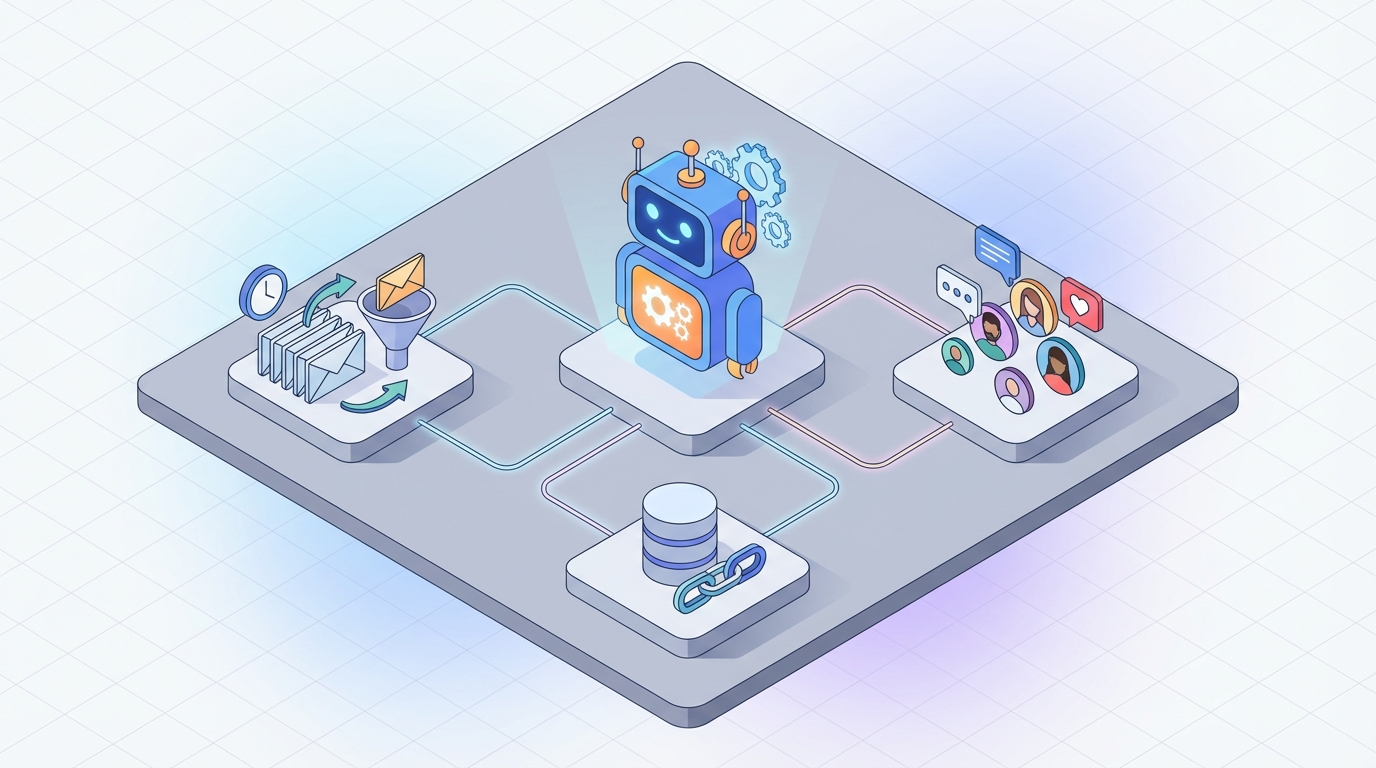
An OpenClaw agent sits between your AWeber account and the real world. It connects to AWeber's API, monitors webhooks for subscriber activity, processes that data intelligently, and takes autonomous action back through the API.
Think of it as a senior email marketing manager who never sleeps, never forgets to check the analytics, and can write personalized copy in seconds.
Here's the technical architecture:
AWeber Webhooks (subscribe, open, click, unsubscribe)
        ↓
   OpenClaw Agent
   [Processes events, maintains subscriber context,
    makes decisions based on rules + intelligence]
        ↓
   AWeber API (add tags, update custom fields,
   trigger campaigns, manage subscribers)
The OpenClaw agent maintains memory of each subscriber's full journey — not just "they opened email 3" but "they've opened 7 of 10 emails, always between 7-9 PM EST, clicked pricing links twice, downloaded the free guide but hasn't purchased, replied to one email with a question about enterprise pricing."
That context changes everything about what you can automate.
Five Workflows That Actually Matter
I'm going to skip the theoretical stuff and focus on workflows that directly impact revenue or save meaningful time.
1. Intelligent Welcome Sequence With Dynamic Branching
The standard AWeber welcome sequence is 5-7 emails, same for everyone. Maybe you have two sequences based on which lead magnet they downloaded. Groundbreaking.
With an OpenClaw agent, here's what happens instead:
Trigger: New subscriber via AWeber webhook
Agent behavior:
- Checks which form/landing page they came from (AWeber API provides this)
- Looks up any enrichment data (company size, industry — pulled from Clearbit or your CRM via OpenClaw's integration layer)
- Monitors opens and clicks on each email in real-time via webhooks
- After email 2, makes a branching decision:
# Pseudocode for OpenClaw agent logic
if subscriber.opened(email_1) and subscriber.clicked(email_1, "pricing_link"):
    # Hot lead - accelerate to sales content
    aweber.add_tag(subscriber_id, "fast-track")
    aweber.add_to_campaign(subscriber_id, "sales-sequence")

elif subscriber.opened(email_1) and not subscriber.clicked(email_1):
    # Engaged but not ready - continue nurture with adjusted content
    aweber.update_custom_field(subscriber_id, "content_preference",
                               agent.analyze_interest(subscriber.history))
    aweber.add_to_campaign(subscriber_id, "education-sequence")

elif not subscriber.opened(email_1):
    # Didn't open - resend with new subject line at optimal time
    optimal_time = agent.predict_send_time(subscriber_id)
    new_subject = agent.generate_subject_line(
        original=email_1.subject,
        instruction="more curiosity-driven, shorter"
    )
    aweber.schedule_broadcast(subscriber_id, new_subject, email_1.body, optimal_time)
This is the kind of branching logic that ActiveCampaign charges $150+/month for, and even then you're building it manually with a visual flow builder. The OpenClaw agent handles the decision-making and execution autonomously.
2. Automated Content-to-Email Pipeline
This one is huge for bloggers, coaches, and content creators — which is a massive chunk of AWeber's user base.
The problem: You publish a blog post. Then you have to manually write a newsletter about it, segment your list, and send it. Or you use AWeber's RSS-to-email, which sends the same generic digest to everyone.
The OpenClaw agent workflow:
- Agent monitors your RSS feed or receives a webhook when new content publishes
- Agent reads the full blog post and extracts key themes, takeaways, and audience relevance
- Agent matches content themes against subscriber segments (based on tags and engagement history in AWeber)
- Agent generates different email versions for different segments:
Segment: "interested-in-SEO" (based on past click behavior)
→ Email emphasizes the SEO angle of the blog post,
  leads with that specific takeaway

Segment: "beginner" (based on which lead magnet they downloaded)
→ Email simplifies the content, adds context,
  links to prerequisite resources

Segment: "hasn't-opened-in-30-days"
→ Email uses re-engagement subject line format,
  leads with the most compelling hook from the post
- Agent creates these as broadcasts in AWeber via the API, tagged to the right segments
- Agent schedules sends at optimized times per segment
You go from "publish post → manually write newsletter → send to everyone" to "publish post → agent handles everything → you review and approve." That's hours saved per week.
3. Smart Re-Engagement That Actually Adapts
Most re-engagement sequences are embarrassing. "We miss you!" followed by "Last chance!" followed by unsubscribe. Zero intelligence.
An OpenClaw agent handles re-engagement completely differently:
Continuous monitoring: The agent watches for subscribers whose engagement is declining, not just those who've gone completely cold. It uses AWeber's open/click webhook data to maintain an engagement score per subscriber.
Graduated intervention:
- Score drops below 70: Agent adjusts send frequency (updates tags in AWeber to move subscriber to a less frequent campaign)
- Score drops below 50: Agent analyzes what content they did engage with and generates a personalized "thought you'd find this interesting" email based on their demonstrated preferences
- Score drops below 30: Agent triggers a direct ask — "What would you actually like to hear about?" with a preference survey link
- Score drops below 10: Agent initiates a sunset sequence and eventually removes the subscriber to protect deliverability
The key insight: the agent doesn't wait until someone is dead to try to revive them. It notices the decline early and adjusts in real-time.
4. Post-Purchase Sequence Optimization
If you're running e-commerce with AWeber (typically via Shopify or WooCommerce integration), your post-purchase emails are probably a static "thanks for your order" followed by a generic upsell.
OpenClaw agent approach:
- Receives purchase webhook data (product, price, whether first-time buyer, etc.)
- Cross-references with AWeber subscriber history (what emails they engaged with pre-purchase, how long they were on the list before buying)
- Generates a personalized post-purchase sequence:
First-time buyer who purchased after clicking a discount email:
→ Thank you email emphasizing value (not more discounts —
   you don't want to train discount dependency)
→ Usage tips email specific to what they bought
→ Social proof email (reviews of what they bought)
→ Complementary product recommendation (not random —
   based on what actually sells together)

Repeat buyer who purchased full-price:
→ Loyalty acknowledgment
→ Early access to new products
→ Referral program push
→ Higher-AOV product suggestions
The agent creates these as campaigns in AWeber, tags subscribers appropriately, and monitors performance — adjusting the sequence over time based on what actually converts.
5. Autonomous Weekly Performance Analysis
This is the "boring but high-value" workflow. Every week, the OpenClaw agent:
- Pulls campaign stats from AWeber's API (opens, clicks, bounces, unsubscribes)
- Compares against historical benchmarks and trends
- Identifies issues:
- "Open rate on Tuesday sends dropped 15% this month — consider testing Wednesday"
- "Subscribers tagged 'webinar-attendee' have 3x higher click rates — create more content targeting this segment"
- "The welcome sequence has a 40% drop-off after email 3 — email 3 needs revision"
- Generates a summary report with specific recommendations
- For pre-approved optimizations, the agent just does them — adjusts send times, updates subject lines, rebalances segments
You get a weekly briefing instead of staring at dashboards trying to figure out what the numbers mean.
Setting Up the Integration
The practical setup for connecting OpenClaw to AWeber:
Step 1: AWeber API Authentication
AWeber uses OAuth 2.0. You'll register an application in your AWeber developer account, get your client ID and secret, and authenticate through the standard OAuth flow. OpenClaw handles the token management and refresh cycle.
Step 2: Webhook Configuration
In AWeber, set up webhooks for the events you want the agent to monitor:
- Subscriber added
- Subscriber email opened
- Link clicked
- Subscriber unsubscribed
- Tag applied/removed
Point these webhooks at your OpenClaw agent's endpoint.
Step 3: Agent Configuration in OpenClaw
This is where you define the agent's behavior — what it monitors, what decisions it can make autonomously vs. what requires your approval, and what actions it can take via the AWeber API.
The key actions available through AWeber's API that the agent will use:
- GET /accounts/{id}/lists/{list_id}/subscribers — retrieve subscriber data
- POST /accounts/{id}/lists/{list_id}/subscribers — add subscribers
- PATCH /accounts/{id}/lists/{list_id}/subscribers/{sub_id} — update subscriber fields, tags
- GET /accounts/{id}/lists/{list_id}/campaigns — pull campaign performance data
- POST /accounts/{id}/lists/{list_id}/campaigns — create broadcasts
Step 4: Define Guardrails
This is critical. You don't want an AI agent sending emails to 10,000 people without some guardrails:
- Send limits: Max broadcasts per day/week
- Approval gates: New campaign content requires human review before sending (at least initially)
- Unsubscribe protection: Agent cannot re-add unsubscribed contacts (AWeber's API enforces this anyway, but belt and suspenders)
- Content boundaries: Define tone, brand voice, topics that are off-limits
What This Doesn't Fix
Let me be straightforward about limitations:
- AWeber's deliverability is a platform-level issue. An AI agent can optimize your sending patterns and list hygiene, but if AWeber's infrastructure is having issues with Gmail or Yahoo, that's on AWeber.
- AWeber's API rate limits on lower-tier plans are strict. If you have 50,000 subscribers and want to do real-time personalization for all of them, you'll hit walls. This works best for lists under 25k or for targeted high-value segments.
- AWeber's campaign creation API is more limited than its UI. You can create and send broadcasts, but programmatically building complex visual email templates via the API is painful. The agent is better at managing subscriber intelligence and workflow orchestration than pixel-perfect email design.
- If you need deep e-commerce integration (product catalogs, dynamic product blocks, revenue attribution), you'll eventually outgrow AWeber regardless of what you bolt on. The AI agent buys you time and extracts more value from your current setup — it doesn't turn AWeber into Klaviyo.
The Real ROI Calculation
For a typical AWeber user with 5,000-20,000 subscribers:
- Time saved on manual campaign creation and analysis: 5-10 hours/week
- Revenue impact from better segmentation and personalization: Most email marketers see 15-30% improvement in click-through rates from behavioral segmentation alone
- List health improvement from proactive re-engagement: Reduced unsubscribe rates, better deliverability from cleaner lists
- Avoided migration cost: Not switching platforms saves weeks of work and the risk of losing subscribers in the transition
The math usually works out clearly: the cost of running an OpenClaw agent is significantly less than either hiring a dedicated email marketing specialist or migrating to a more expensive platform.
Next Steps
If you're running AWeber and hitting the ceiling on what its built-in automation can do, here's the move:
Start with one workflow. Don't try to automate everything at once. Pick the workflow that either saves you the most time or has the clearest revenue impact — for most people, that's either the intelligent welcome sequence or the content-to-email pipeline.
Get the technical setup right. AWeber API authentication, webhook configuration, and OpenClaw agent definition. This is a one-time setup that takes a few hours, not weeks.
Iterate based on data. The agent will start showing you patterns in your subscriber behavior that you didn't know existed. Use those insights to build more workflows over time.
If you want help designing the right AI agent architecture for your specific AWeber setup — which workflows to prioritize, how to structure the integration, what guardrails to set — our Clawsourcing team can build this for you. We'll scope the project, define the agent's behavior, connect it to your AWeber account, and have it running within days, not months.
You don't need to abandon AWeber to get smart email automation. You just need to make it smarter from the outside.